
Bitwarden Password Manager APK
Bitwarden Inc. / Productivity
Screenshots
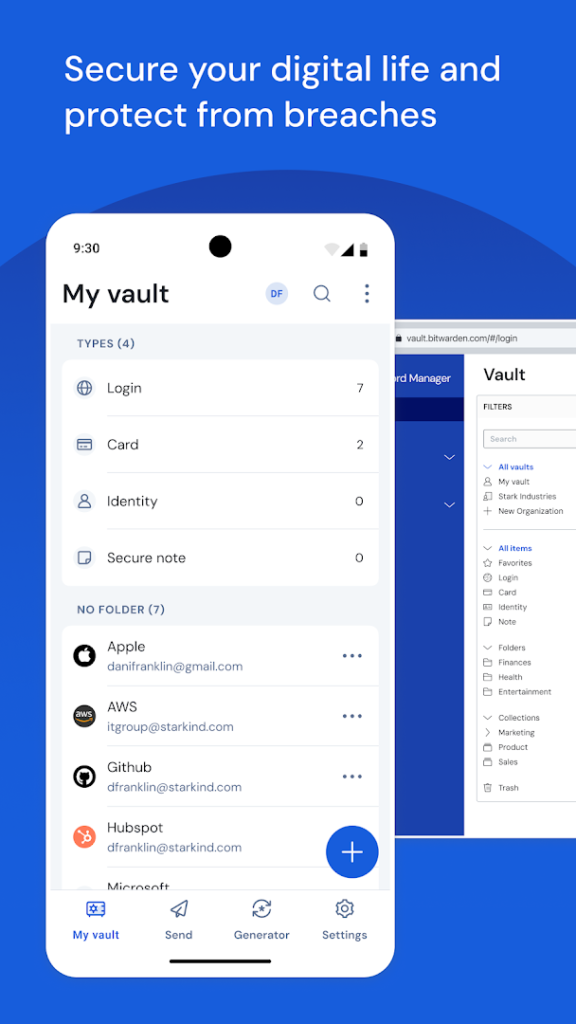
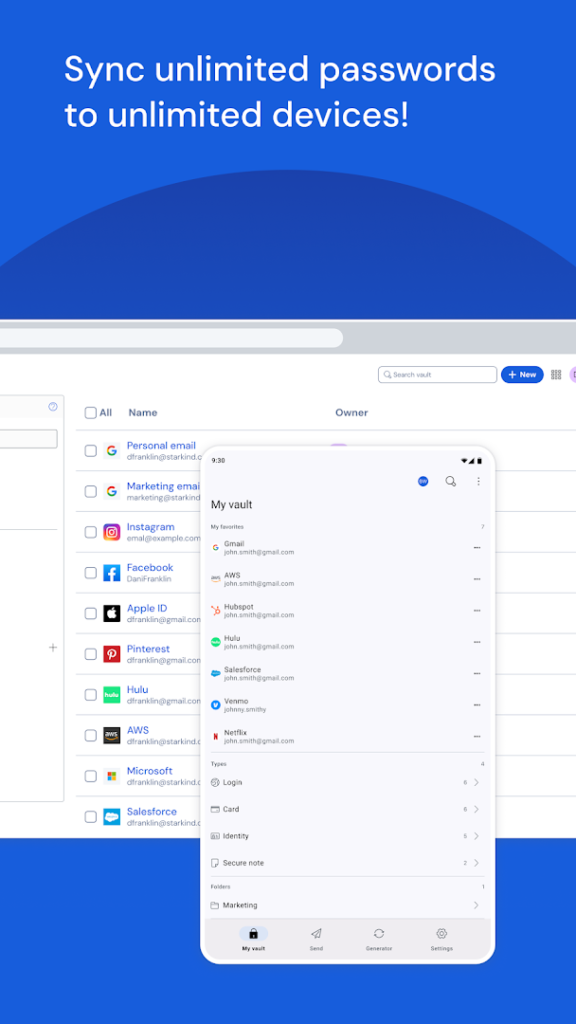
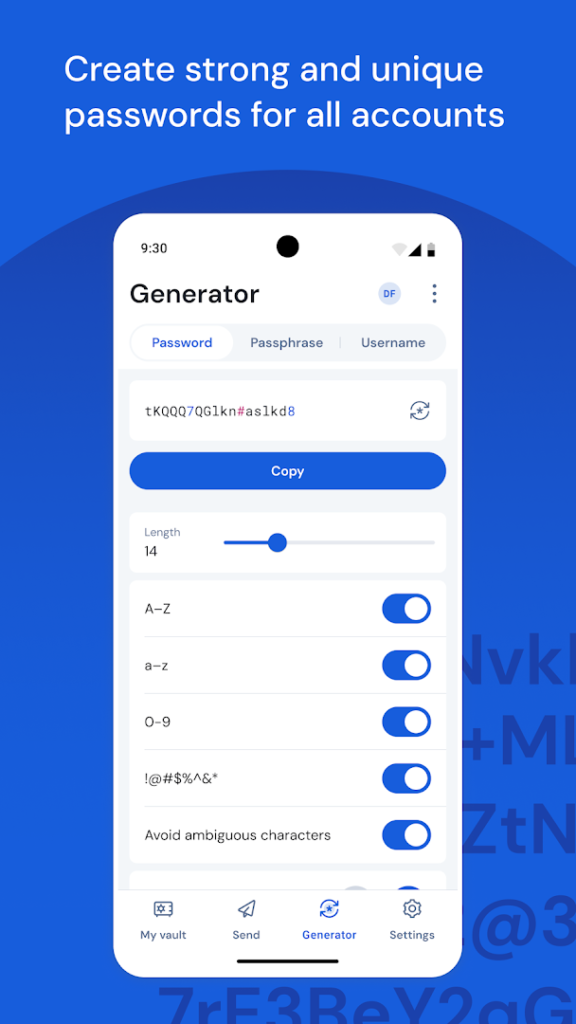
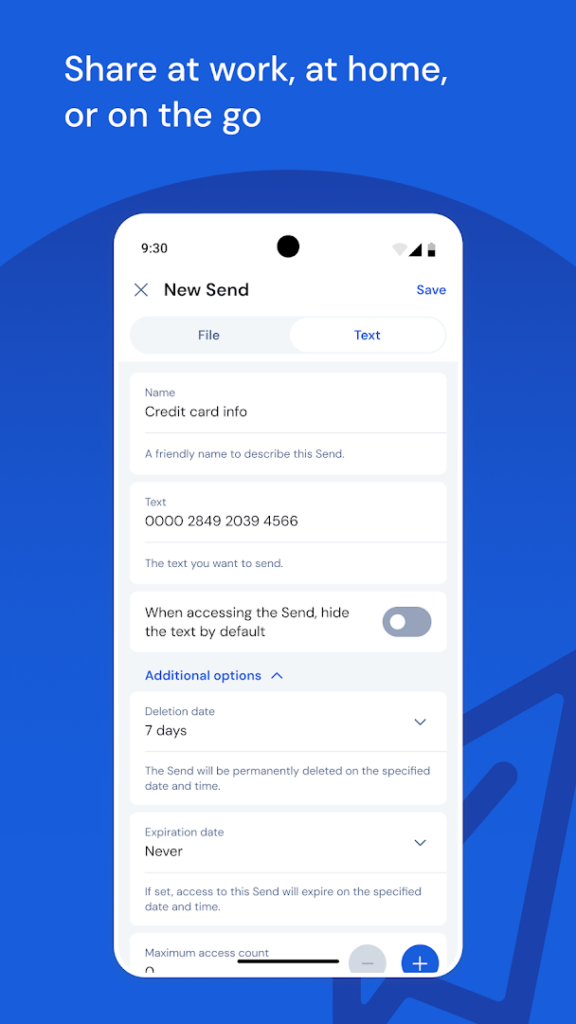
About Bitwarden Password Manager
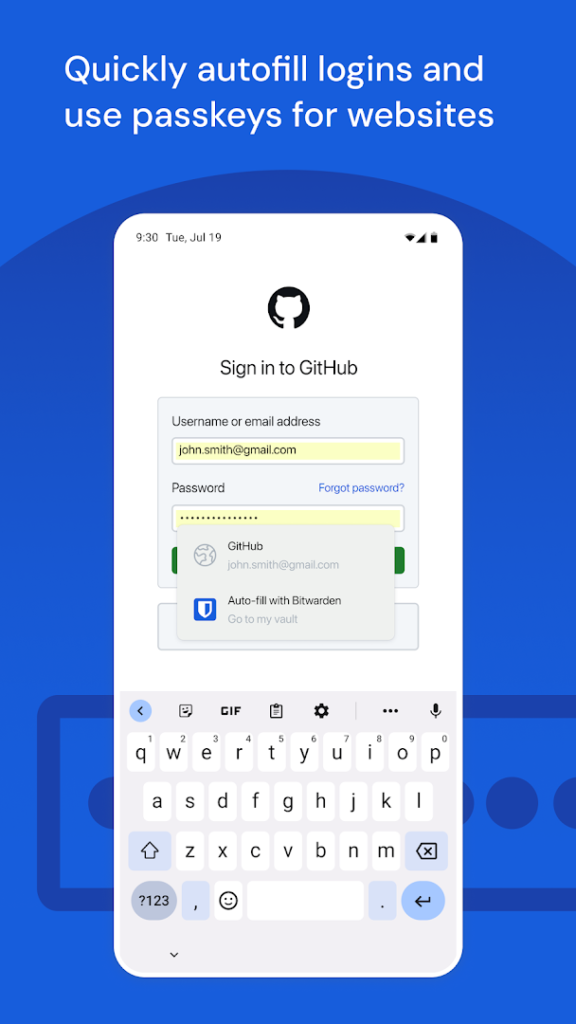
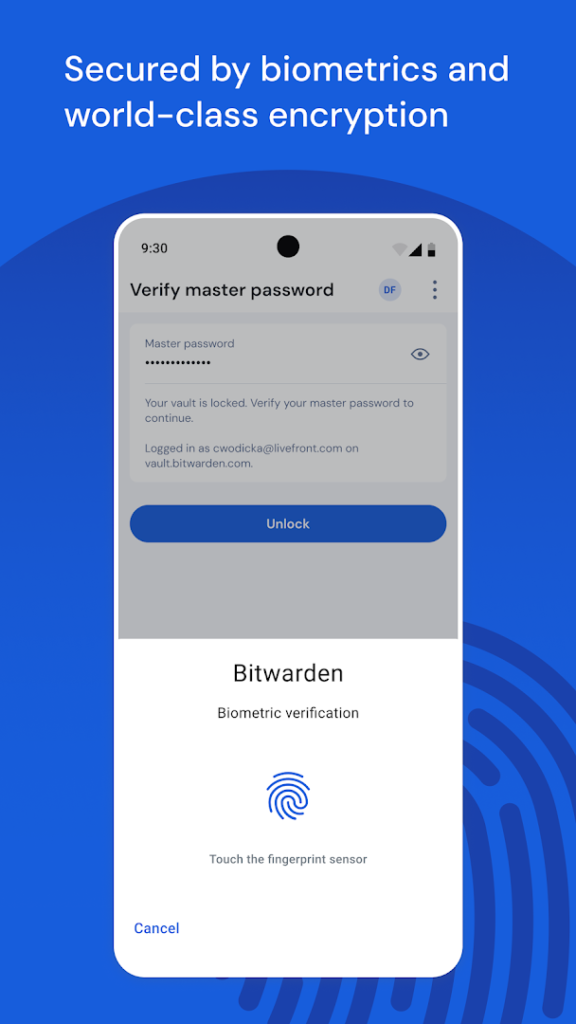
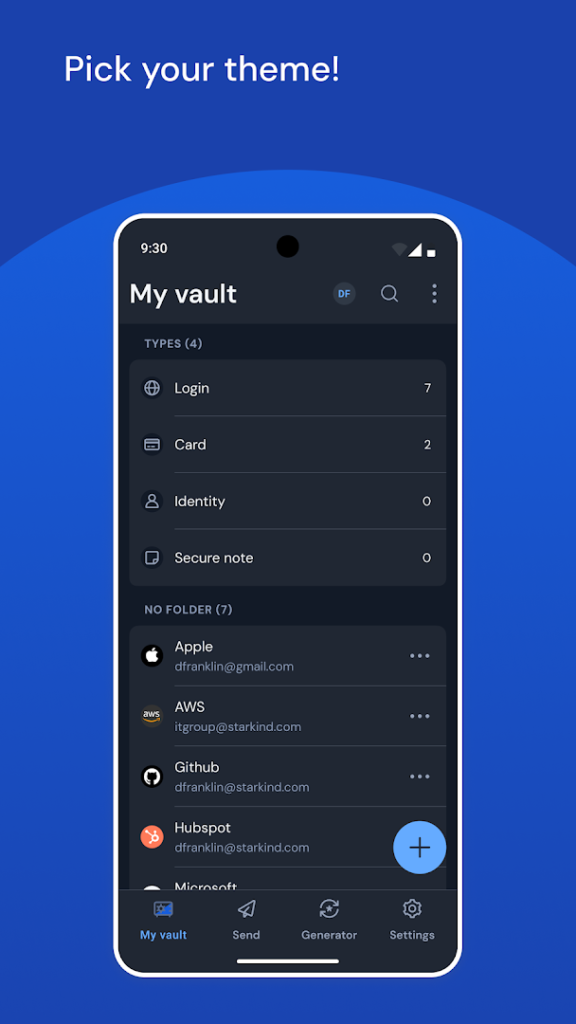
Bitwarden is an open-source password manager. It stores your logins, cards and secure notes in an encrypted vault protected by a master password, and it can fill them in automatically in apps and websites on your phone.
There is a free plan for personal use and paid options with extra features such as stronger two-step verification choices and emergency access. Choose a long, unique master password and write down your recovery details, because the service cannot read your vault and cannot recover a forgotten master password for you.
A password manager is one of the most effective ways to protect your accounts, particularly if you install apps from several sources and want a different password for each.
How to install Bitwarden Password Manager
- Allow your browser to install appsOpen the install unknown apps setting and allow the browser or file manager you downloaded with.
- Check the detailsCompare the file size and Android requirement on this page with your download and your phone.
- Open the file and tap InstallFind it in your Downloads folder, tap it, then confirm.
- Turn the permission off againReturn to the same setting and disallow it.
Questions about Bitwarden Password Manager
How do I install the Bitwarden Password Manager APK?
Allow your browser or file manager to install unknown apps, download the file from this page, open it from your Downloads folder and tap Install. Turn the permission off again afterwards.
Where is the official Bitwarden Password Manager page?
The developer listing is on Google Play. Use the Google Play button on this page to open it.