Blog
Install guides, safety checks and Android know-how for getting more from your apps and games.
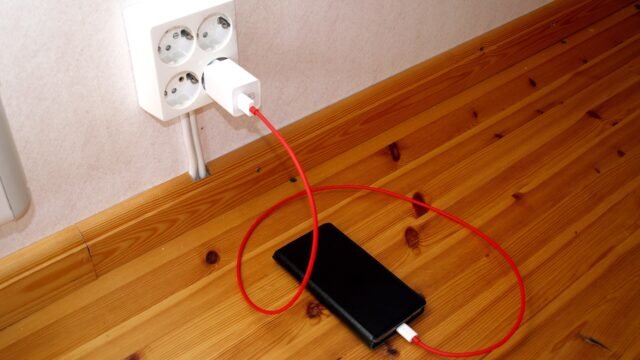
How to Make an Older Android Phone Run Games Better
Practical ways to get smoother games on an older Android phone: free up space, lower graphics, manage heat, update safely and skip the tricks…

What Is Sideloading on Android? Benefits, Risks and Safer Options
What sideloading means on Android, why people do it, the risks, how Android protects you, Google developer verification plans and safer alternatives.

How to Back Up Android App Data Before You Reinstall or Switch Phones
What Android backs up automatically, what it does not, and a checklist for protecting photos, game progress and authenticator codes before a reset or…
What Is Google Play Protect and Does It Keep Your Phone Safe?
What Google Play Protect scans, how to check it is on, what its warnings mean and where it falls short, especially for APKs installed…

Android App Permissions Explained: What Each One Really Allows
A plain-language guide to Android app permissions: what camera, location, contacts, SMS and accessibility access allow, and how to review or revoke them.

App Not Installed Error on Android: 9 Causes and Fixes
App not installed can mean low storage, a bad download, a signature mismatch or an incompatible file. Work through nine causes in order and…

How to Free Up Storage on Android Before Installing Big Games
Big games need more room than the download size suggests. Practical, safe ways to free up space on Android, from clearing cache to archiving…

APK vs AAB vs XAPK: What Each Android File Type Means
APK, AAB, XAPK, APKM and OBB all appear in Android downloads. Here is what each file type is, which ones you can install and…

What Does Requires Android Mean? How to Check Your Android Version
What the Requires Android line on an app page means, how to find your phone version and how API levels, processor types and storage…