
Zoom Workplace APK
zoom.com / Business
Screenshots
About Zoom Workplace
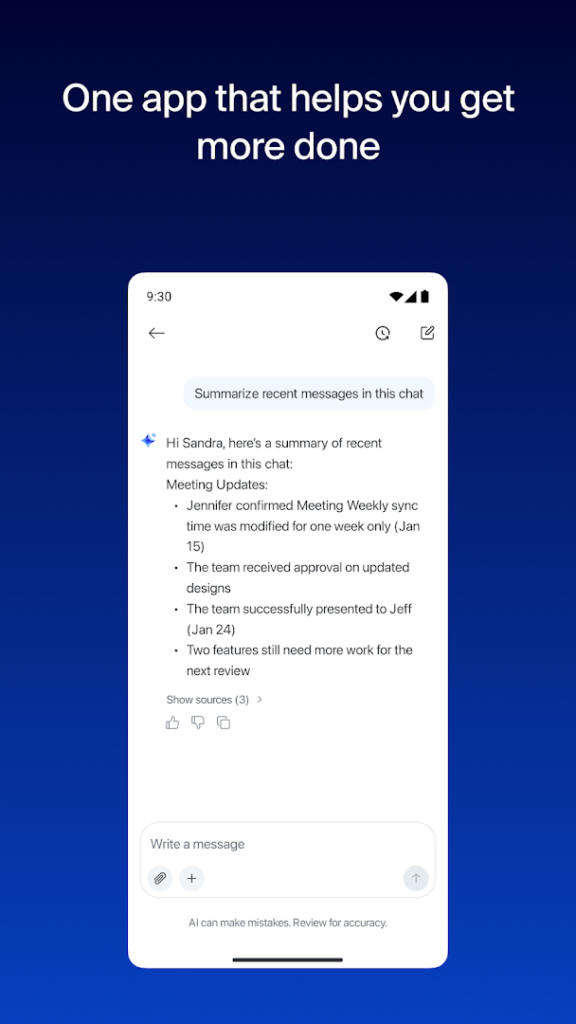
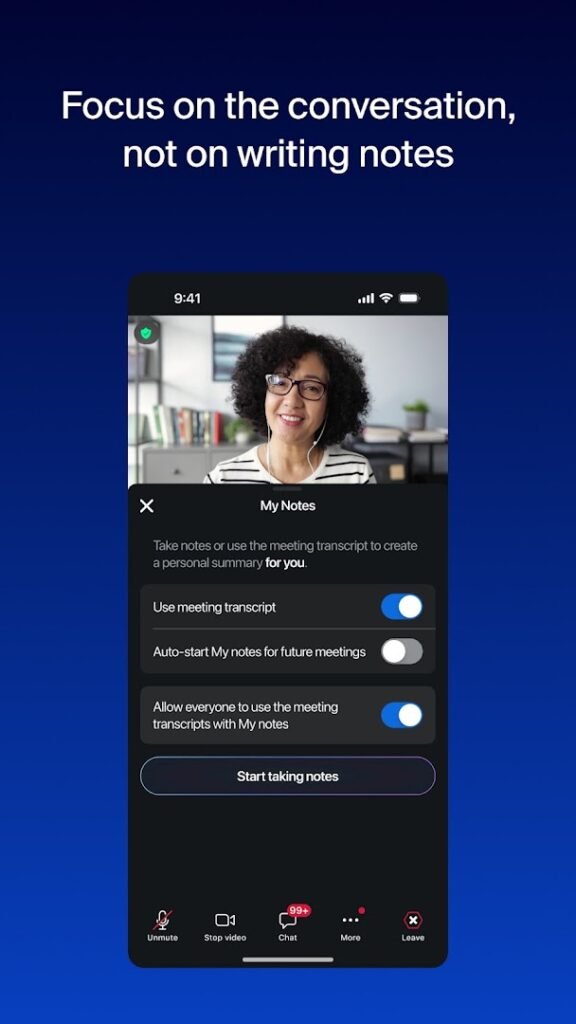
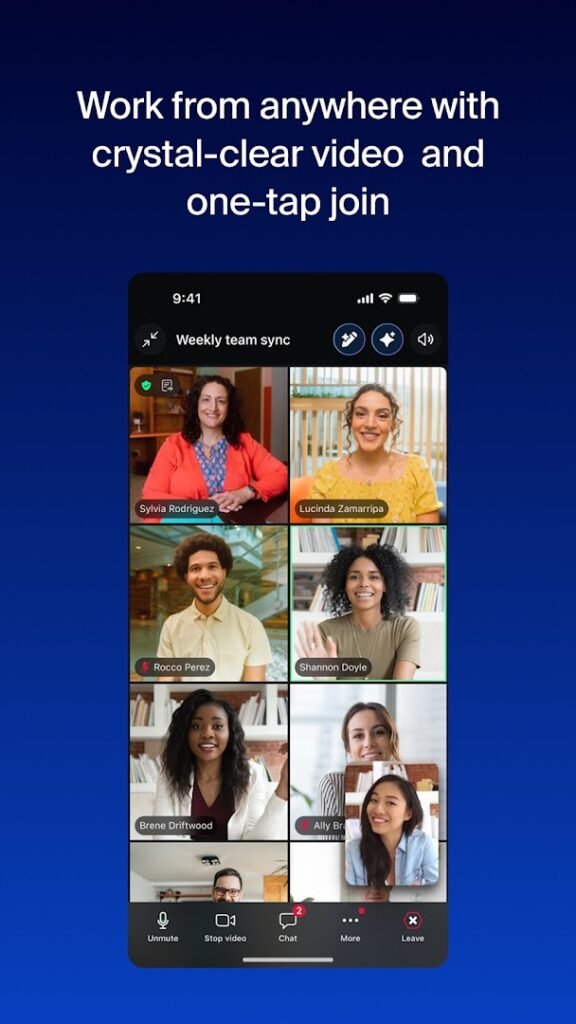
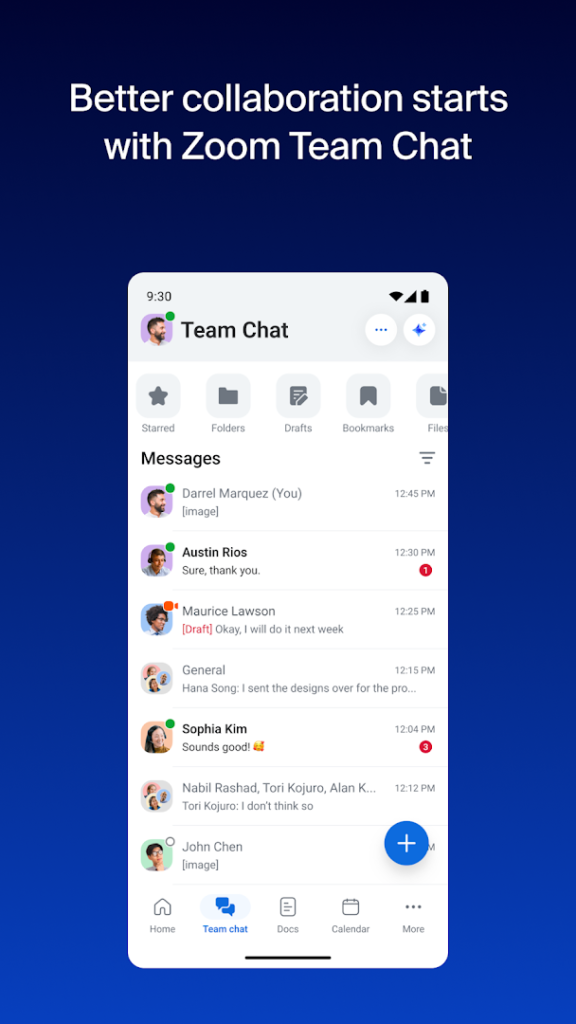
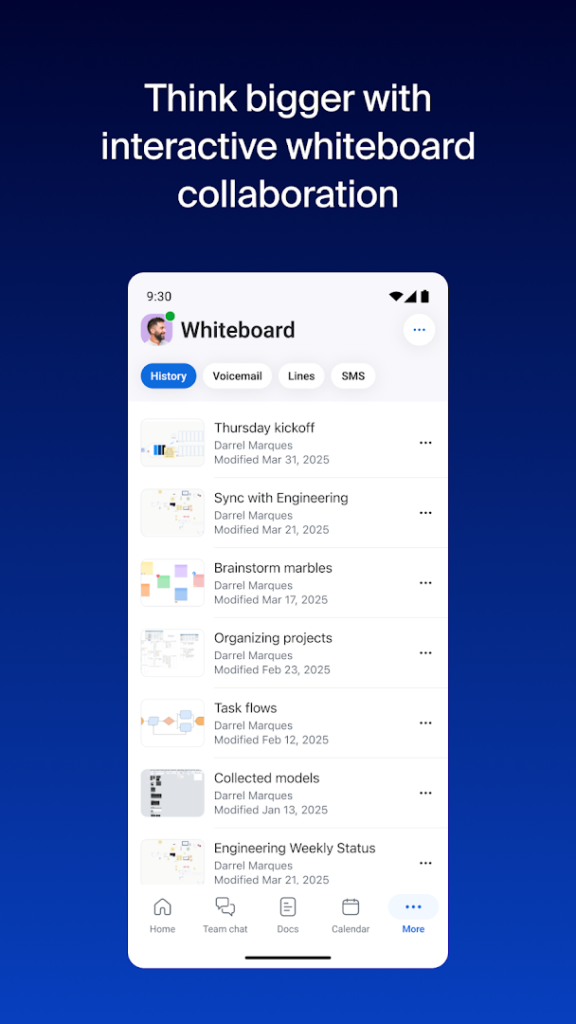
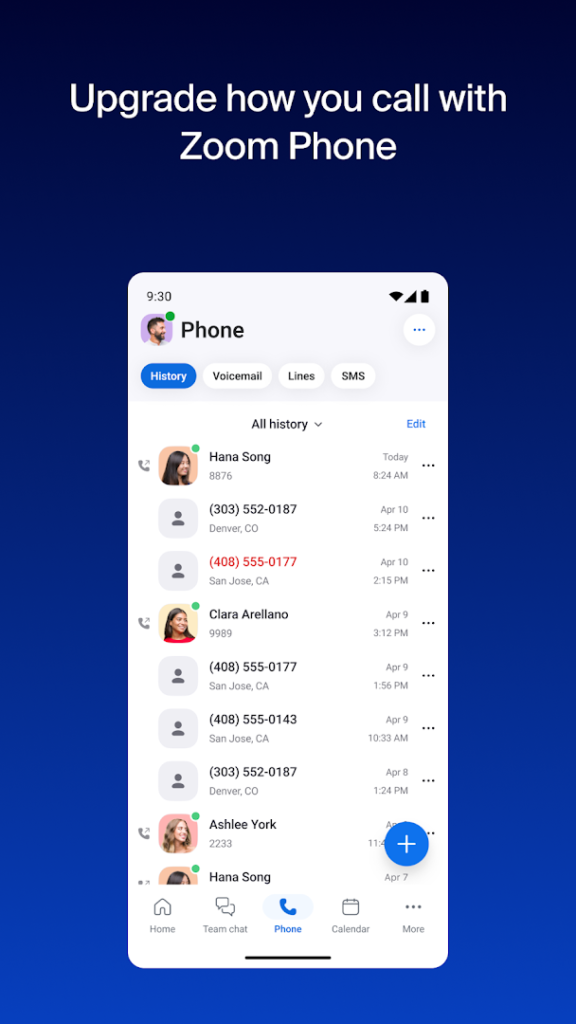
Zoom Workplace is Zoom’s main app for work and school. Beyond video meetings it brings together team chat, phone, shared documents and AI-assisted features in one place, according to the Play listing.
Joining a meeting from an invitation is usually straightforward, while hosting longer meetings or using some features depends on the plan on your account. Free accounts have limits on meeting length and size, so if your employer or school provides an account, sign in with that to get the features it includes.
It has more than a billion installs, so it is one of the most widely used apps here. Download it from Google Play where you can, and check the camera and microphone permissions on first launch.
How to install Zoom Workplace
- Allow your browser to install appsOpen the install unknown apps setting and allow the browser or file manager you downloaded with.
- Check the detailsCompare the file size and Android requirement on this page with your download and your phone.
- Open the file and tap InstallFind it in your Downloads folder, tap it, then confirm.
- Turn the permission off againReturn to the same setting and disallow it.
Questions about Zoom Workplace
How do I install the Zoom Workplace APK?
Allow your browser or file manager to install unknown apps, download the file from this page, open it from your Downloads folder and tap Install. Turn the permission off again afterwards.
Where is the official Zoom Workplace page?
The developer listing is on Google Play. Use the Google Play button on this page to open it.