
Obsidian APK
Dynalist Inc. / Productivity
Screenshots
About Obsidian
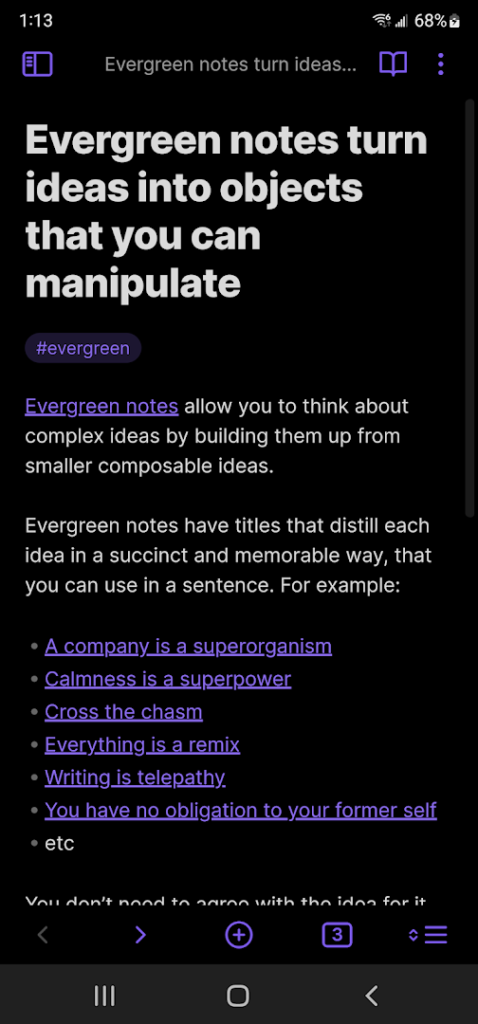
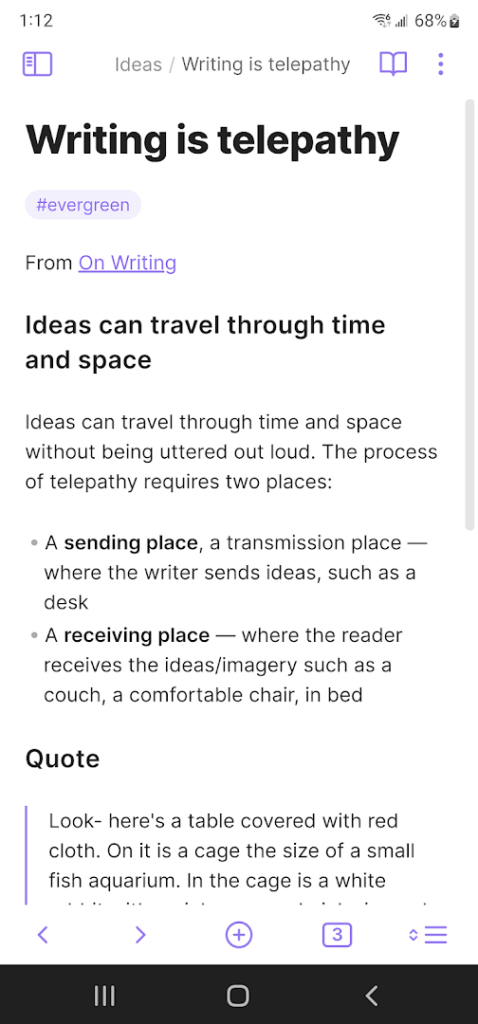
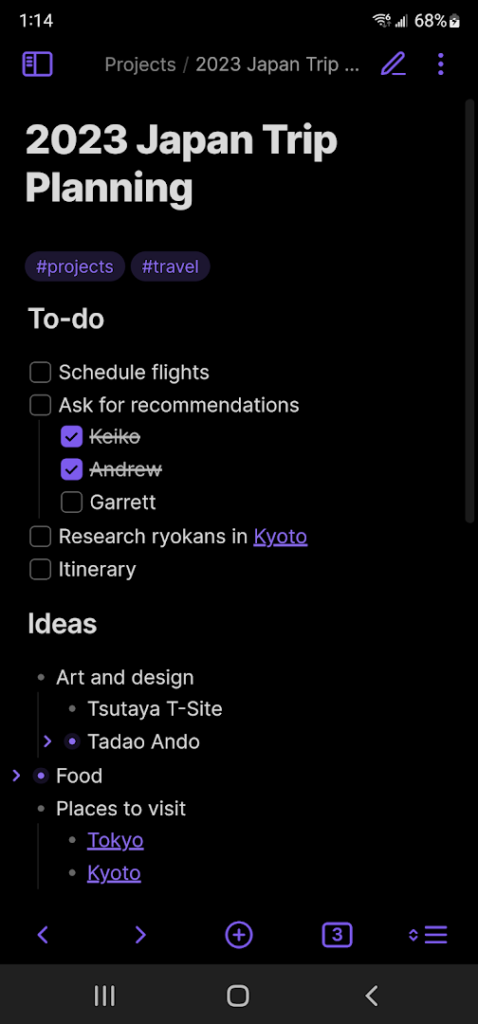
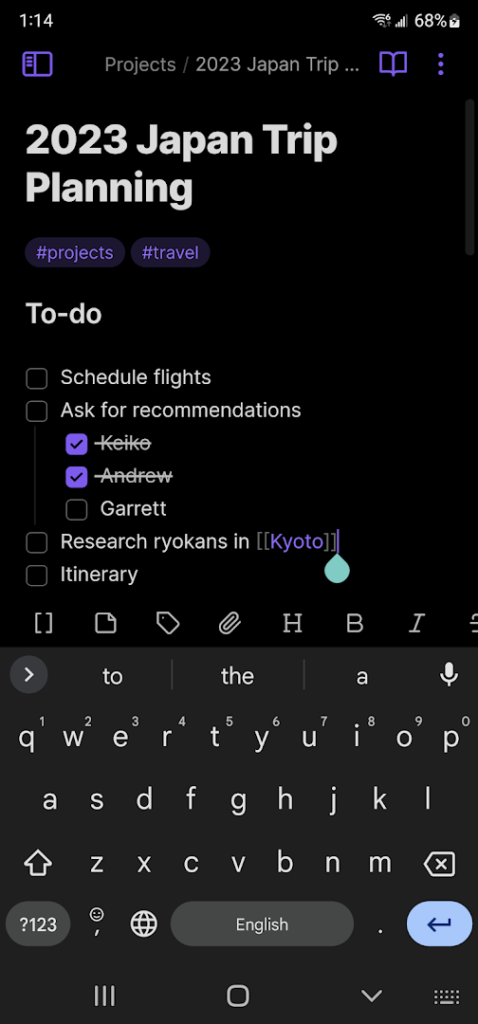
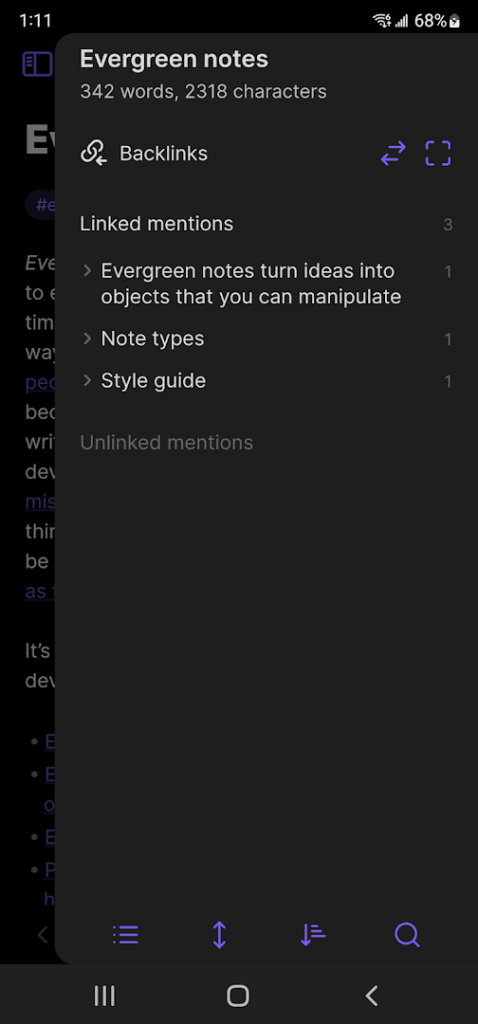
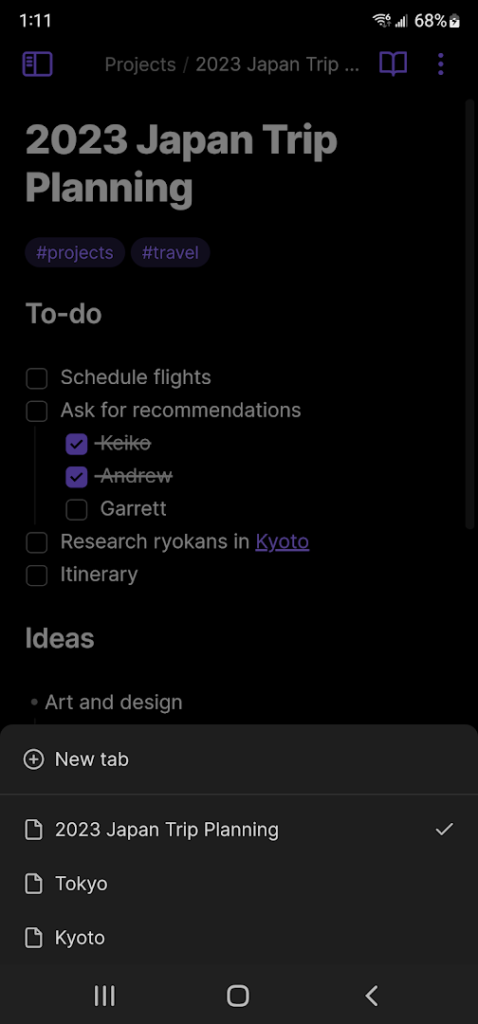
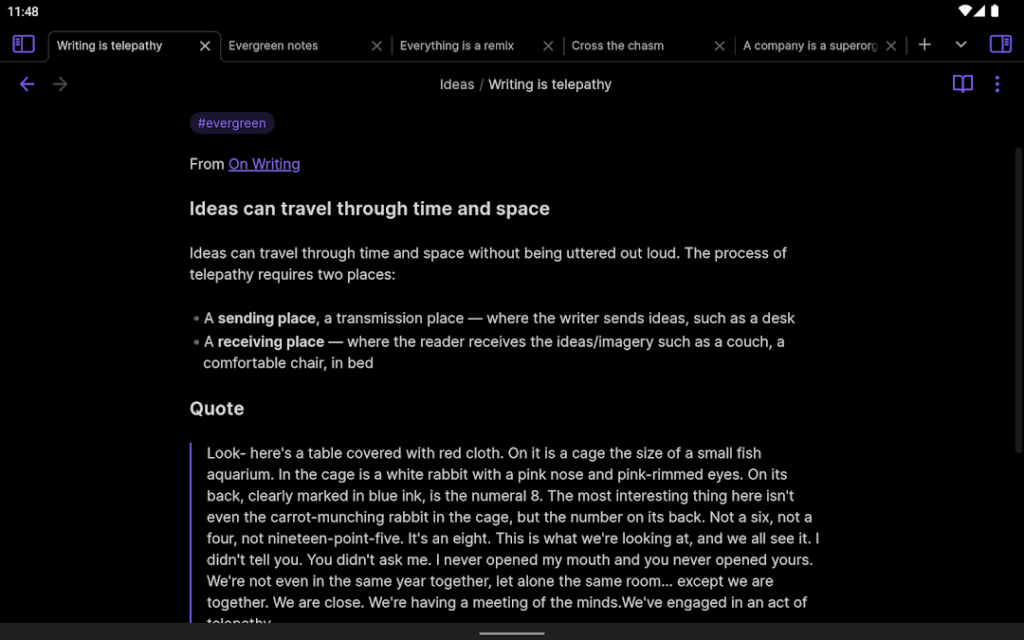
Obsidian is a note-taking and personal knowledge app that stores your notes as plain Markdown text files in a folder called a vault. The mobile app brings the same idea to Android, so the notes you write on the go stay in an open format that other tools can read.
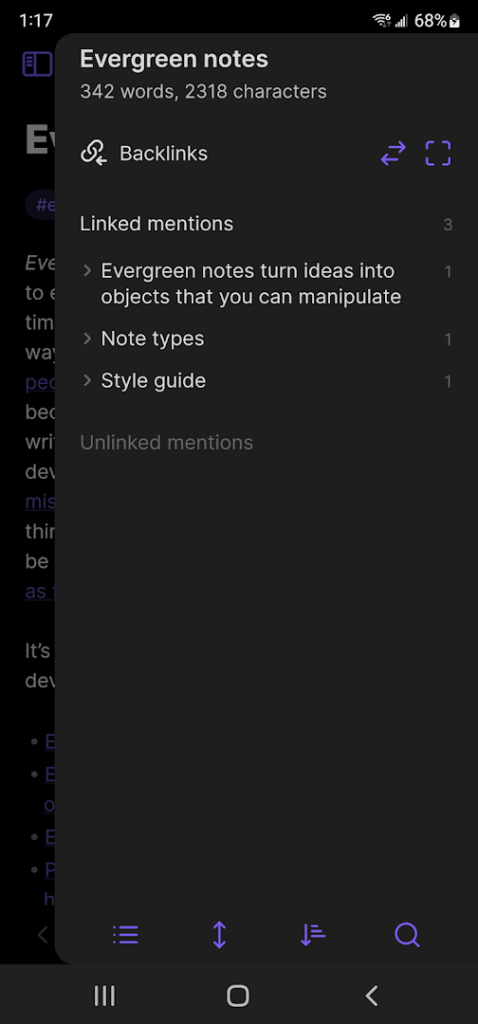
Its best-known feature is linking: you connect notes to each other, see backlinks and explore the relationships between ideas. Optional community plugins add extra features. Sync between devices is available as a paid service, and many people use their own methods, such as a cloud folder, instead.
Because the files are local, you stay in control of your data, but you are also responsible for backing it up. It is a good fit for people who want to build a lasting library of notes rather than a quick to-do list.
How to install Obsidian
- Allow your browser to install appsOpen the install unknown apps setting and allow the browser or file manager you downloaded with.
- Check the detailsCompare the file size and Android requirement on this page with your download and your phone.
- Open the file and tap InstallFind it in your Downloads folder, tap it, then confirm.
- Turn the permission off againReturn to the same setting and disallow it.
Questions about Obsidian
How do I install the Obsidian APK?
Allow your browser or file manager to install unknown apps, download the file from this page, open it from your Downloads folder and tap Install. Turn the permission off again afterwards.
Where is the official Obsidian page?
The developer listing is on Google Play. Use the Google Play button on this page to open it.