
OnePageCRM – Simple CRM System APK
OnePageCRM / Business
Screenshots
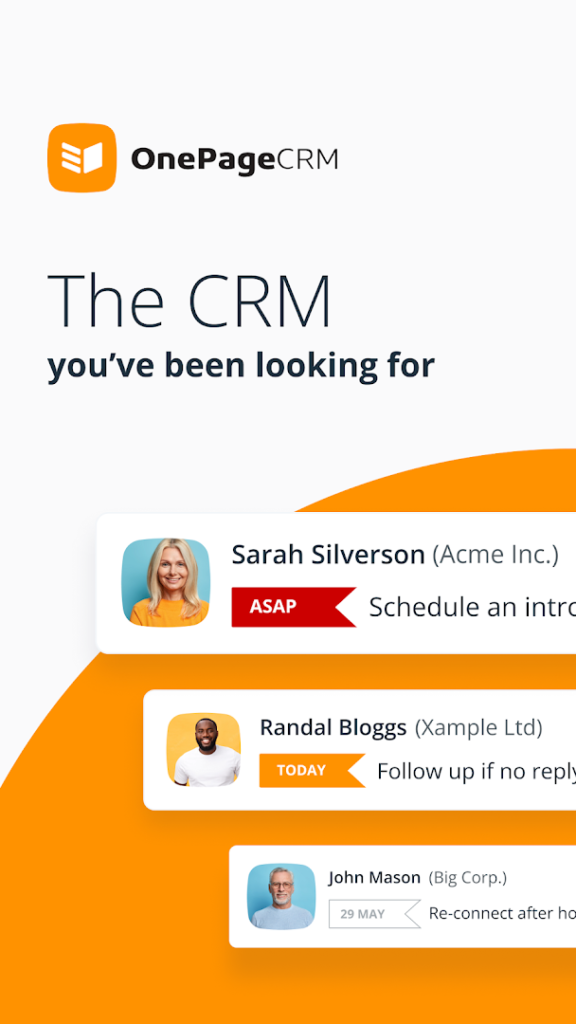
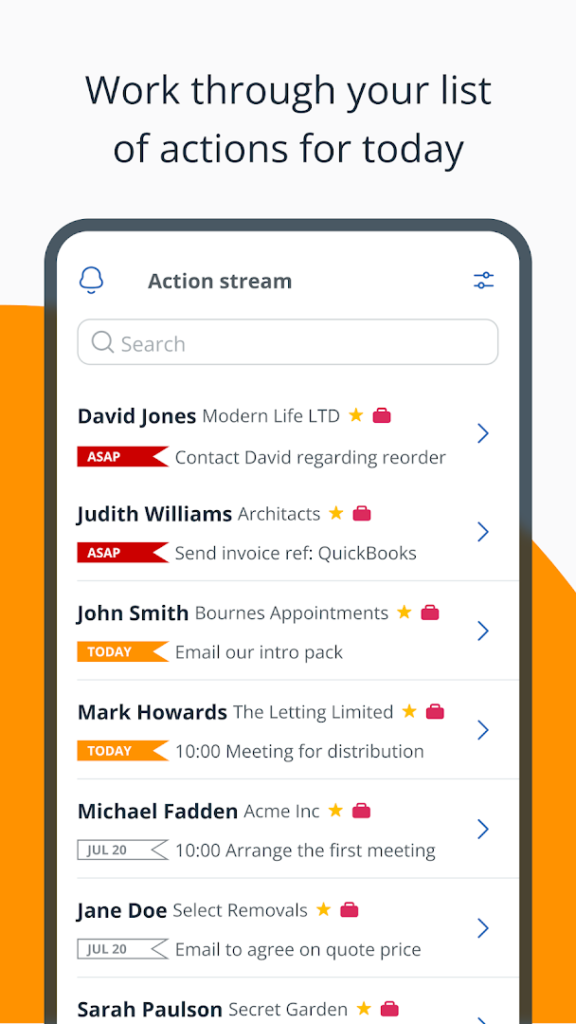
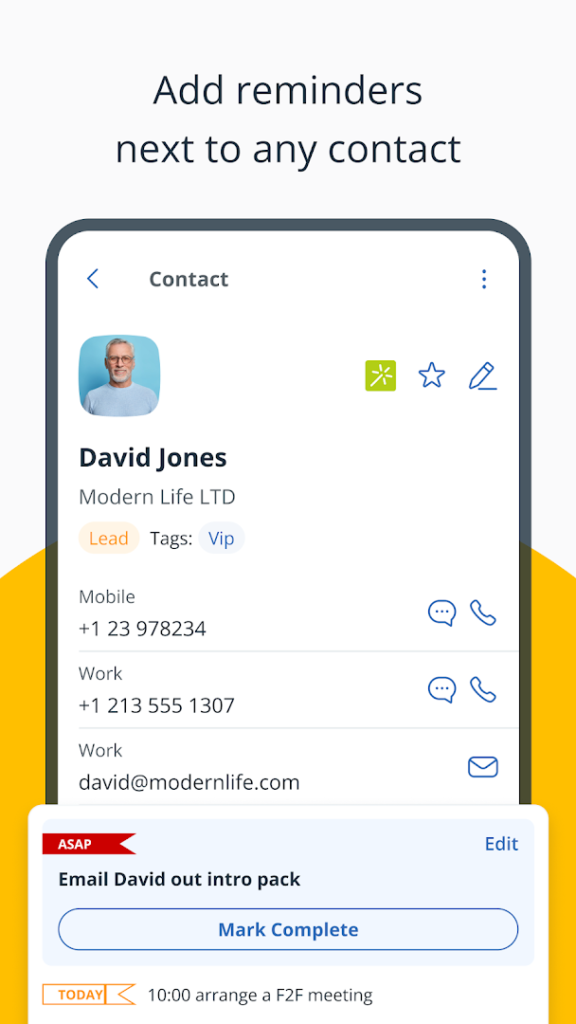
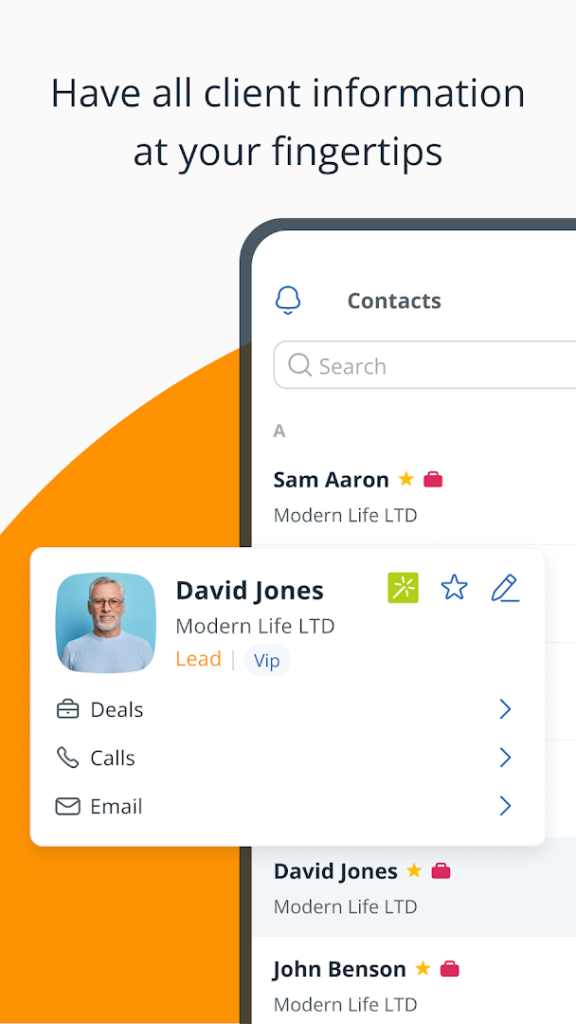
About OnePageCRM – Simple CRM System
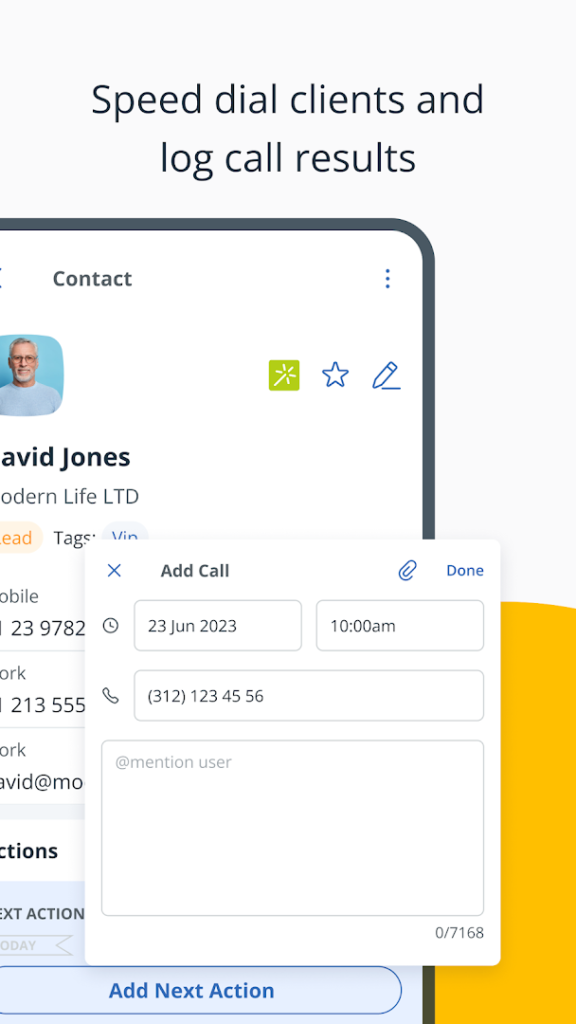
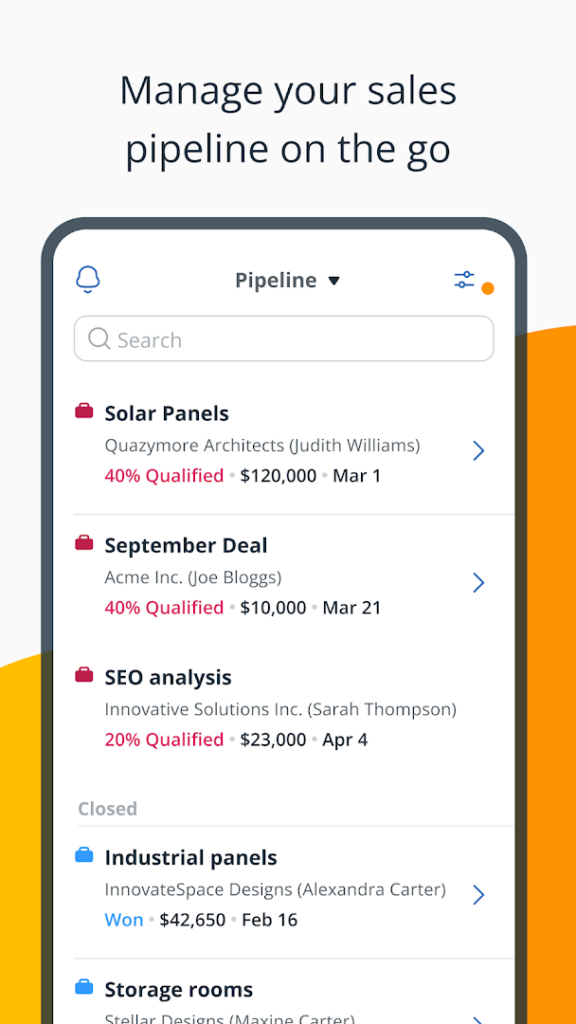
OnePageCRM – Simple CRM System is the mobile app for the OnePageCRM service, a sales CRM designed for small businesses. The listing says it combines contact management with to-do list functionality, so each contact has a clear next step.
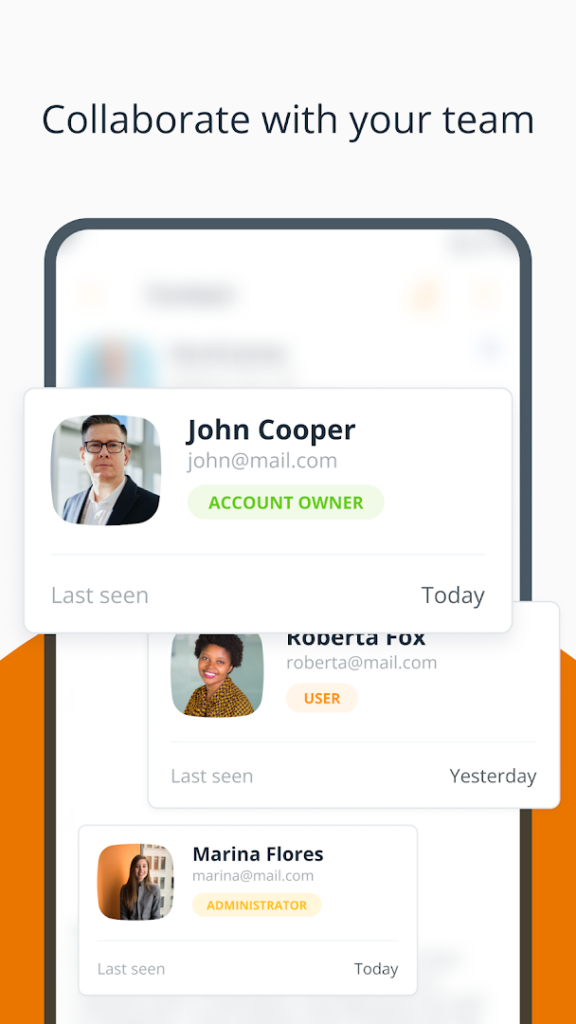
It is meant to be used with an OnePageCRM account, so you need a subscription or a trial through the company rather than just installing the app. If you run a small sales team or work alone, the focus on next actions can be easier to follow than a large, complex CRM.
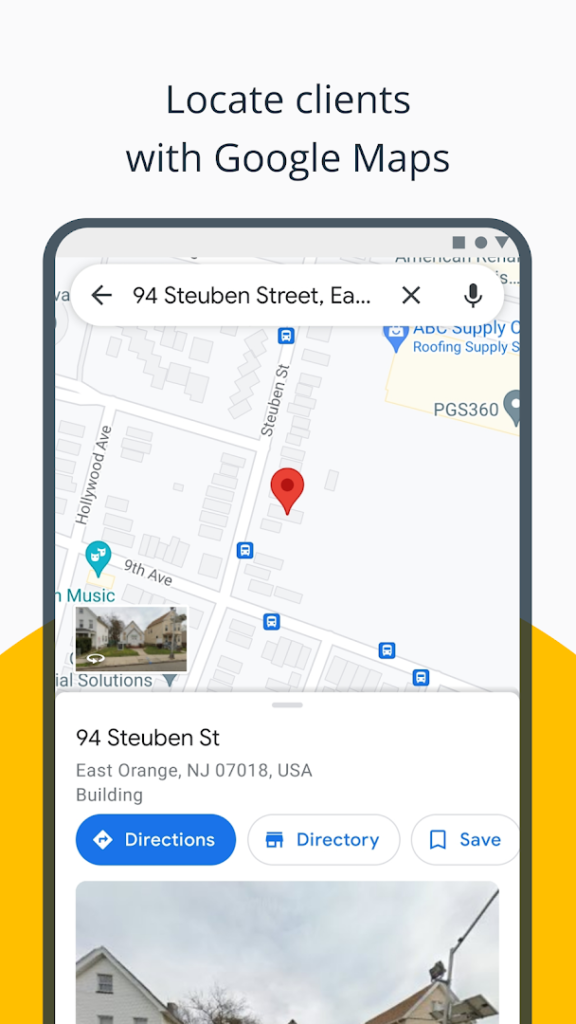
The developer also publishes Route Planner – On The Road for people who visit customers in person. Check the plan and pricing on the company website before you commit your customer data.
How to install OnePageCRM – Simple CRM System
- Allow your browser to install appsOpen the install unknown apps setting and allow the browser or file manager you downloaded with.
- Check the detailsCompare the file size and Android requirement on this page with your download and your phone.
- Open the file and tap InstallFind it in your Downloads folder, tap it, then confirm.
- Turn the permission off againReturn to the same setting and disallow it.
Questions about OnePageCRM – Simple CRM System
How do I install the OnePageCRM – Simple CRM System APK?
Allow your browser or file manager to install unknown apps, download the file from this page, open it from your Downloads folder and tap Install. Turn the permission off again afterwards.
Where is the official OnePageCRM – Simple CRM System page?
The developer listing is on Google Play. Use the Google Play button on this page to open it.