
WhatsApp Messenger APK
WhatsApp LLC / Communication
Screenshots
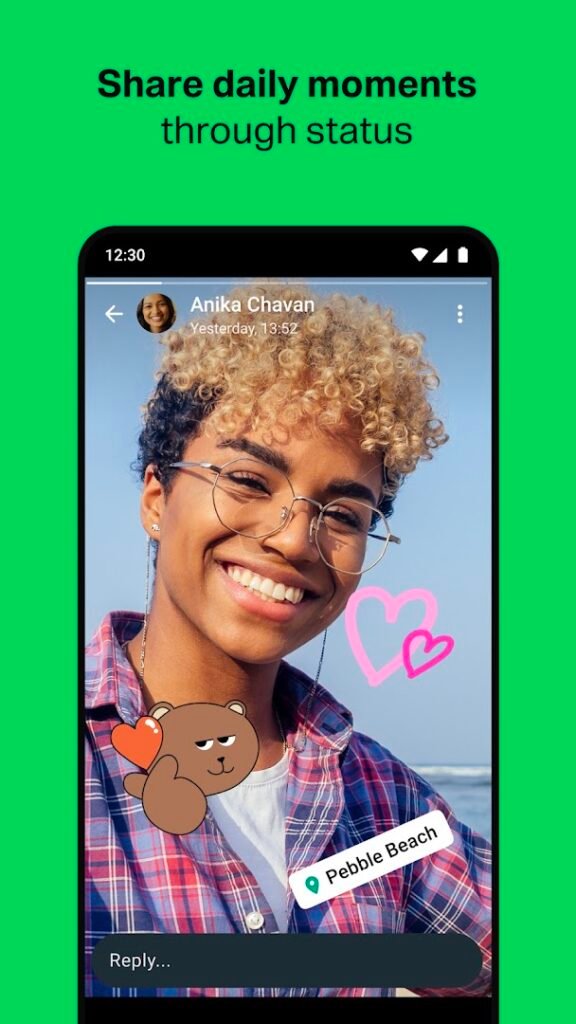
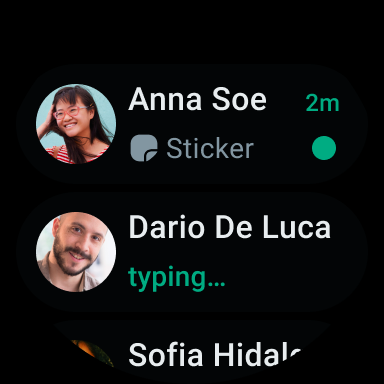
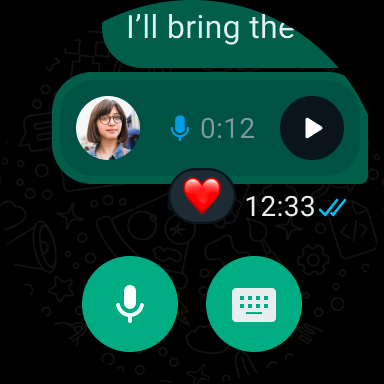
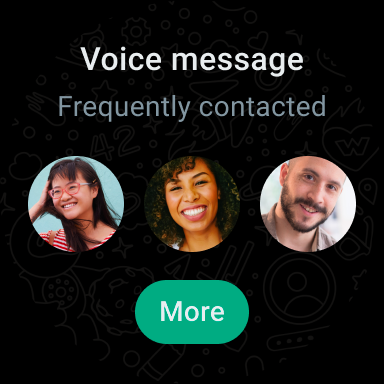
About WhatsApp Messenger
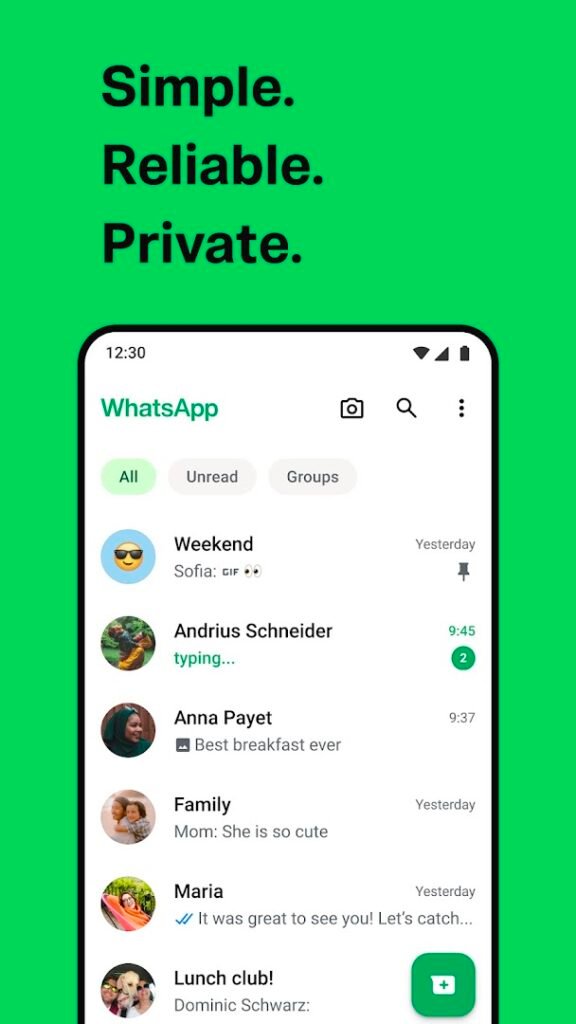
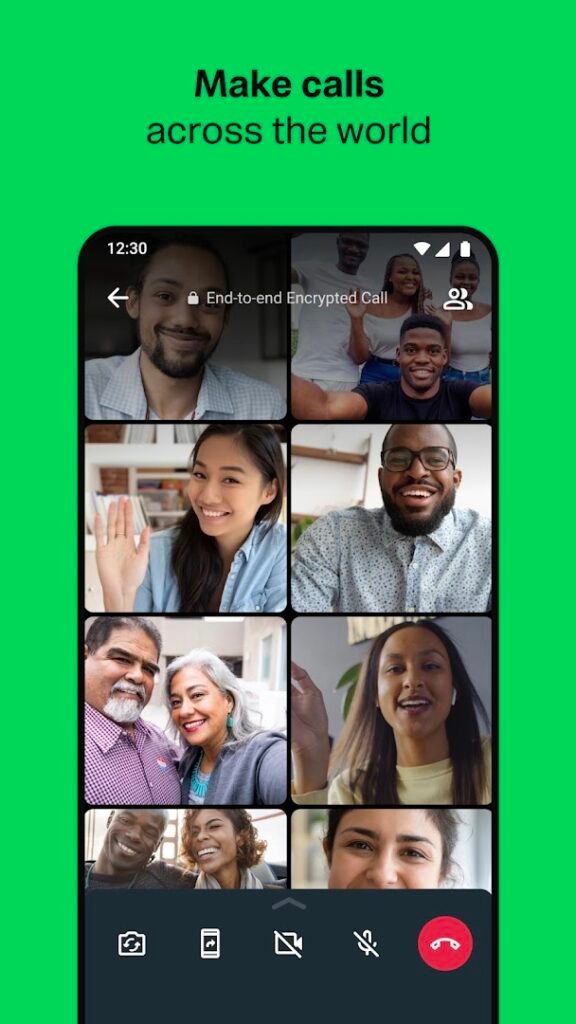
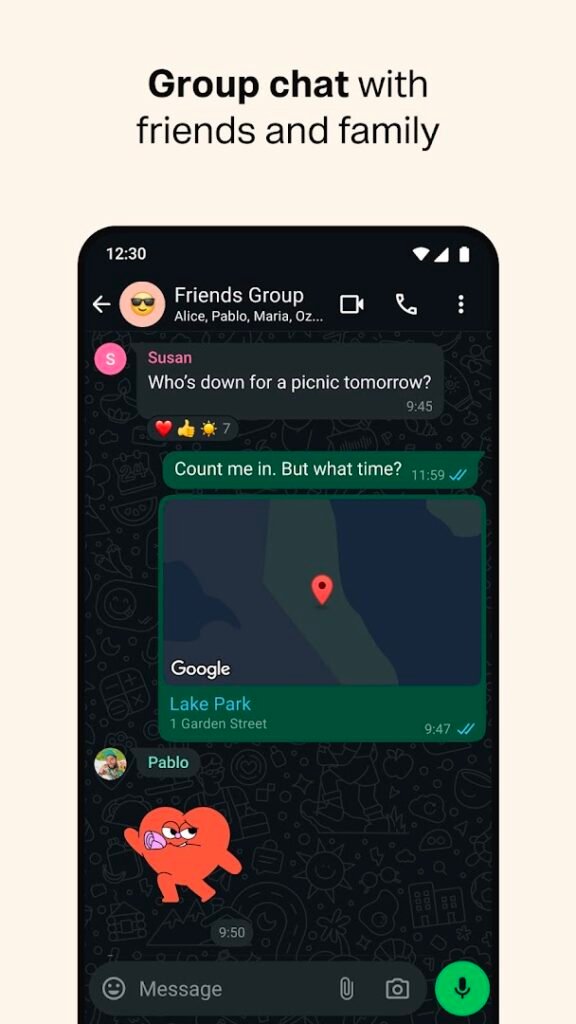
WhatsApp, from WhatsApp LLC, is a messaging and calling app that works over the internet and is tied to your phone number. You can send messages, photos and documents, make voice and video calls and create groups.
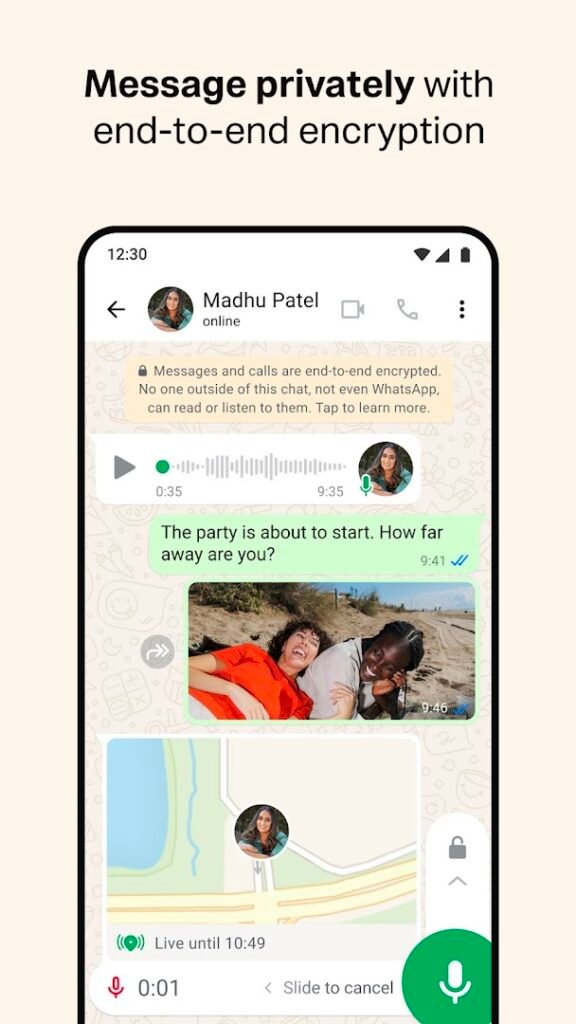
Personal chats and calls are end-to-end encrypted by default, which means only the people in the conversation can read them. Backups are separate: you can back chats up to Google Drive, and it is worth checking whether you want those backups encrypted as well.
Be wary of unofficial or modified versions that promise extra features. They are not from the developer and can steal accounts. If you need a version for a business, WhatsApp Business is the official separate app.
How to install WhatsApp Messenger
- Allow your browser to install appsOpen the install unknown apps setting and allow the browser or file manager you downloaded with.
- Check the detailsCompare the file size and Android requirement on this page with your download and your phone.
- Open the file and tap InstallFind it in your Downloads folder, tap it, then confirm.
- Turn the permission off againReturn to the same setting and disallow it.
Questions about WhatsApp Messenger
How do I install the WhatsApp Messenger APK?
Allow your browser or file manager to install unknown apps, download the file from this page, open it from your Downloads folder and tap Install. Turn the permission off again afterwards.
Where is the official WhatsApp Messenger page?
The developer listing is on Google Play. Use the Google Play button on this page to open it.