
Brawl Stars APK
Supercell / Action
Screenshots
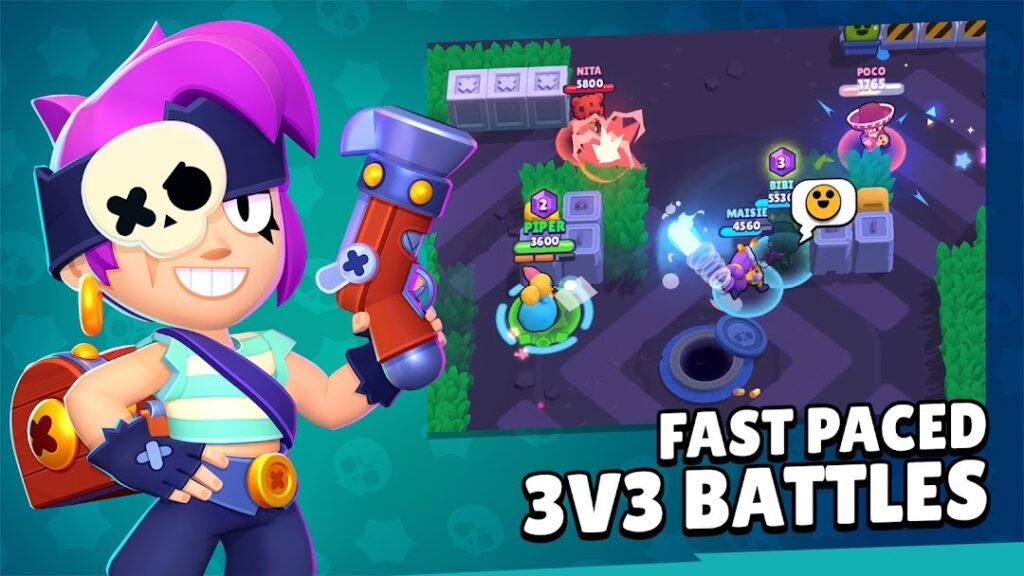
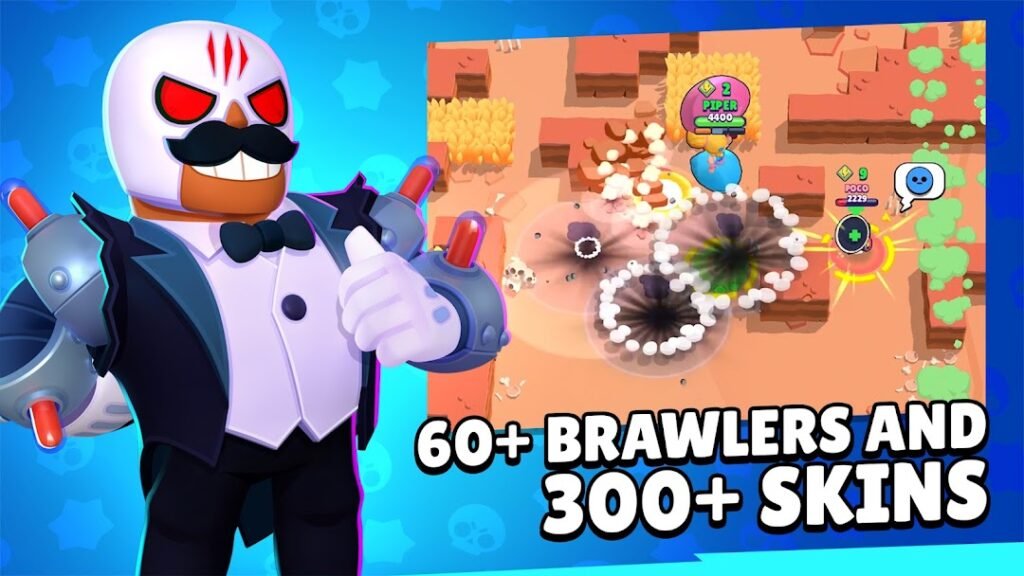
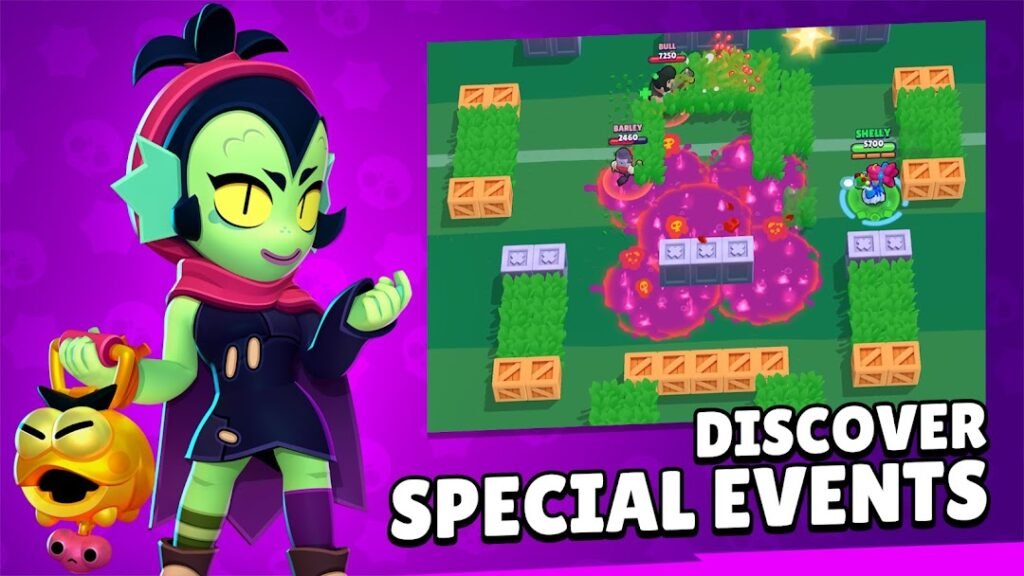
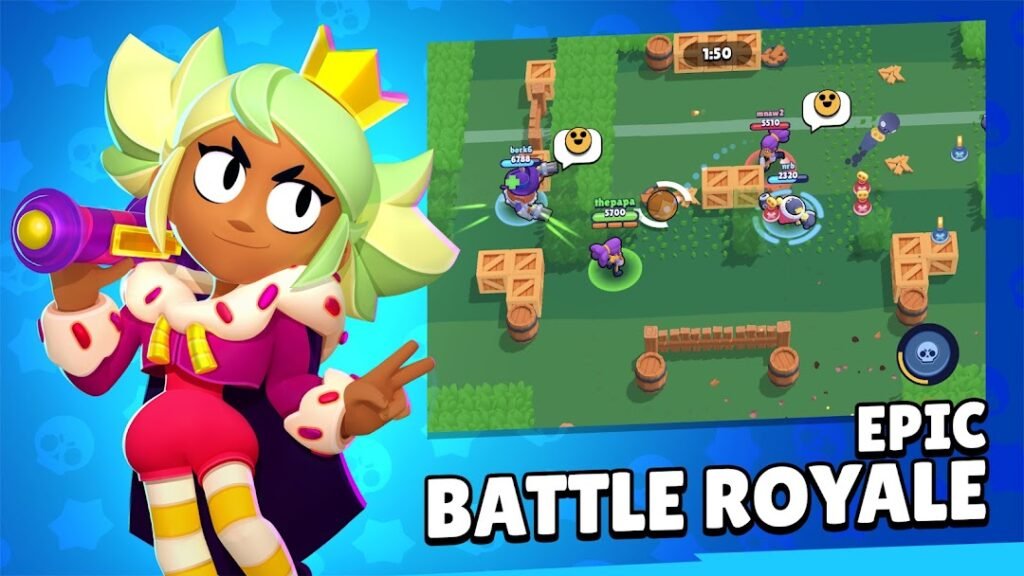
About Brawl Stars
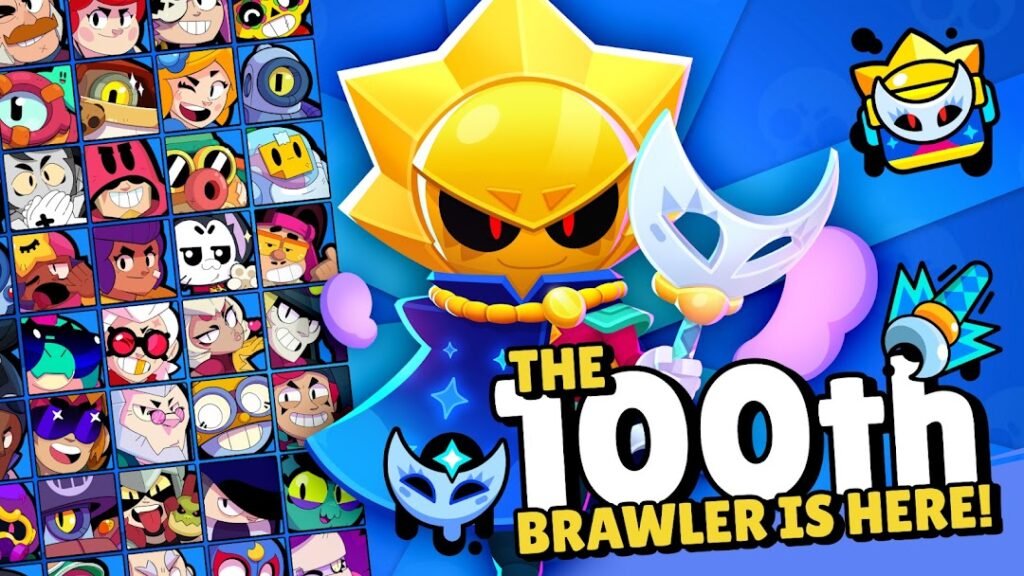
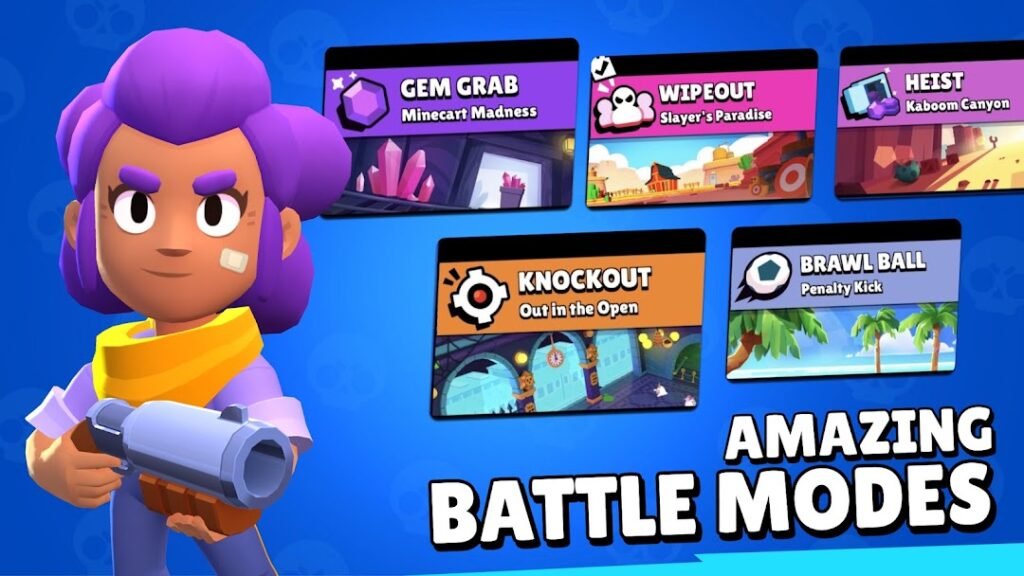
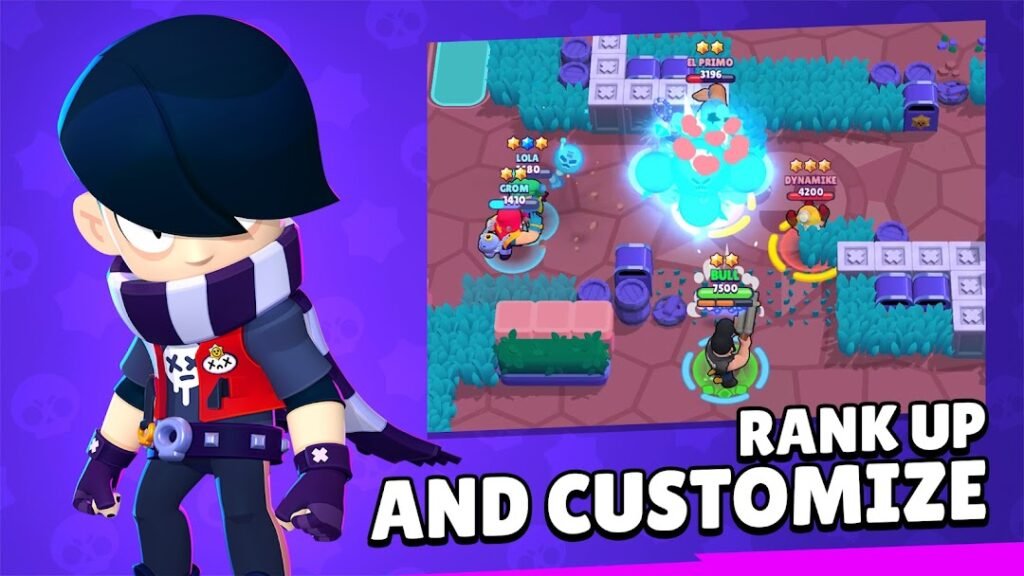
Brawl Stars, also from Supercell, is a multiplayer game of fast battles. You pick a character called a Brawler and play short matches in modes such as team fights and last-one-standing contests, usually lasting only a few minutes.
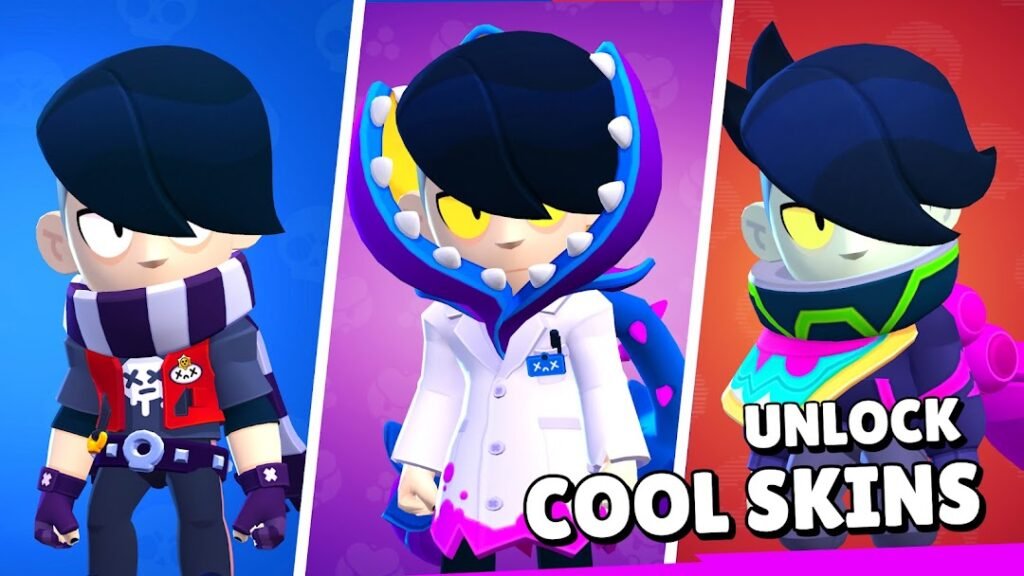
You unlock and upgrade Brawlers as you play, and the game offers optional purchases that speed progress or add cosmetics. Matches with other players mean chat and teaming up with strangers is possible, so parents should check the age rating and the in-game safety and reporting options.
Its short rounds suit casual sessions, but it works best on a stable connection because every match is played online.
How to install Brawl Stars
- Allow your browser to install appsOpen the install unknown apps setting and allow the browser or file manager you downloaded with.
- Check the detailsCompare the file size and Android requirement on this page with your download and your phone.
- Open the file and tap InstallFind it in your Downloads folder, tap it, then confirm.
- Turn the permission off againReturn to the same setting and disallow it.
Questions about Brawl Stars
How do I install the Brawl Stars APK?
Allow your browser or file manager to install unknown apps, download the file from this page, open it from your Downloads folder and tap Install. Turn the permission off again afterwards.
Where is the official Brawl Stars page?
The developer listing is on Google Play. Use the Google Play button on this page to open it.