Stardew Valley APK
ConcernedApe / Role Playing
Screenshots
About Stardew Valley
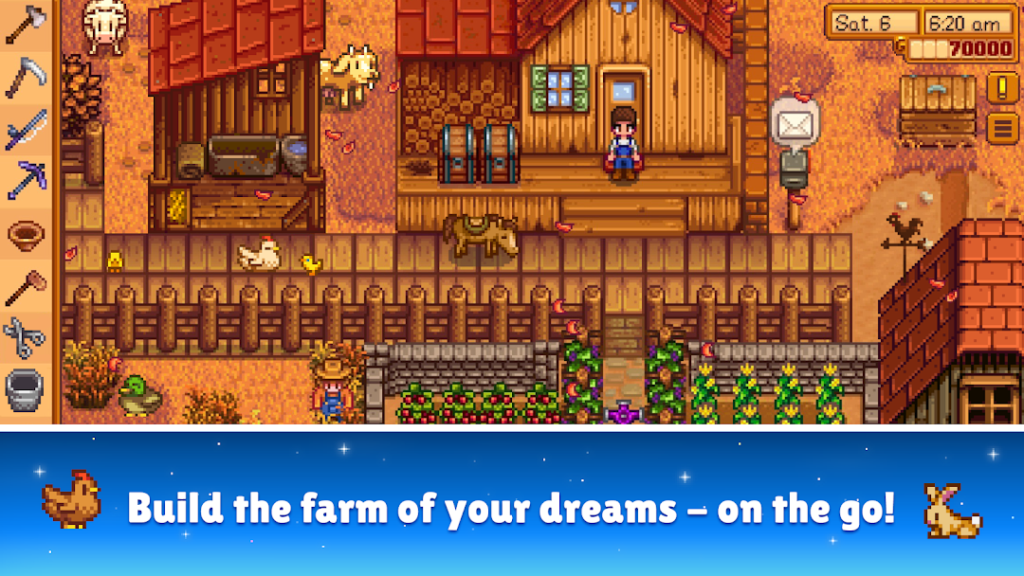
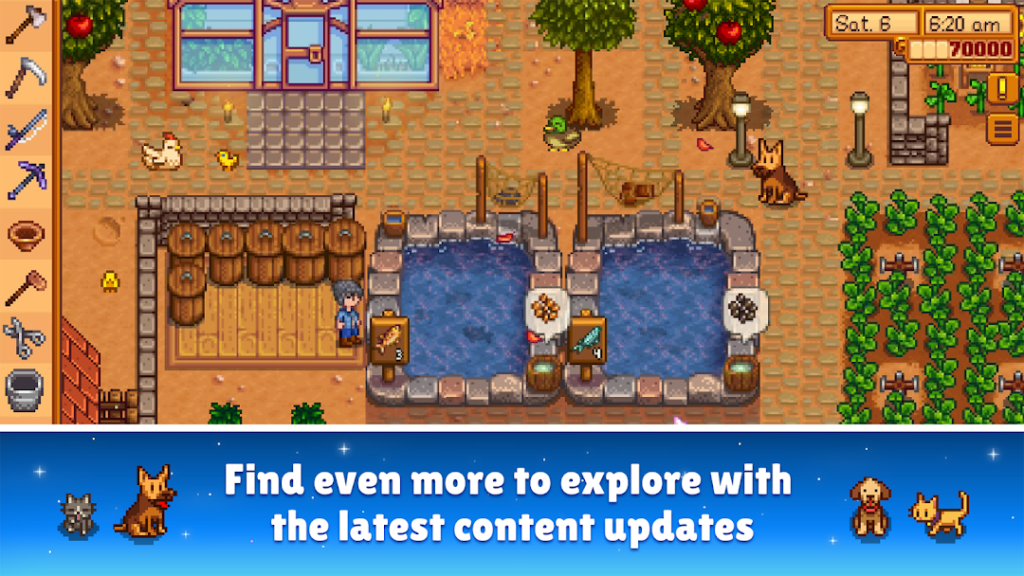
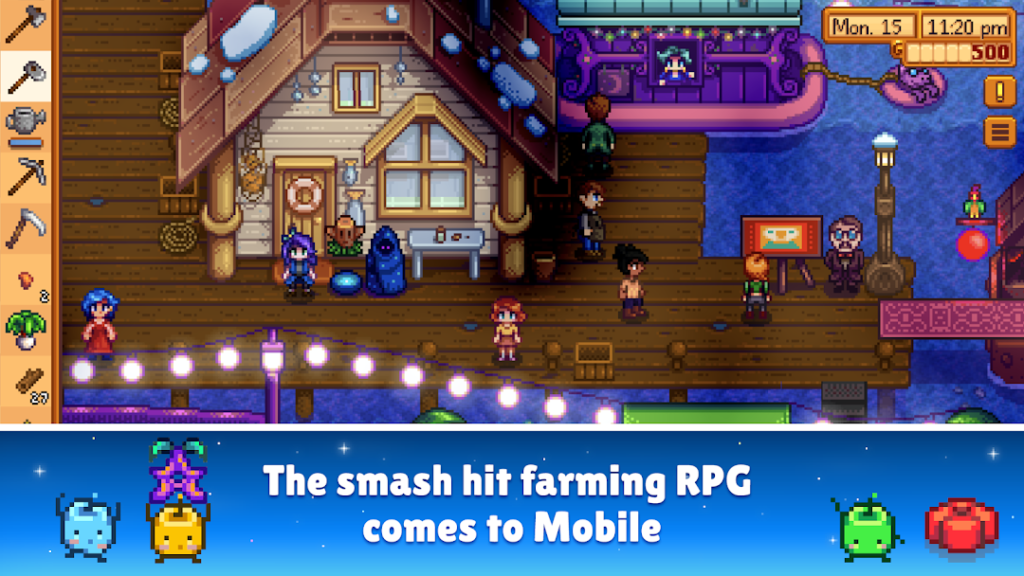
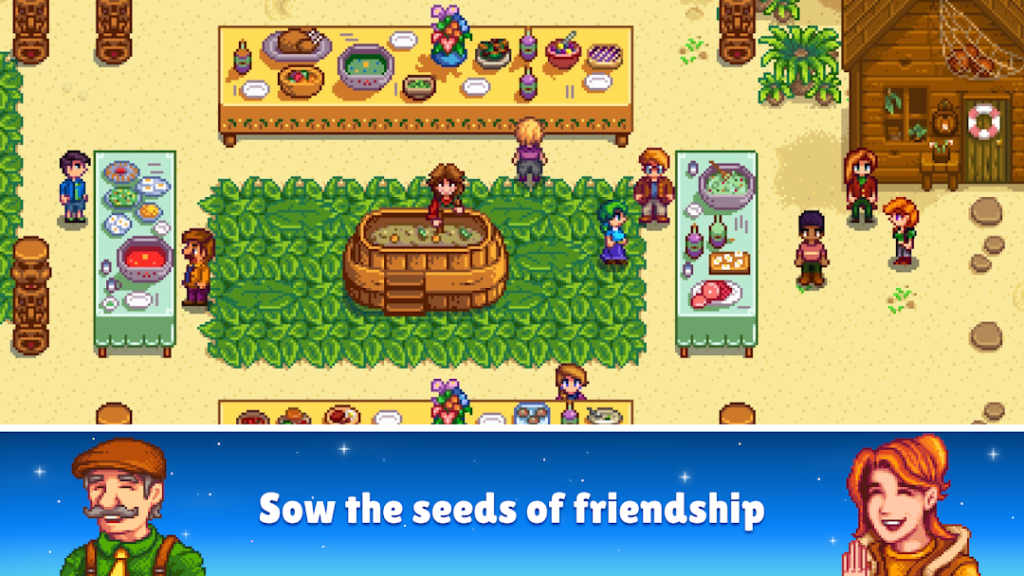
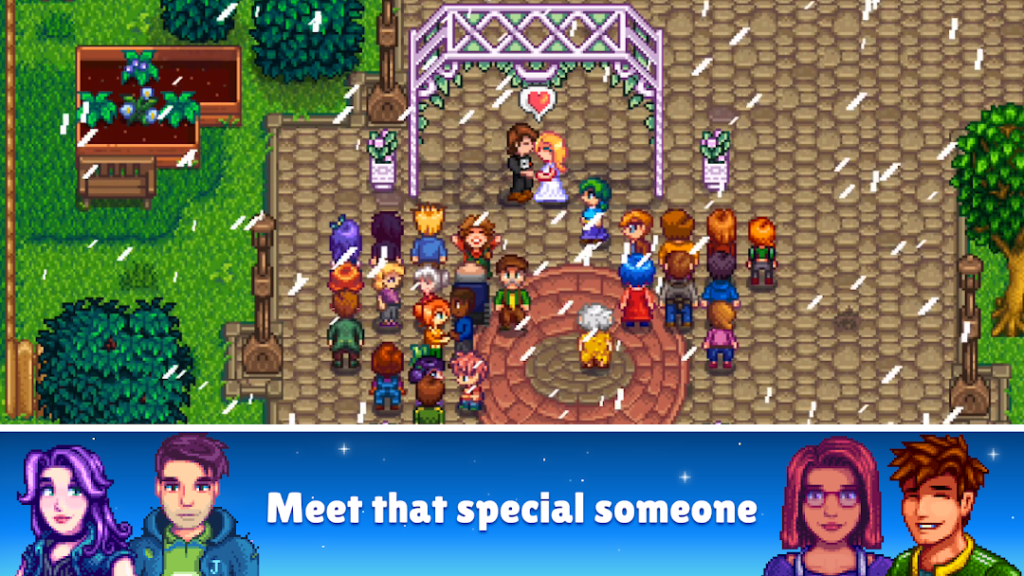
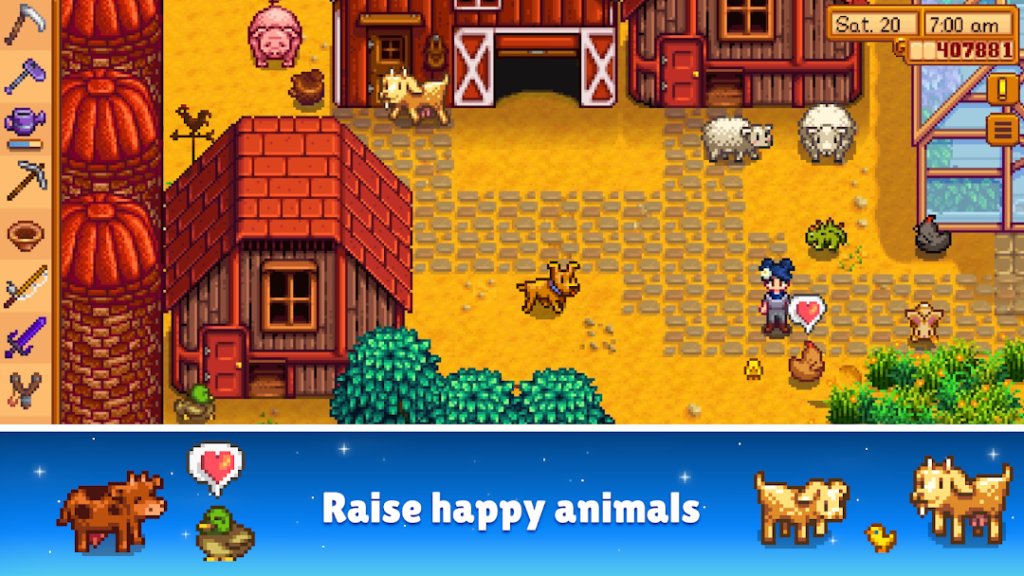
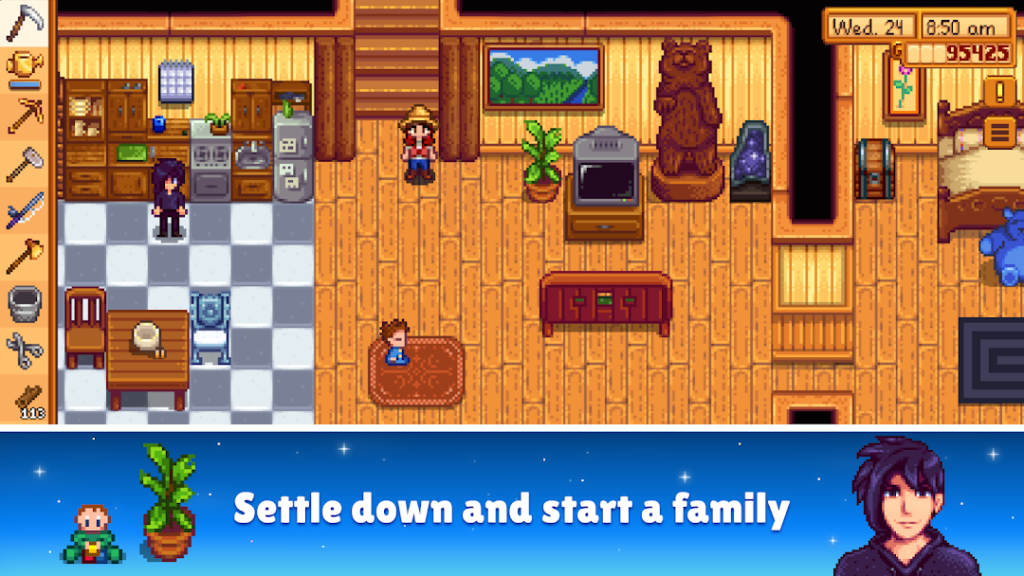
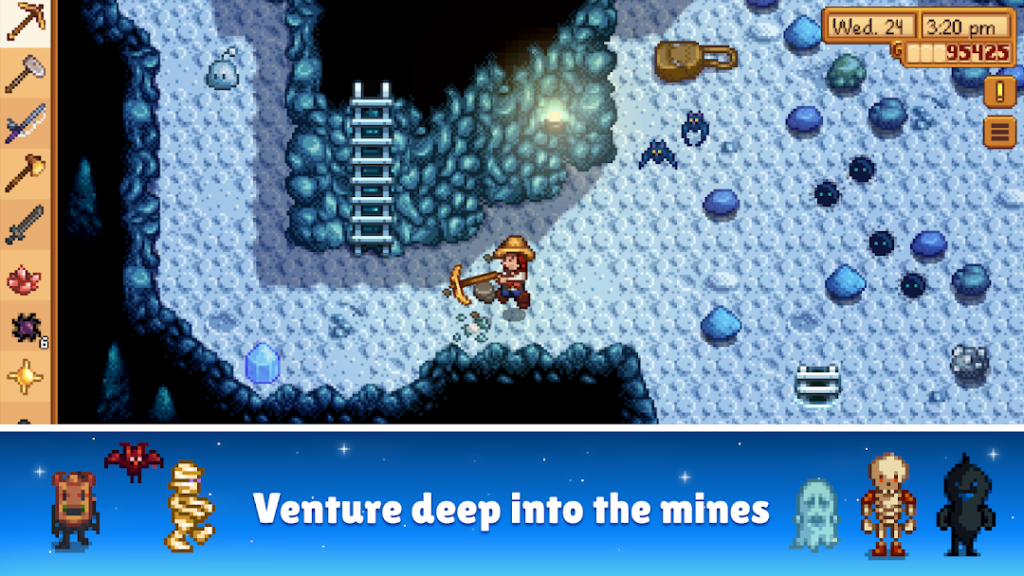
Stardew Valley is a farming and life simulation game created by Eric Barone, who works as ConcernedApe. You inherit a run-down farm, grow crops, raise animals, explore mines, fish and build relationships with the villagers across the seasons.
There is no timer pressure and no ads: the game is a one-time paid purchase on Google Play, and the pace is yours to set. Saves are normally stored on the device, so back up your save files or use the platform options before you reset the phone, because losing a long-running farm hurts.
It rewards patience and planning, and a session can be as short or as long as you like, which is why many players return to it for years.
How to install Stardew Valley
- Allow your browser to install appsOpen the install unknown apps setting and allow the browser or file manager you downloaded with.
- Check the detailsCompare the file size and Android requirement on this page with your download and your phone.
- Open the file and tap InstallFind it in your Downloads folder, tap it, then confirm.
- Turn the permission off againReturn to the same setting and disallow it.
Questions about Stardew Valley
How do I install the Stardew Valley APK?
Allow your browser or file manager to install unknown apps, download the file from this page, open it from your Downloads folder and tap Install. Turn the permission off again afterwards.
Where is the official Stardew Valley page?
The developer listing is on Google Play. Use the Google Play button on this page to open it.