Candy Crush Saga APK
King / Casual
Screenshots
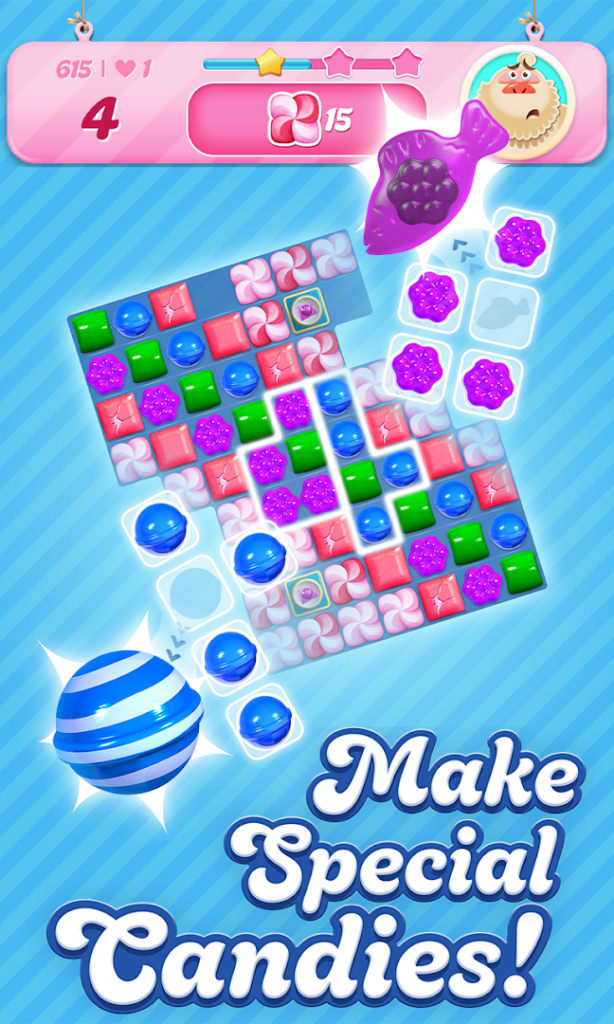
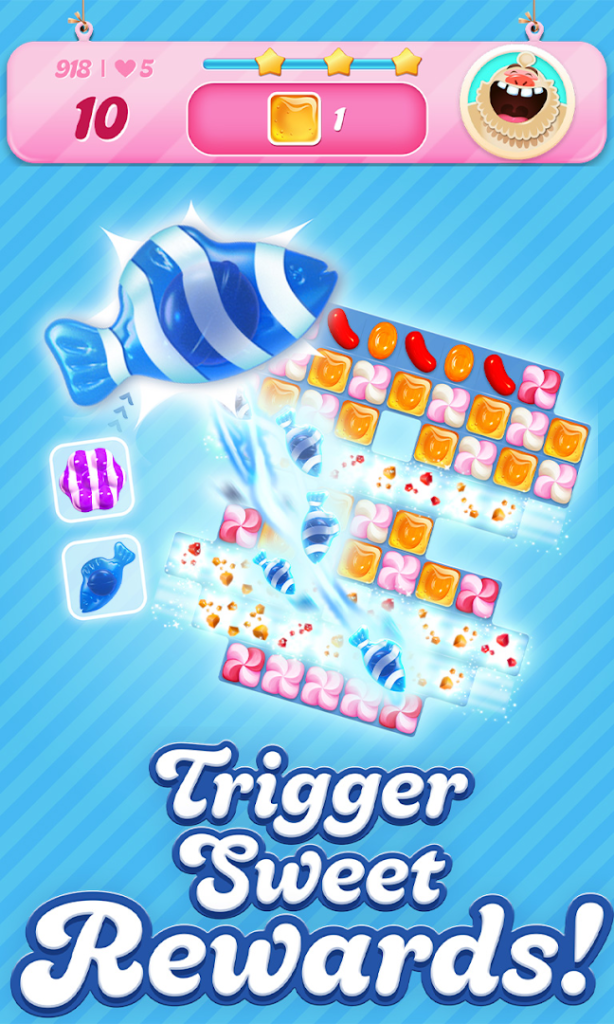
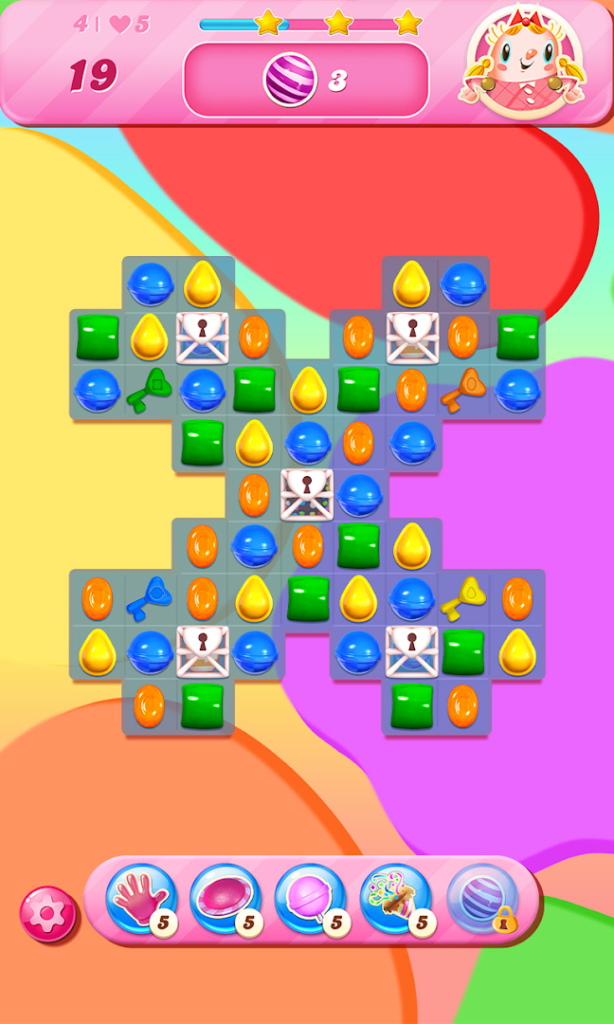
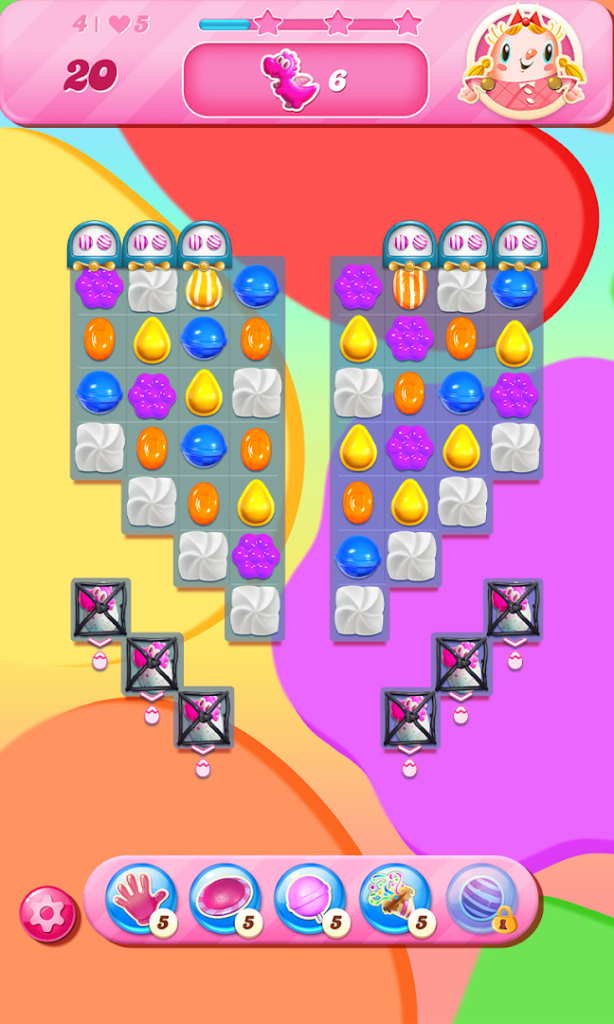
About Candy Crush Saga
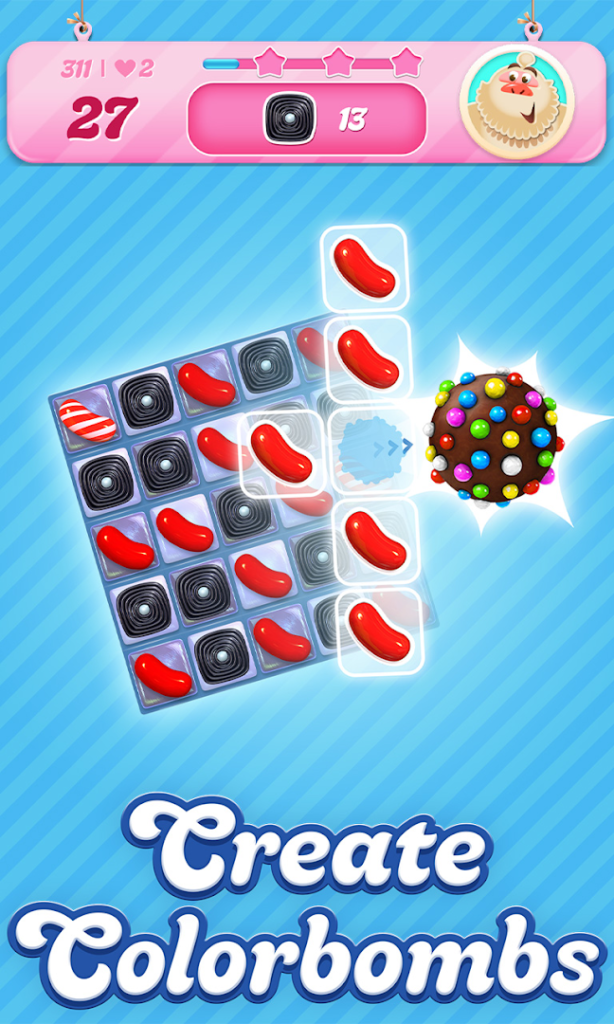
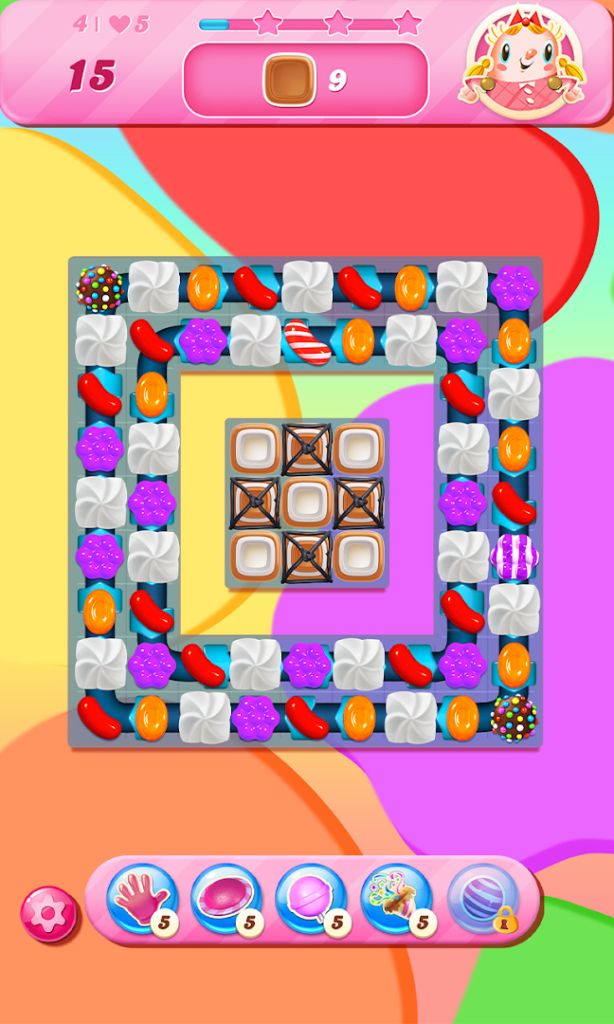
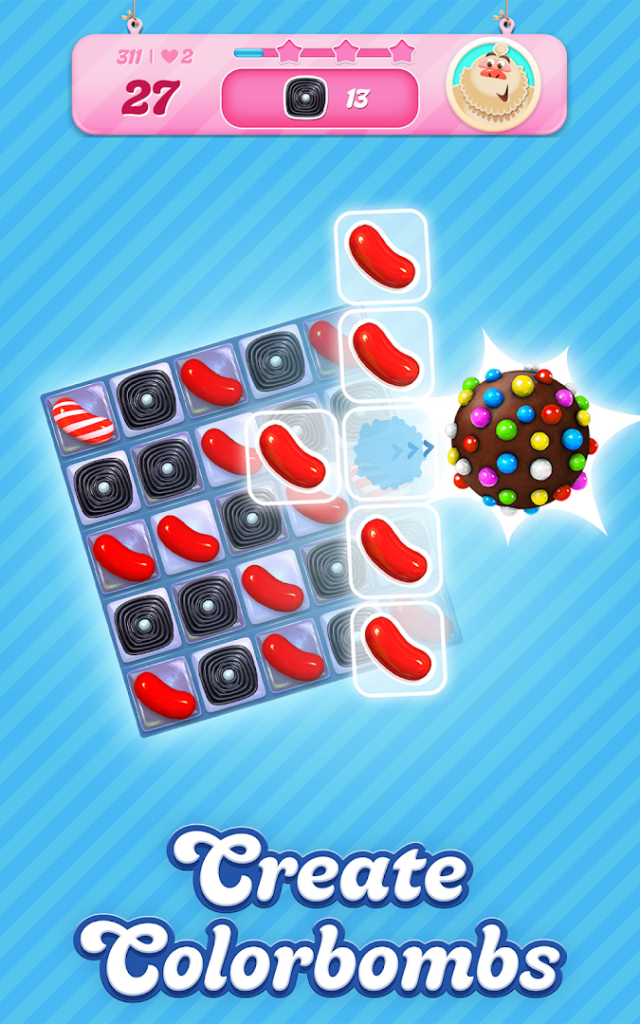
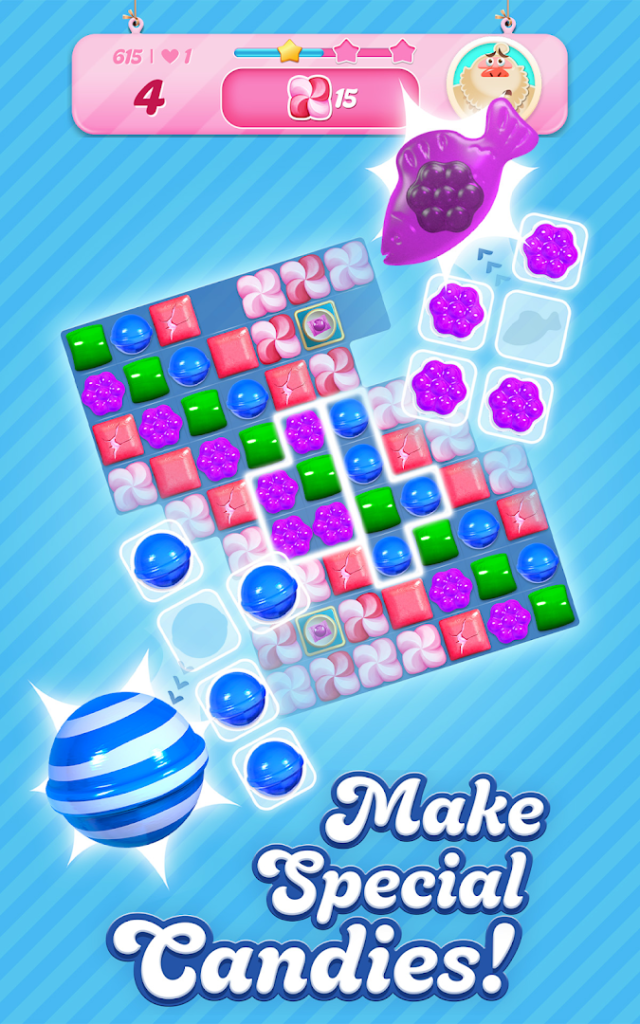
Candy Crush Saga, from King, is a match-three puzzle game. You swap neighbouring sweets to line up three or more of the same kind, clearing them to complete each level goal within a limited number of moves.
The game is free to play and uses a lives system, so a failed level costs a life and you wait for lives to refill or use boosters to continue. In-app purchases are optional, and children should not have access to a payment method without a password. Levels are short, which makes it easy to play in small gaps in the day.
Progress can be saved to a King account or social login, which lets you carry it to a new phone. Set that up before you uninstall the game or change devices.
How to install Candy Crush Saga
- Allow your browser to install appsOpen the install unknown apps setting and allow the browser or file manager you downloaded with.
- Check the detailsCompare the file size and Android requirement on this page with your download and your phone.
- Open the file and tap InstallFind it in your Downloads folder, tap it, then confirm.
- Turn the permission off againReturn to the same setting and disallow it.
Questions about Candy Crush Saga
How do I install the Candy Crush Saga APK?
Allow your browser or file manager to install unknown apps, download the file from this page, open it from your Downloads folder and tap Install. Turn the permission off again afterwards.
Where is the official Candy Crush Saga page?
The developer listing is on Google Play. Use the Google Play button on this page to open it.