
Clash of Clans APK
Supercell / Strategy
Screenshots
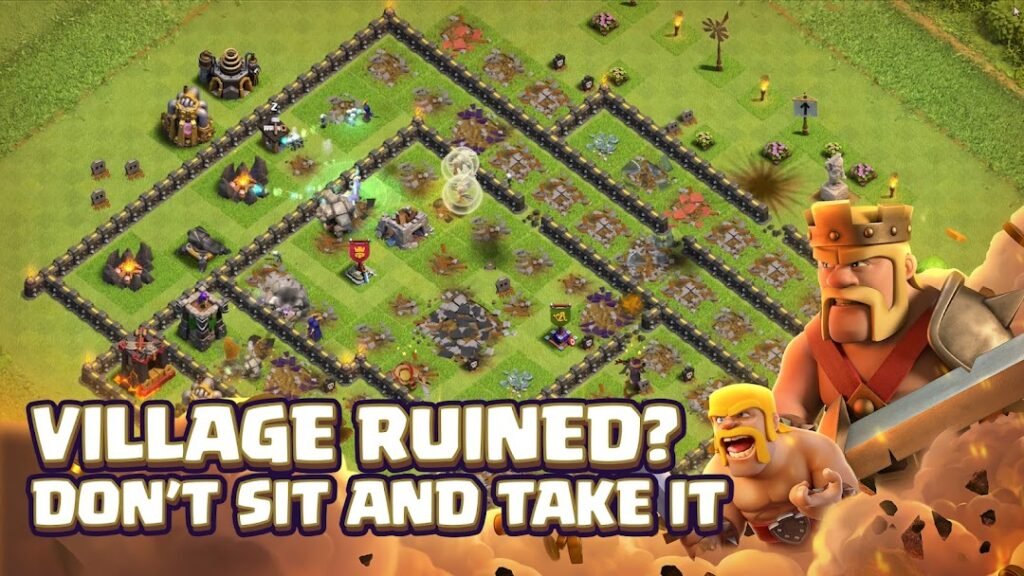
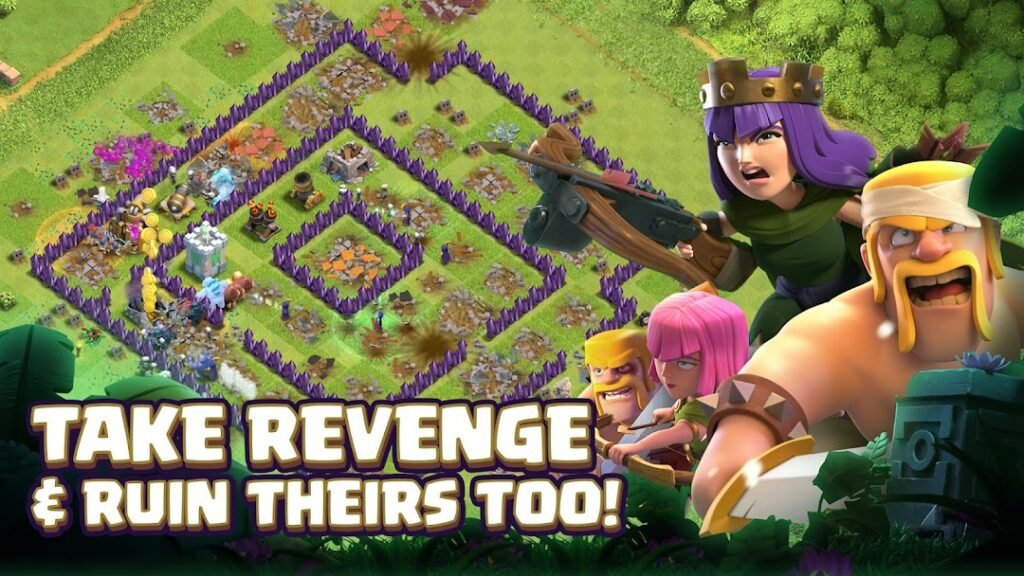
About Clash of Clans
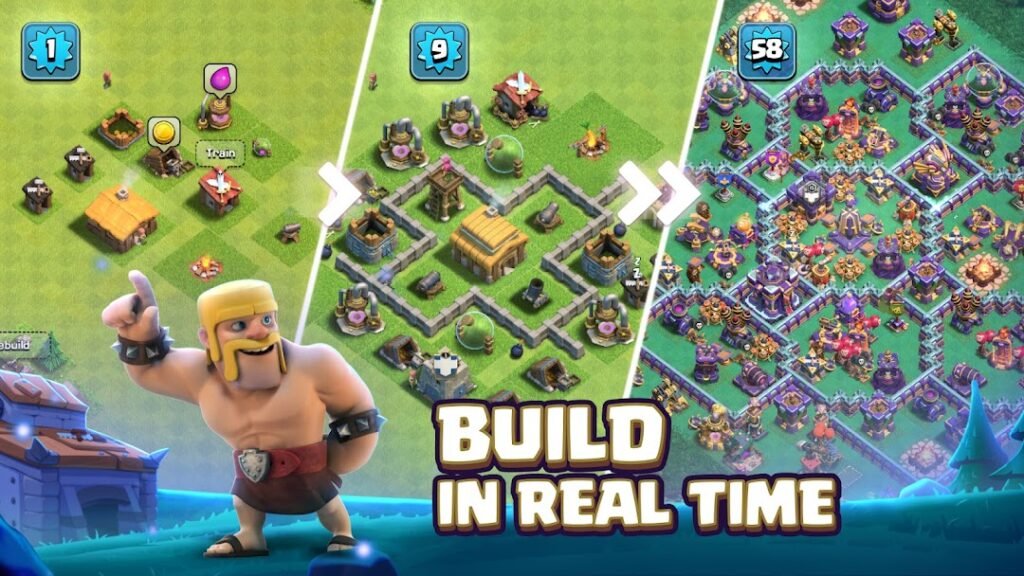
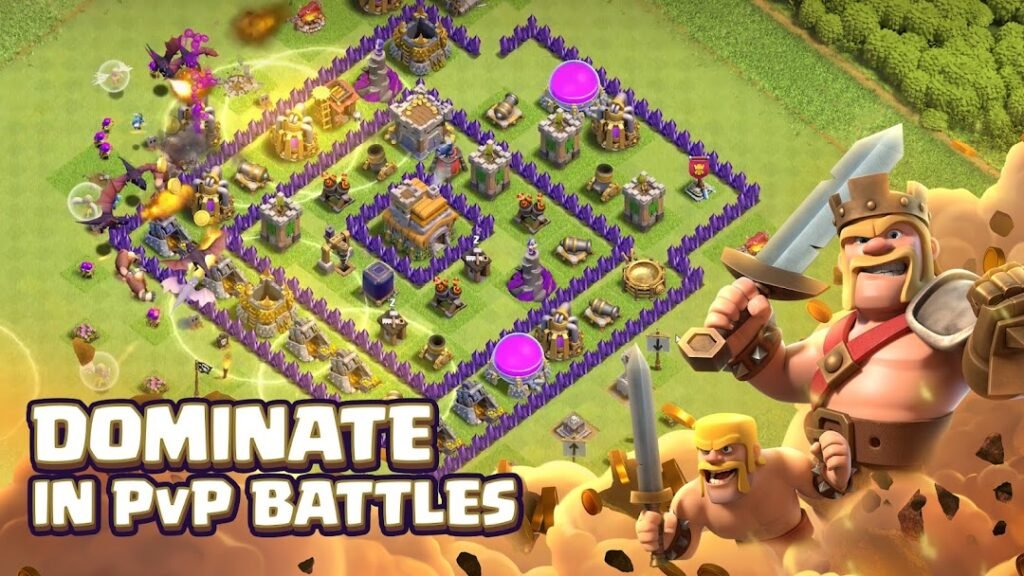
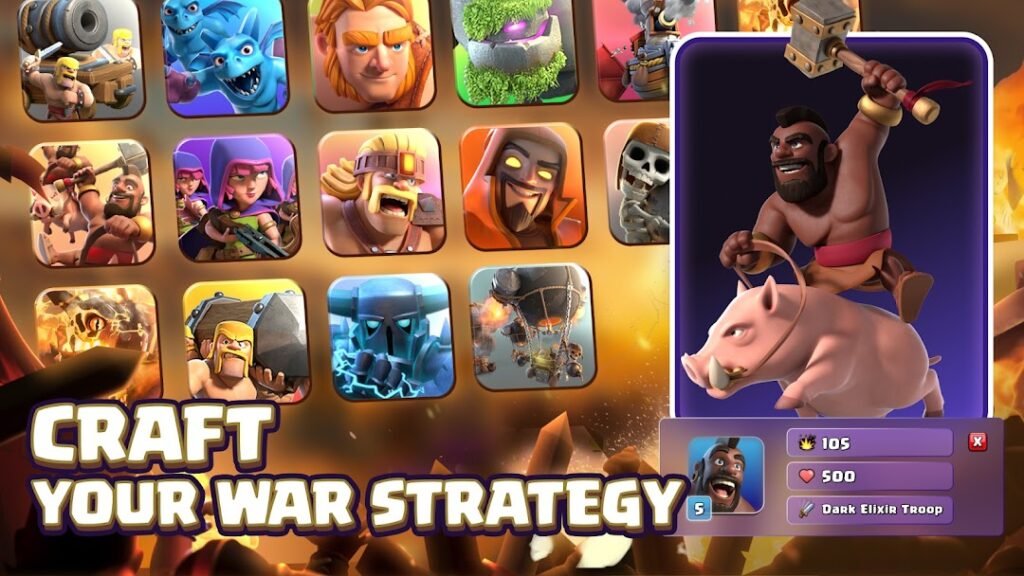
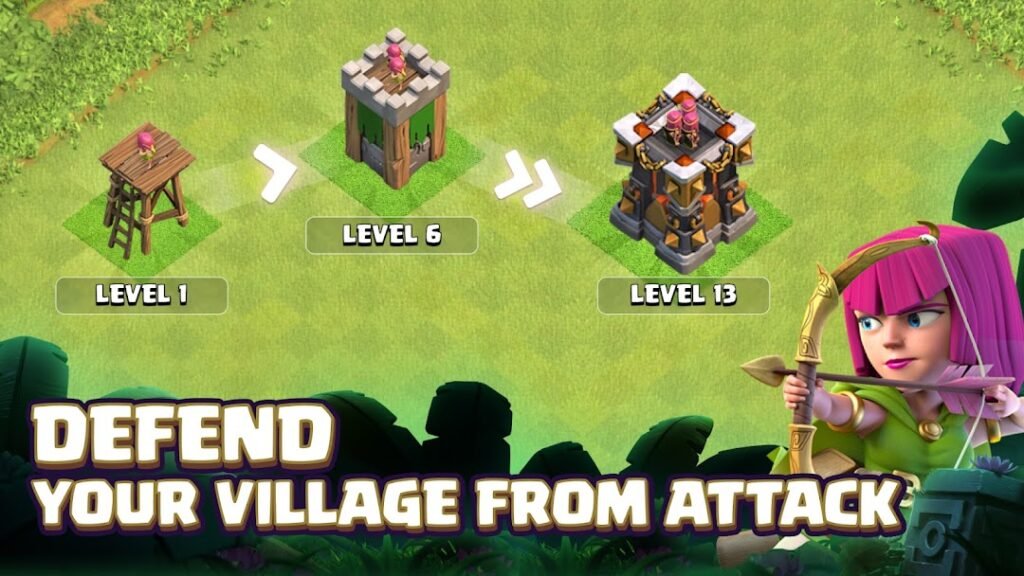
Clash of Clans, from Supercell, is a strategy game in which you build a village, collect resources and train an army to raid other players. You can join a clan to trade troops, take part in clan wars and chat with other members.
Progress is built on upgrade timers that can last hours or days, so the game suits short, frequent check-ins rather than long sessions. It is free to play with optional purchases that shorten waits. Setting a spending limit or a password for purchases is wise if children use the device.
Link the game to a Supercell ID so you can recover the village if you change phones. Download only from the official Play page, since cloned versions and private servers are a risk to your account.
How to install Clash of Clans
- Allow your browser to install appsOpen the install unknown apps setting and allow the browser or file manager you downloaded with.
- Check the detailsCompare the file size and Android requirement on this page with your download and your phone.
- Open the file and tap InstallFind it in your Downloads folder, tap it, then confirm.
- Turn the permission off againReturn to the same setting and disallow it.
Questions about Clash of Clans
How do I install the Clash of Clans APK?
Allow your browser or file manager to install unknown apps, download the file from this page, open it from your Downloads folder and tap Install. Turn the permission off again afterwards.
Where is the official Clash of Clans page?
The developer listing is on Google Play. Use the Google Play button on this page to open it.