
Mahjong Siege APK
TD-Studio / Puzzle
Screenshots


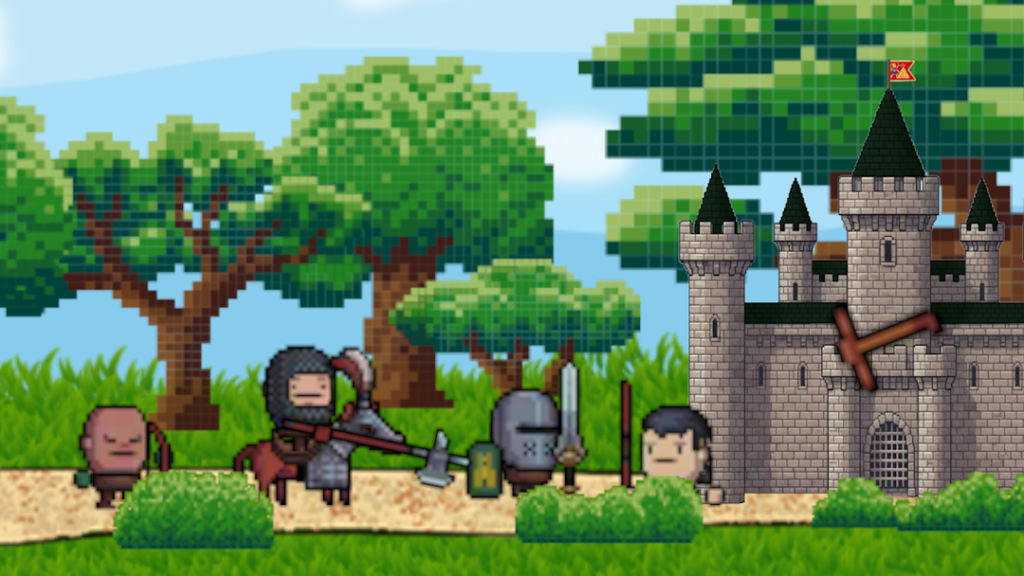
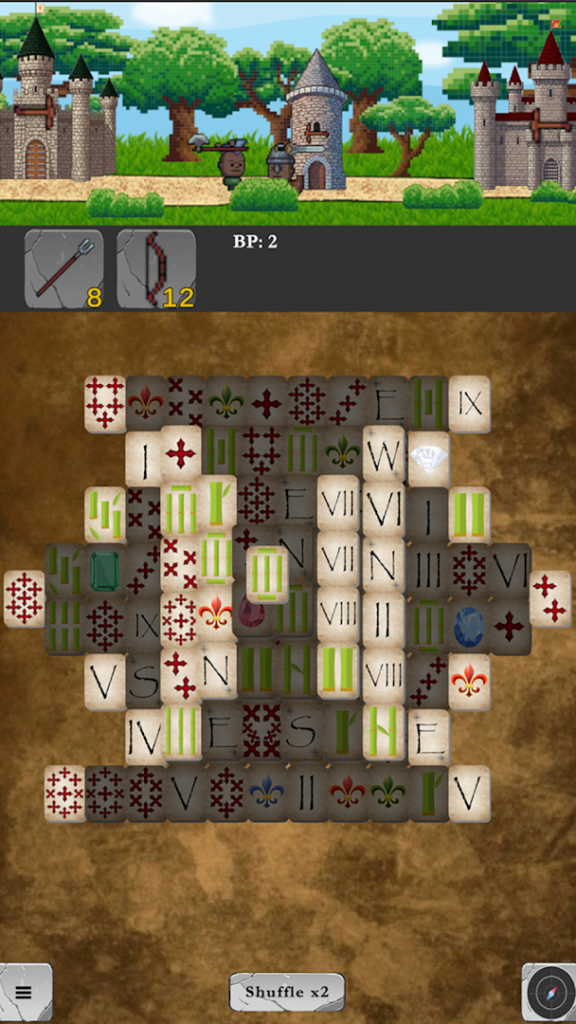
About Mahjong Siege
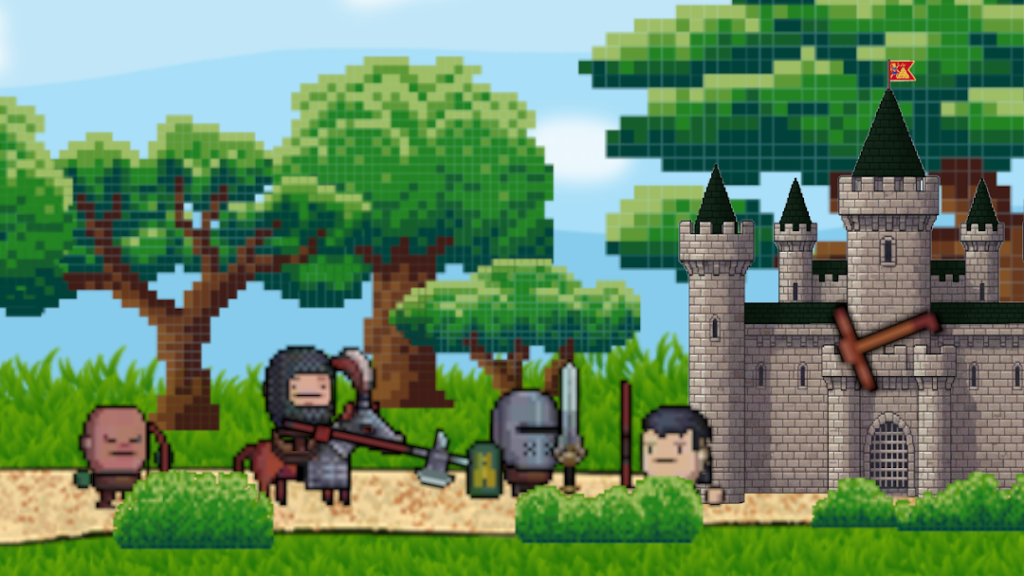
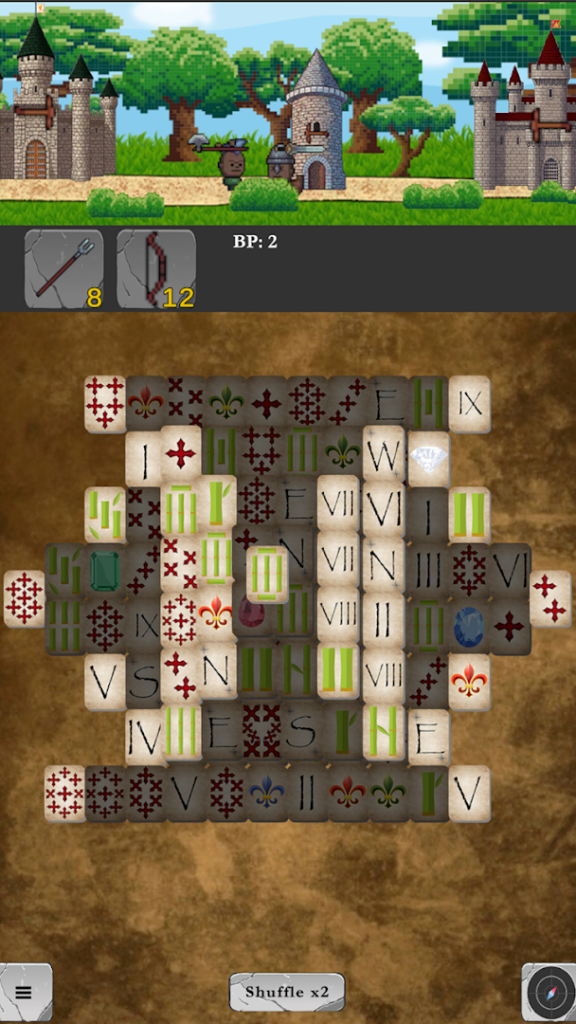
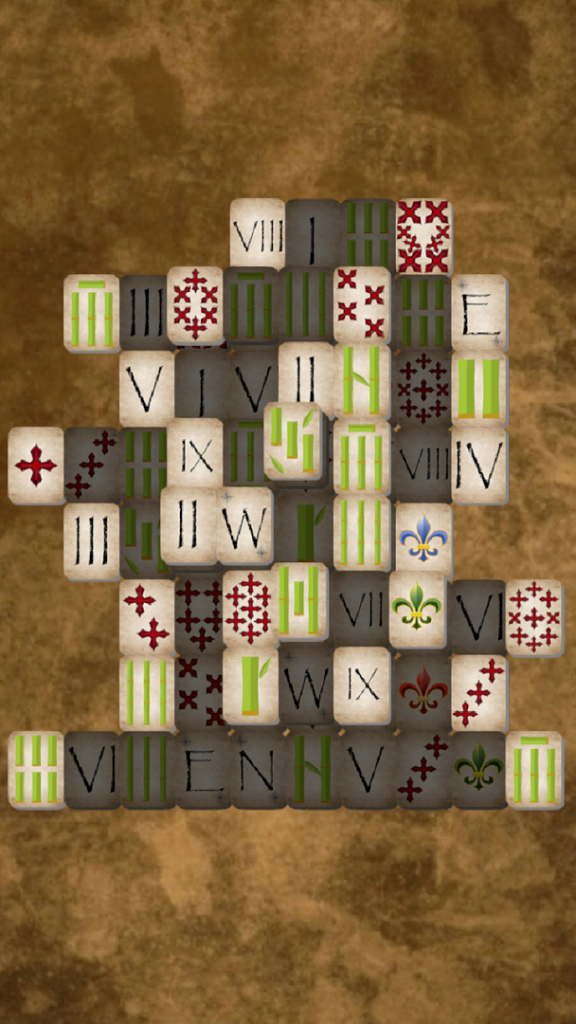
Mahjong Siege, from TD-Studio, combines two ideas. The listing describes matching tiles quickly and deploying units smartly, in a game where mahjong meets tactical tug-of-line action.
It has only a handful of installs and no rating yet, so it is very new and there is almost no feedback from other players. That does not make it bad, but it means you should read the description and screenshots carefully, check the permissions it asks for and be careful with any purchase.
Experimental hybrids can be fun, but they can also change a lot through early updates, so keep the app updated if you decide to try it.
How to install Mahjong Siege
- Allow your browser to install appsOpen the install unknown apps setting and allow the browser or file manager you downloaded with.
- Check the detailsCompare the file size and Android requirement on this page with your download and your phone.
- Open the file and tap InstallFind it in your Downloads folder, tap it, then confirm.
- Turn the permission off againReturn to the same setting and disallow it.
Questions about Mahjong Siege
How do I install the Mahjong Siege APK?
Allow your browser or file manager to install unknown apps, download the file from this page, open it from your Downloads folder and tap Install. Turn the permission off again afterwards.
Where is the official Mahjong Siege page?
The developer listing is on Google Play. Use the Google Play button on this page to open it.