Minecraft: Dream it, Build it! APK
Mojang / Arcade
Screenshots
About Minecraft: Dream it, Build it!
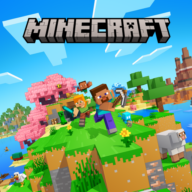
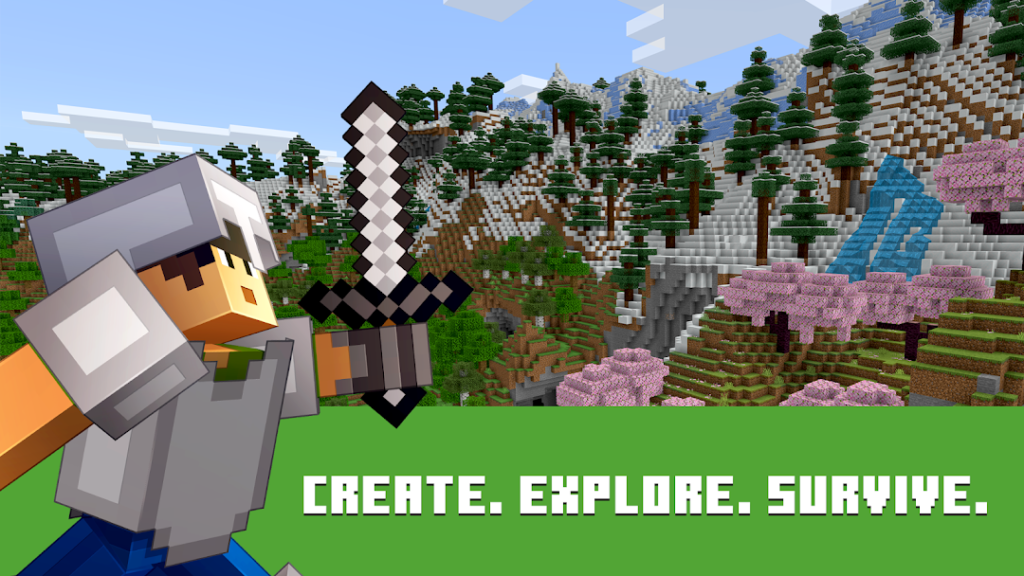
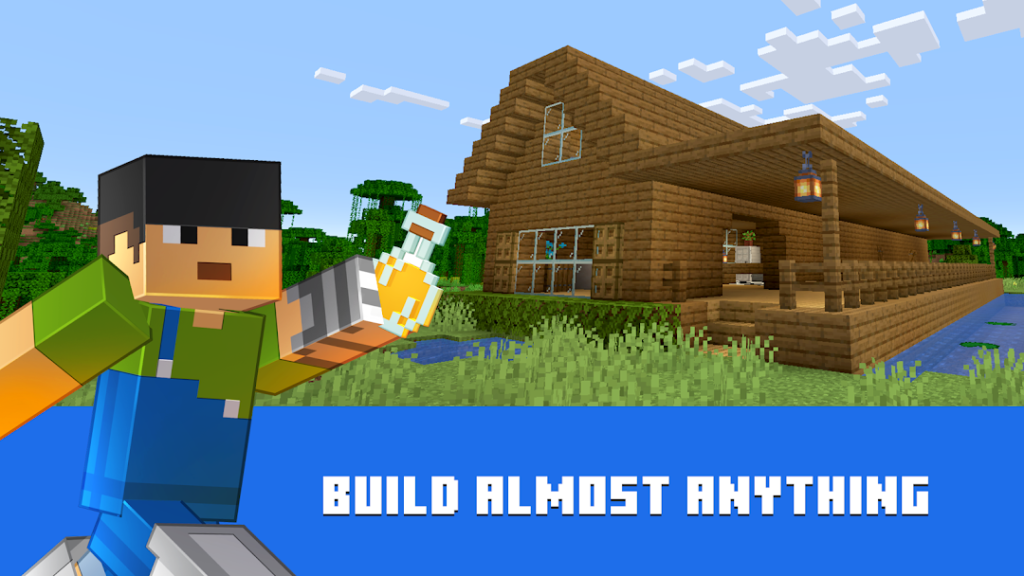
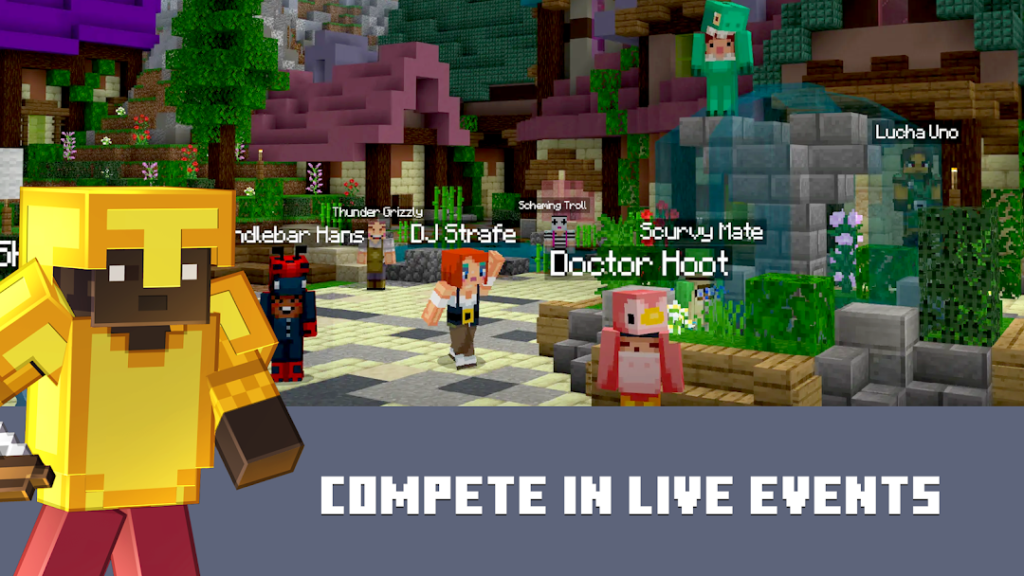
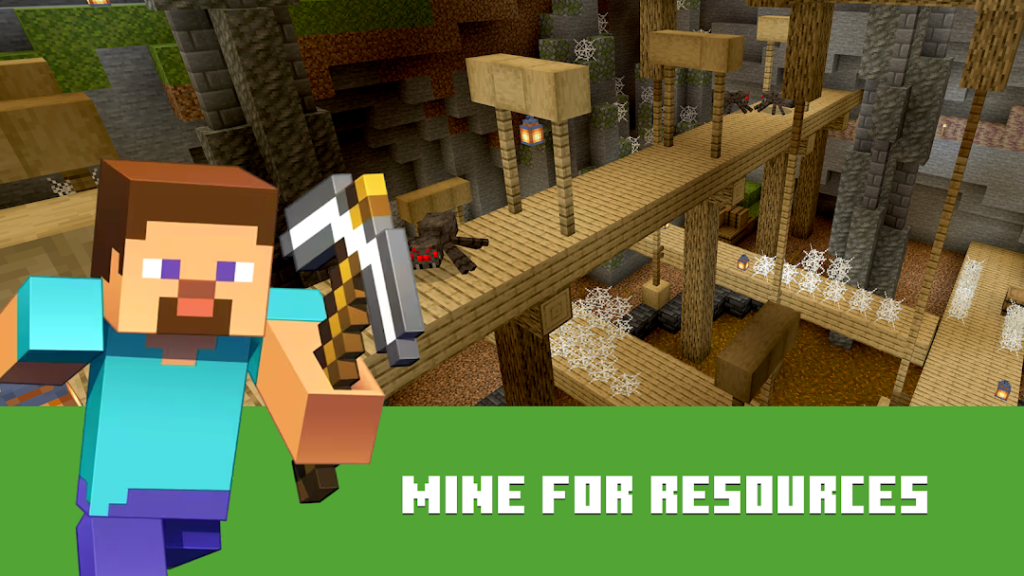
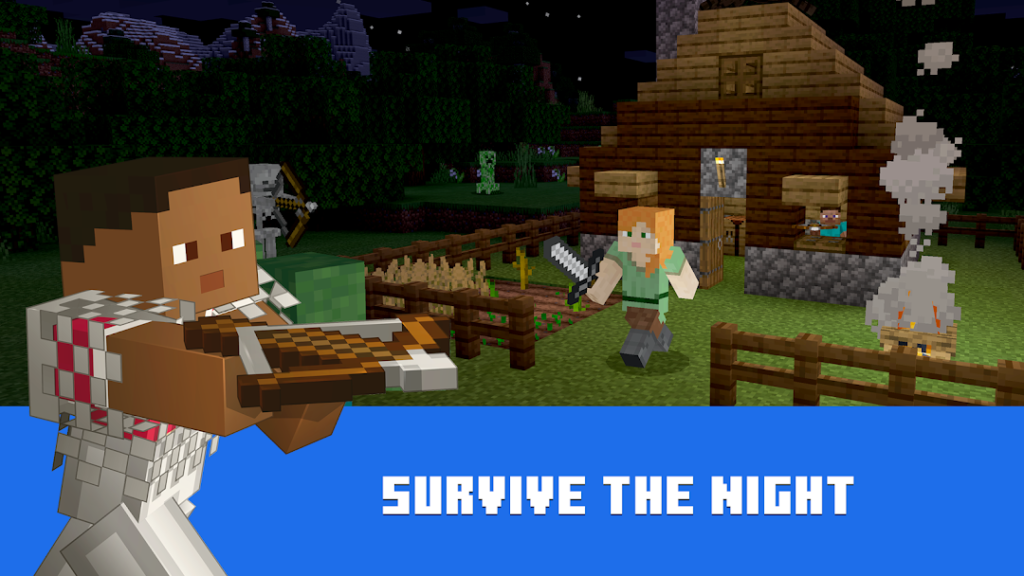
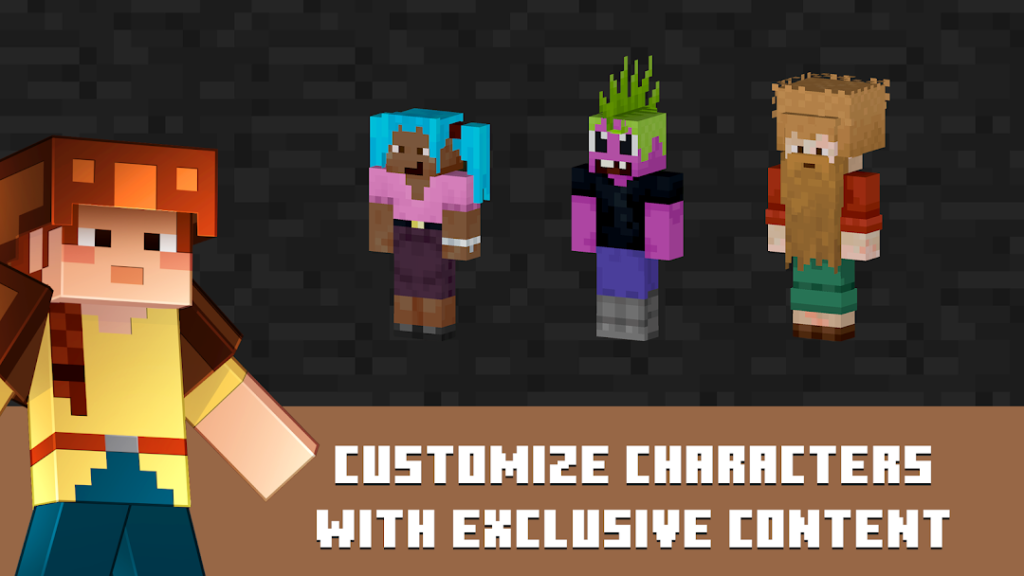
Minecraft, from Mojang Studios, is a sandbox game built around blocks. In creative mode you build freely with unlimited materials, while survival mode asks you to gather resources, craft tools and stay safe from mobs after dark. The Android version is the Bedrock edition, which supports cross-play with other platforms that also run Bedrock.
Worlds can be played alone or with friends on servers, on a local network or through the optional Realms subscription. Because worlds, add-ons and downloaded content take space, keep several gigabytes free, and think about storage before you add many packs.
Unlike most games in this library, Minecraft is a paid app on Google Play, so you pay once rather than seeing ads. Buying from the official Play page protects you from fake copies, which are common because the game is so popular.
How to install Minecraft: Dream it, Build it!
- Allow your browser to install appsOpen the install unknown apps setting and allow the browser or file manager you downloaded with.
- Check the detailsCompare the file size and Android requirement on this page with your download and your phone.
- Open the file and tap InstallFind it in your Downloads folder, tap it, then confirm.
- Turn the permission off againReturn to the same setting and disallow it.
Questions about Minecraft: Dream it, Build it!
How do I install the Minecraft: Dream it, Build it! APK?
Allow your browser or file manager to install unknown apps, download the file from this page, open it from your Downloads folder and tap Install. Turn the permission off again afterwards.
Where is the official Minecraft: Dream it, Build it! page?
The developer listing is on Google Play. Use the Google Play button on this page to open it.