Roblox APK
Roblox Corporation / Adventure
Screenshots
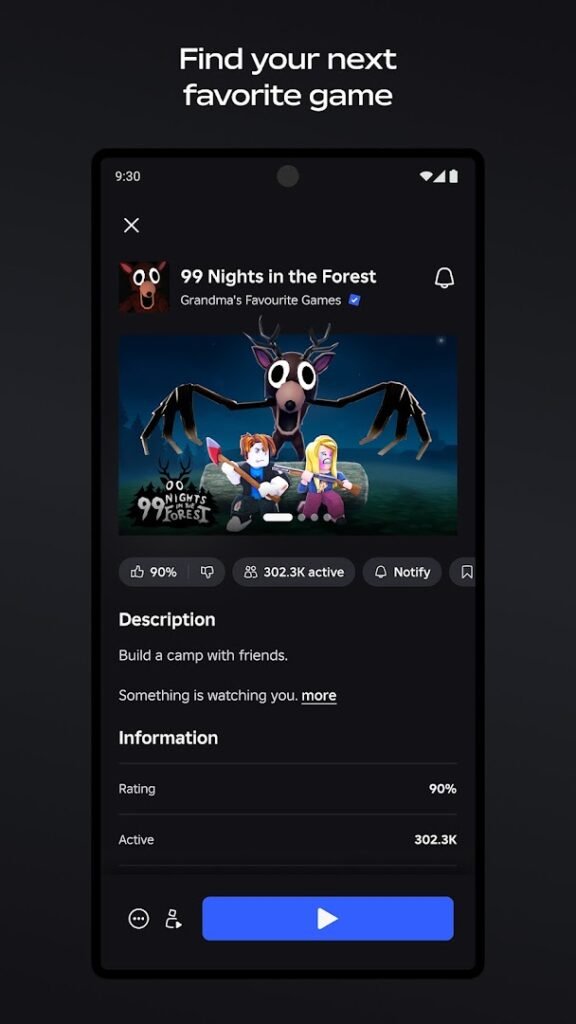
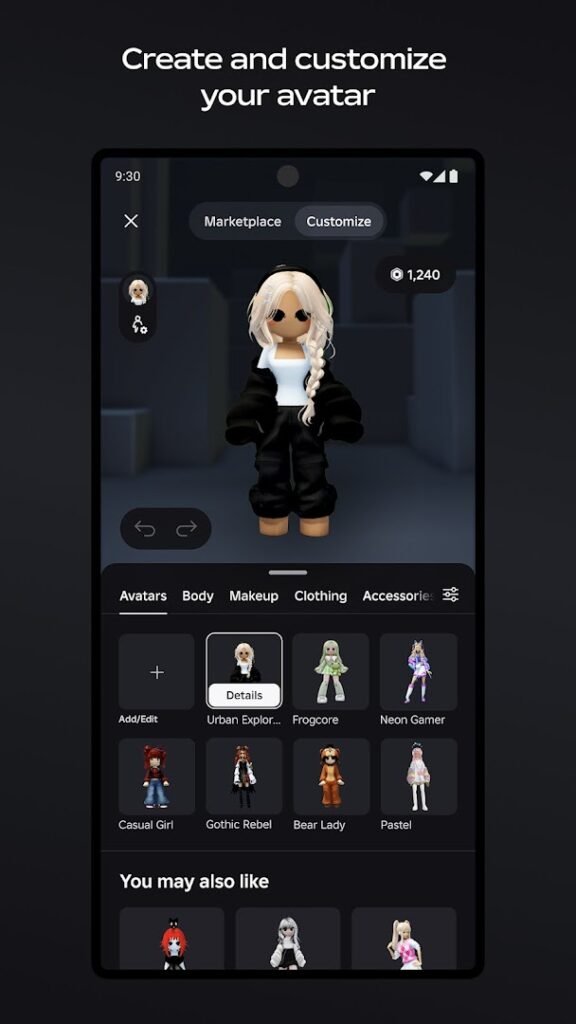
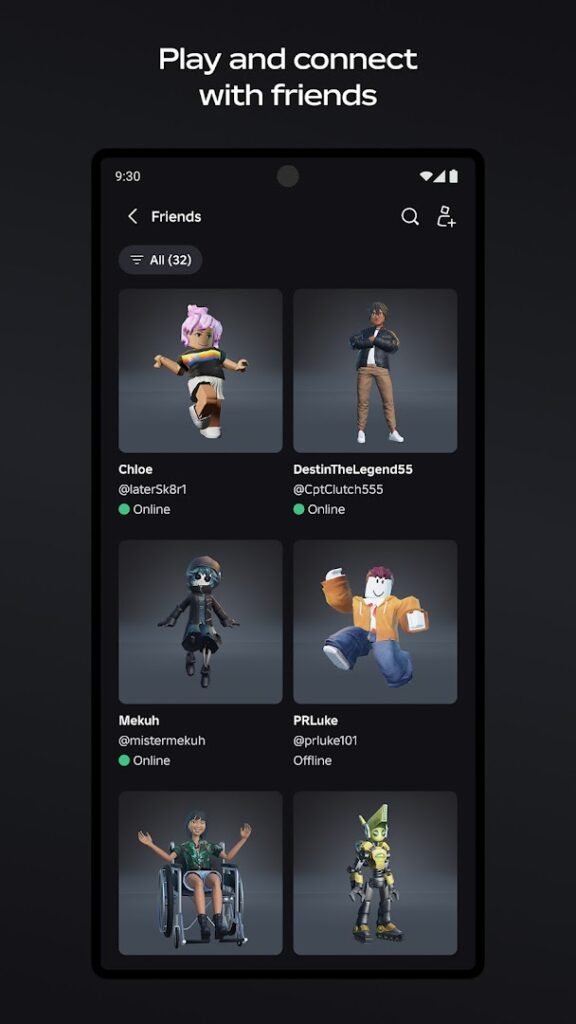
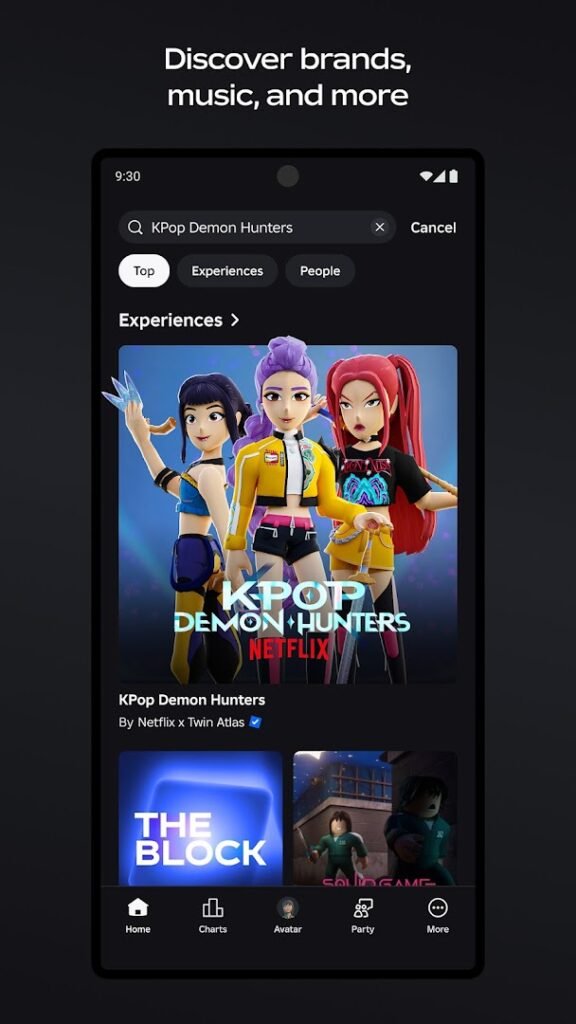
About Roblox
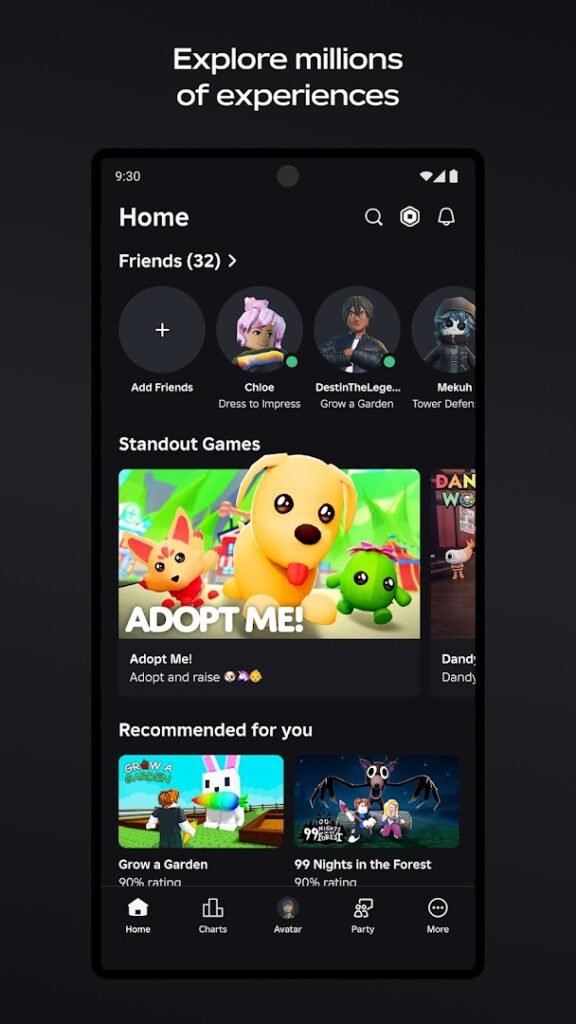
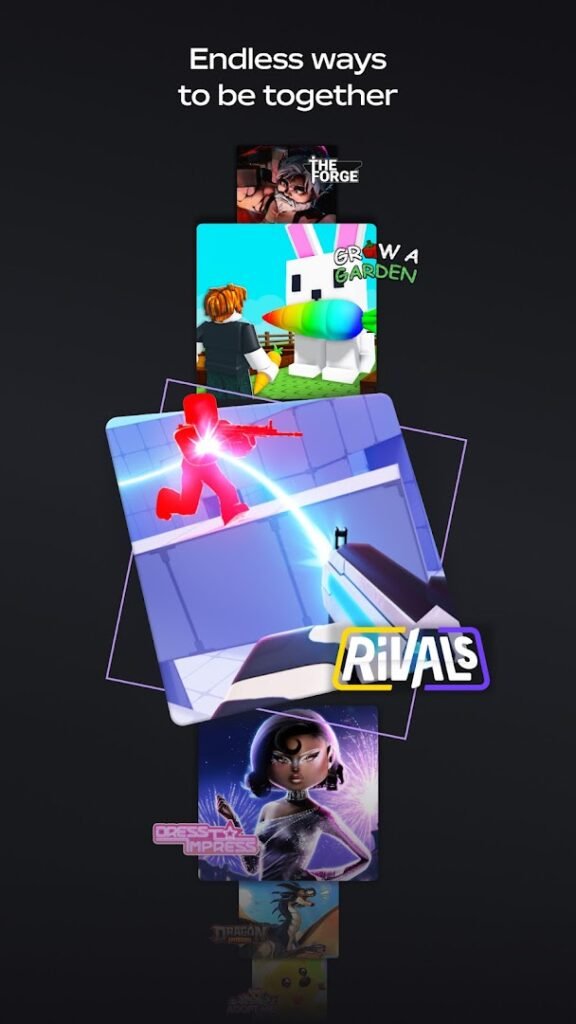
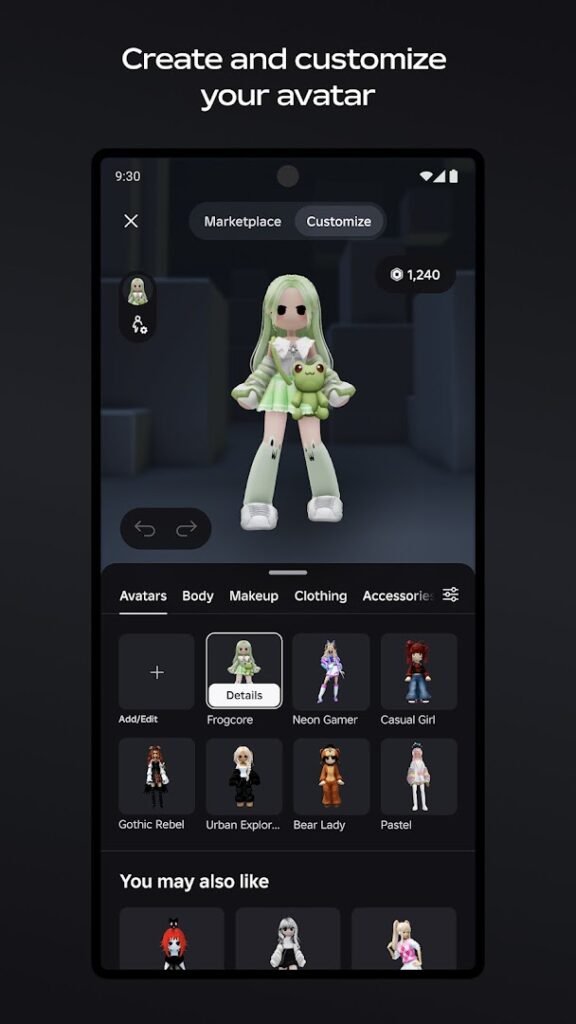
Roblox is a platform rather than a single game. Players create and share experiences, from obstacle courses to role-playing worlds, and anyone can join the ones they like using one account.
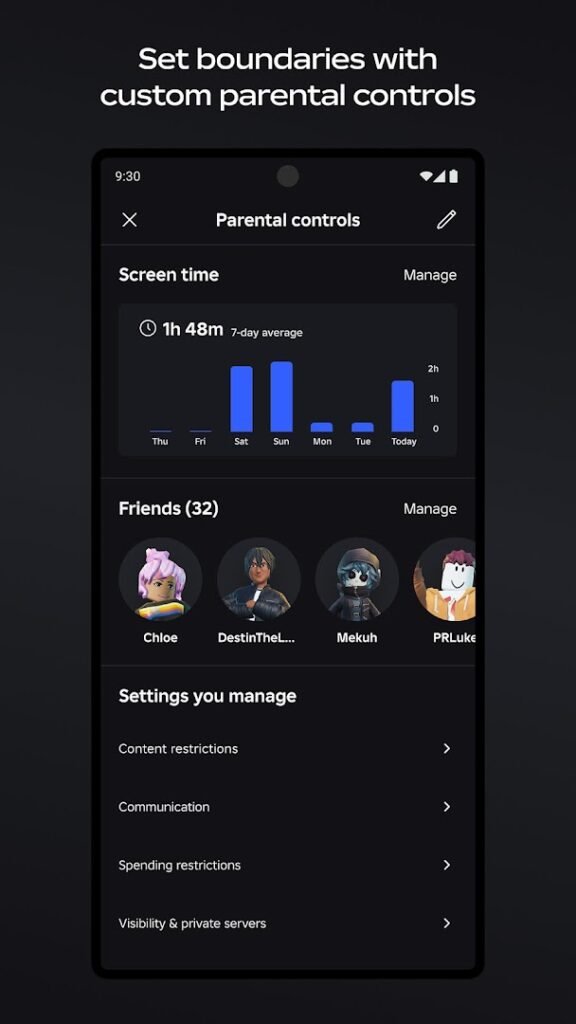
Because most of the content is made by the community, quality and suitability vary widely. The platform includes chat, friends and a currency called Robux that is bought with real money, so parents should use the parental controls and account restrictions, check who can message a child and review the age rating before installing.
Roblox games can be large and demanding on older phones, so check storage and the Android requirement first.
How to install Roblox
- Allow your browser to install appsOpen the install unknown apps setting and allow the browser or file manager you downloaded with.
- Check the detailsCompare the file size and Android requirement on this page with your download and your phone.
- Open the file and tap InstallFind it in your Downloads folder, tap it, then confirm.
- Turn the permission off againReturn to the same setting and disallow it.
Questions about Roblox
How do I install the Roblox APK?
Allow your browser or file manager to install unknown apps, download the file from this page, open it from your Downloads folder and tap Install. Turn the permission off again afterwards.
Where is the official Roblox page?
The developer listing is on Google Play. Use the Google Play button on this page to open it.