
School Planner APK
Andrea Dal Cin / Education
Screenshots
About School Planner
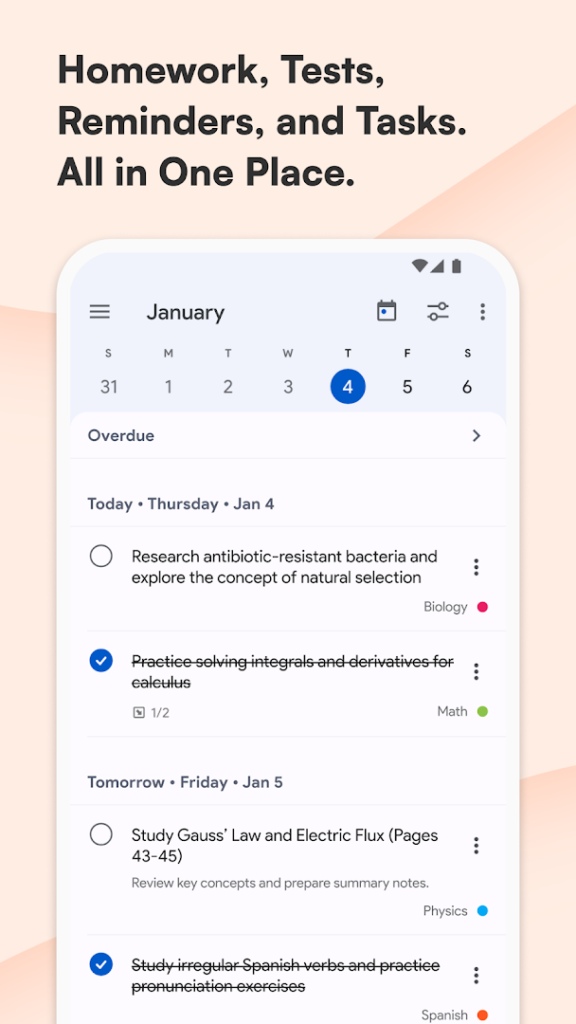
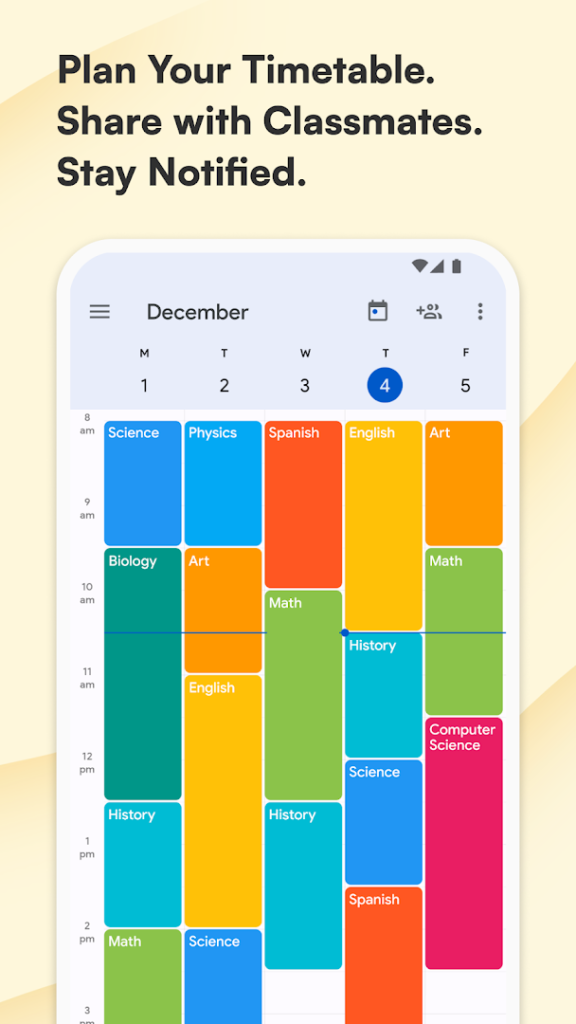
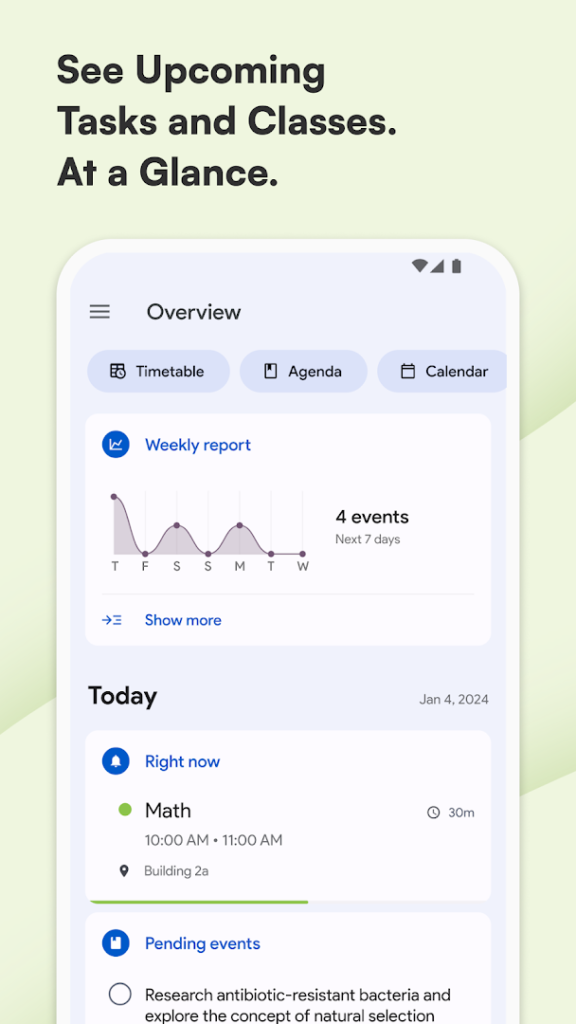
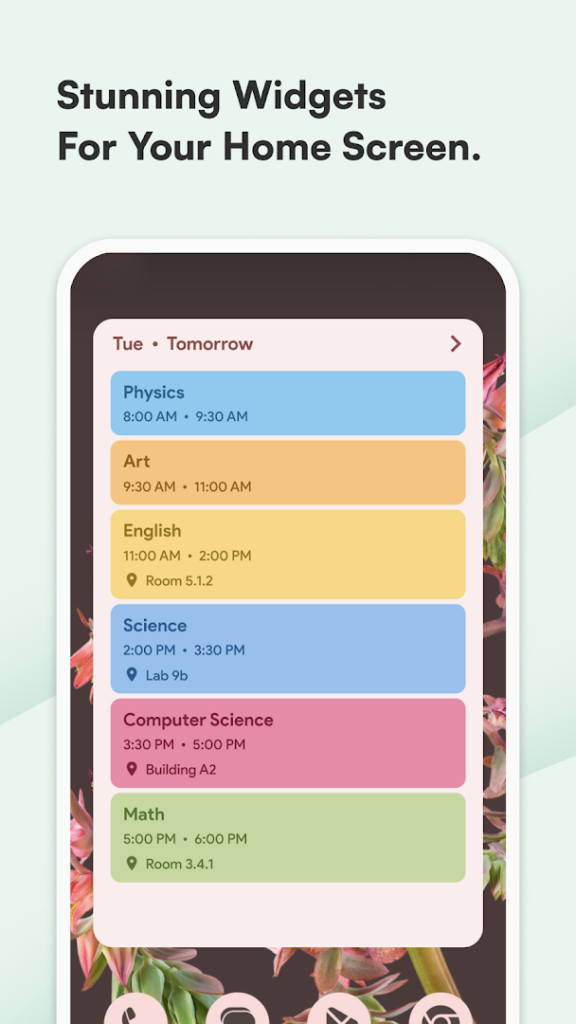
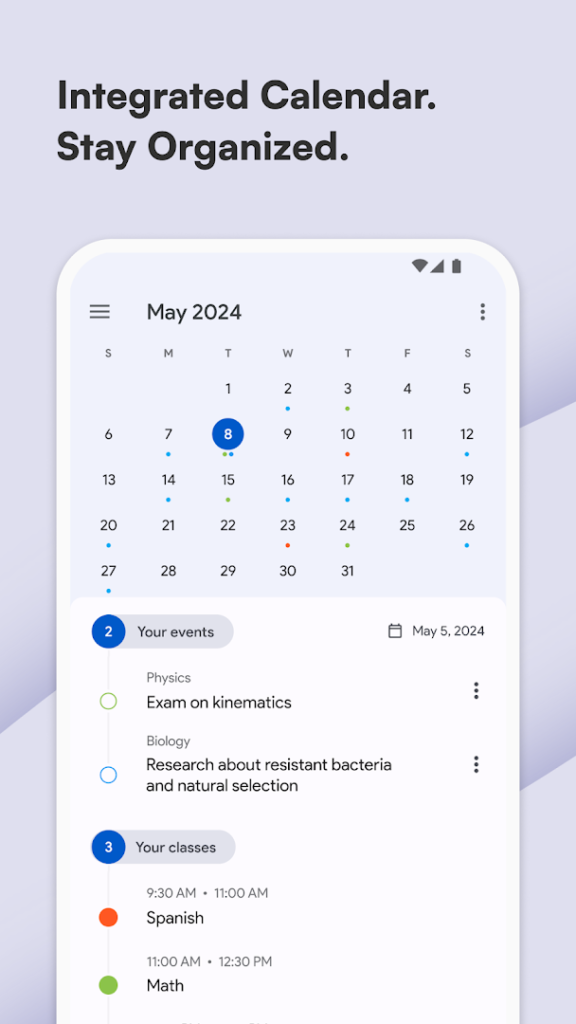
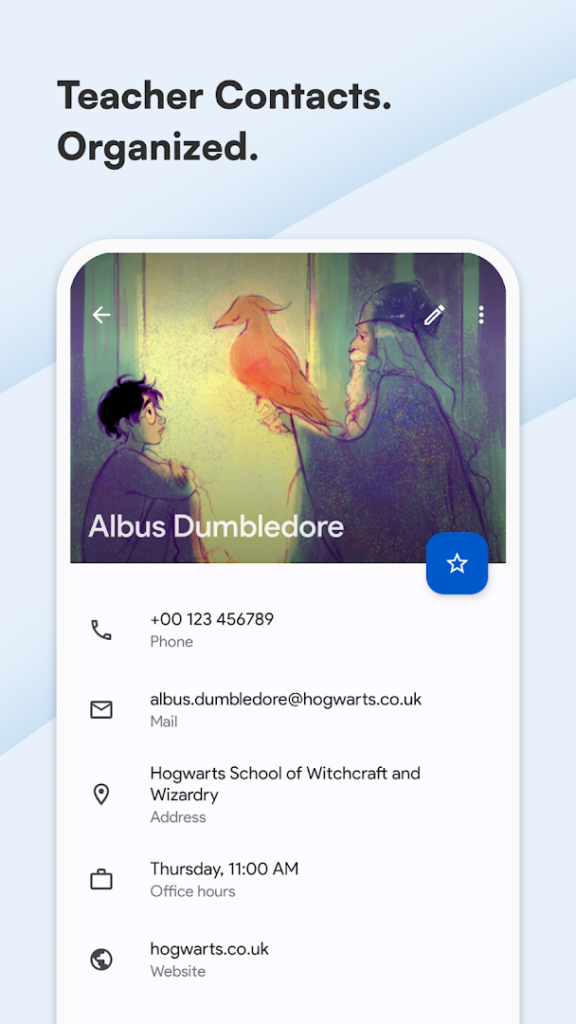
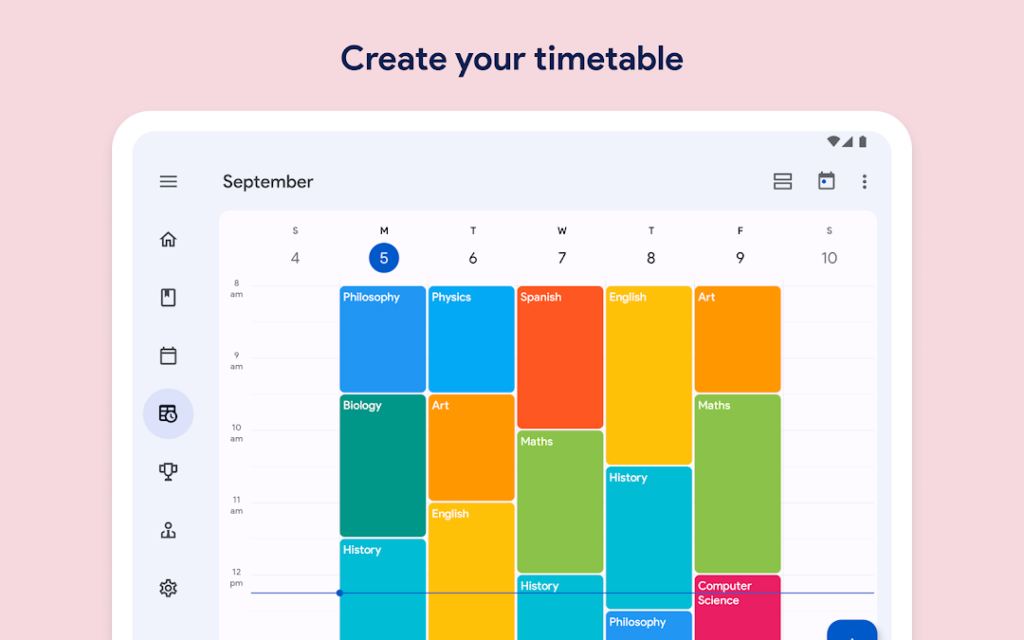
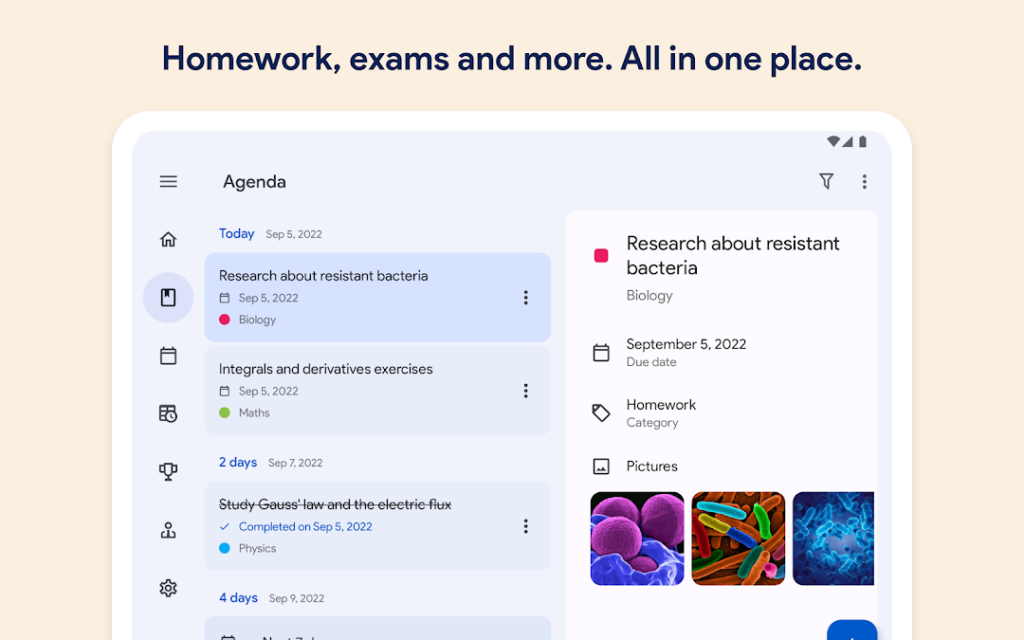
School Planner, from developer Andrea Dal Cin, is a digital planner for students. The listing asks whether you are ready to throw away your paper diary, which tells you the aim: keep homework, timetable and important dates in one place on your phone.
Planner apps of this kind typically cover a weekly timetable, assignments with due dates and reminders. A phone planner is easy to carry and can nudge you before a deadline, while a paper diary has no battery or notifications to distract you. Choose the one you will actually open every day.
With over 10 million installs it is one of the more widely used planners. Check whether it works offline and whether it backs up your data before you enter a whole term of information.
How to install School Planner
- Allow your browser to install appsOpen the install unknown apps setting and allow the browser or file manager you downloaded with.
- Check the detailsCompare the file size and Android requirement on this page with your download and your phone.
- Open the file and tap InstallFind it in your Downloads folder, tap it, then confirm.
- Turn the permission off againReturn to the same setting and disallow it.
Questions about School Planner
How do I install the School Planner APK?
Allow your browser or file manager to install unknown apps, download the file from this page, open it from your Downloads folder and tap Install. Turn the permission off again afterwards.
Where is the official School Planner page?
The developer listing is on Google Play. Use the Google Play button on this page to open it.