
Spotify: Music and Podcasts APK
Spotify AB / Music & Audio
Screenshots
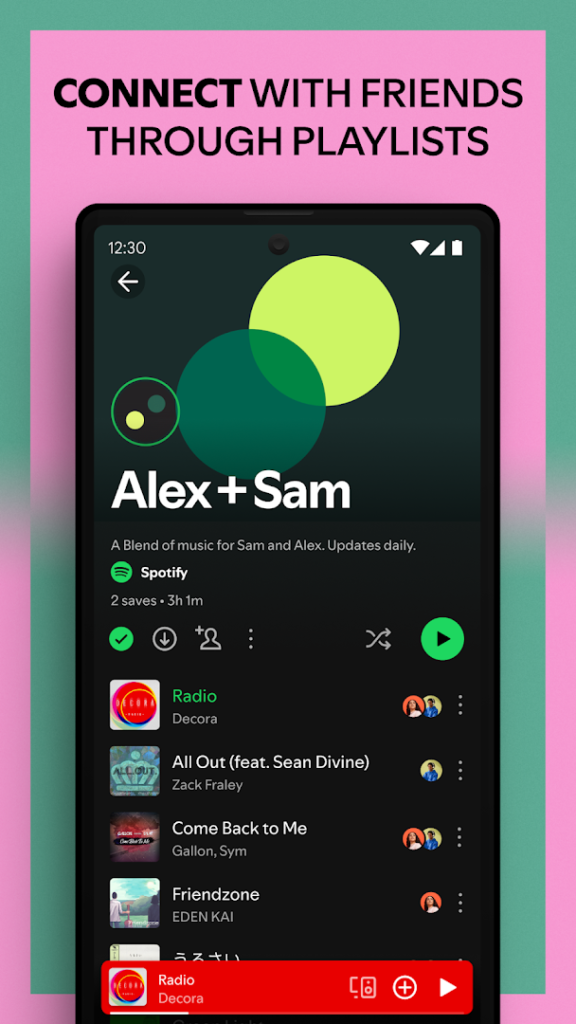
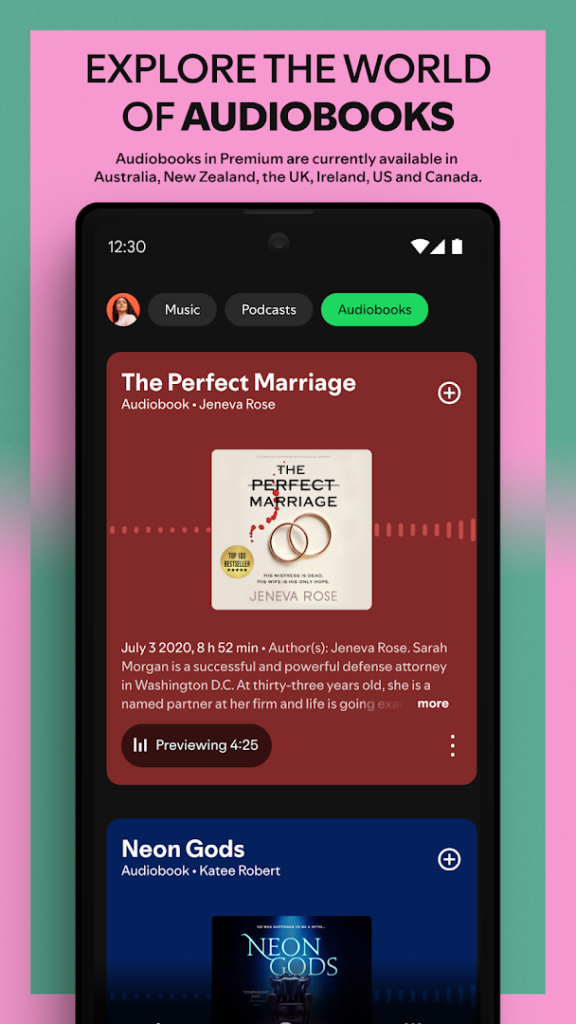
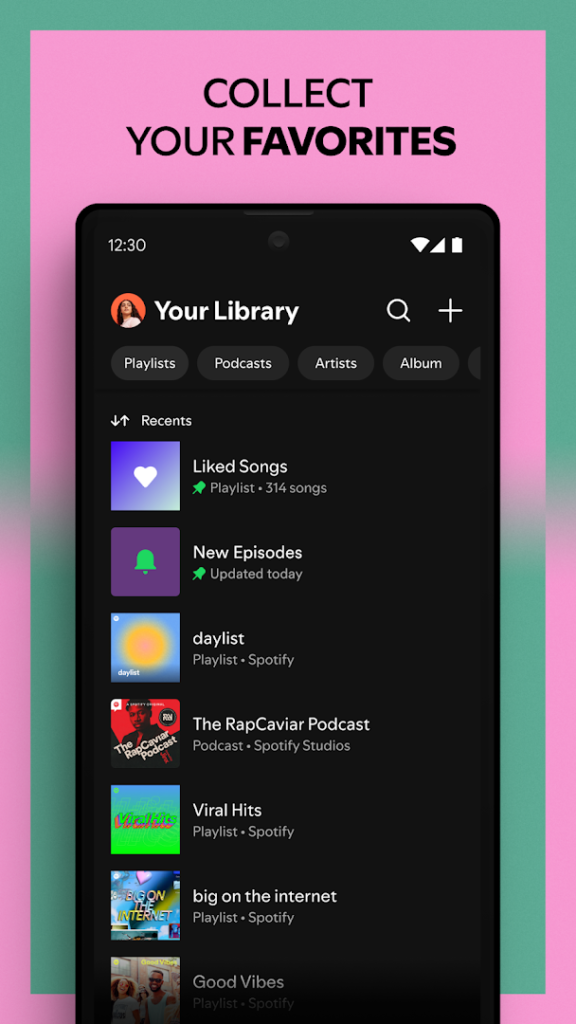
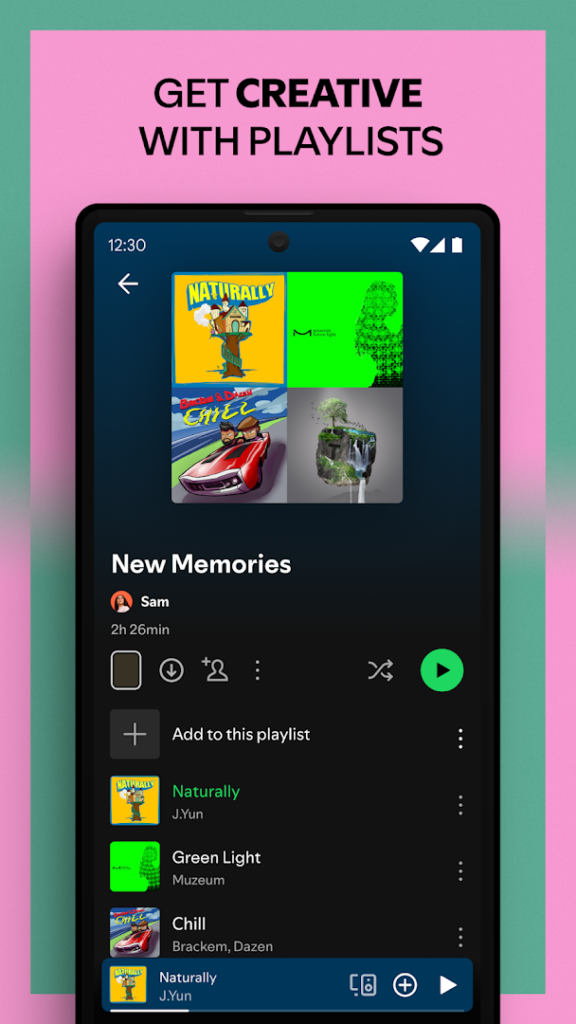
About Spotify: Music and Podcasts
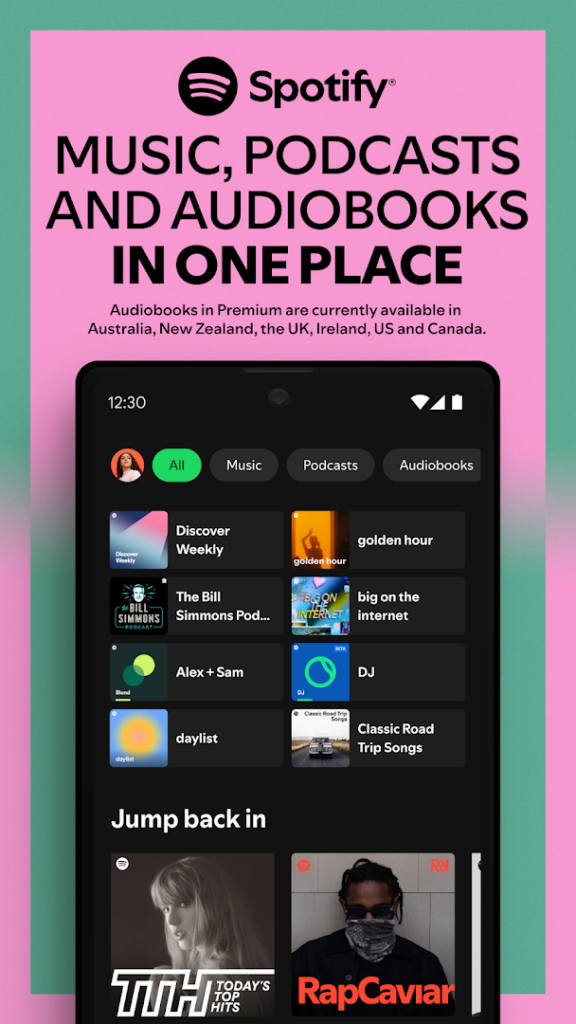
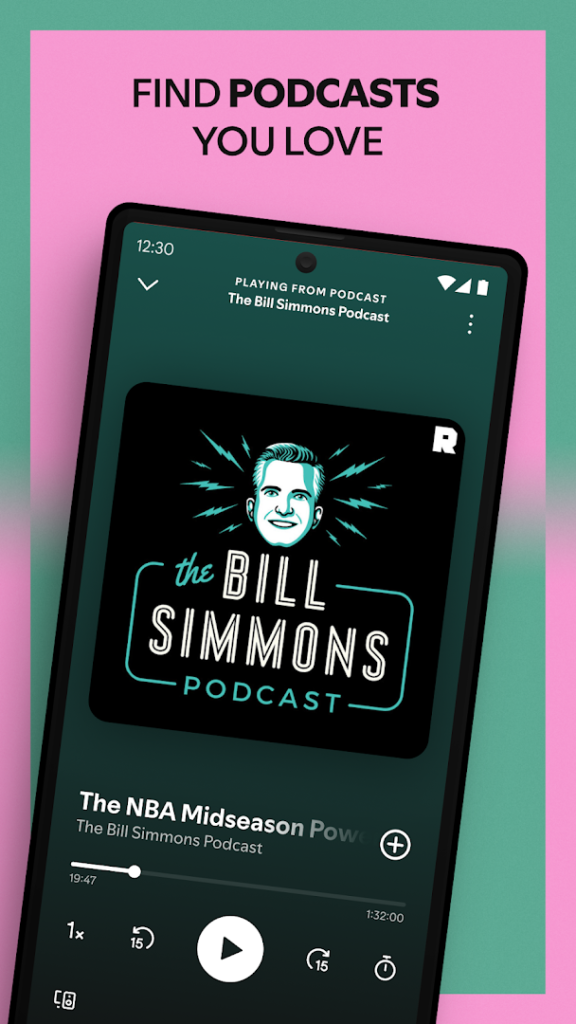
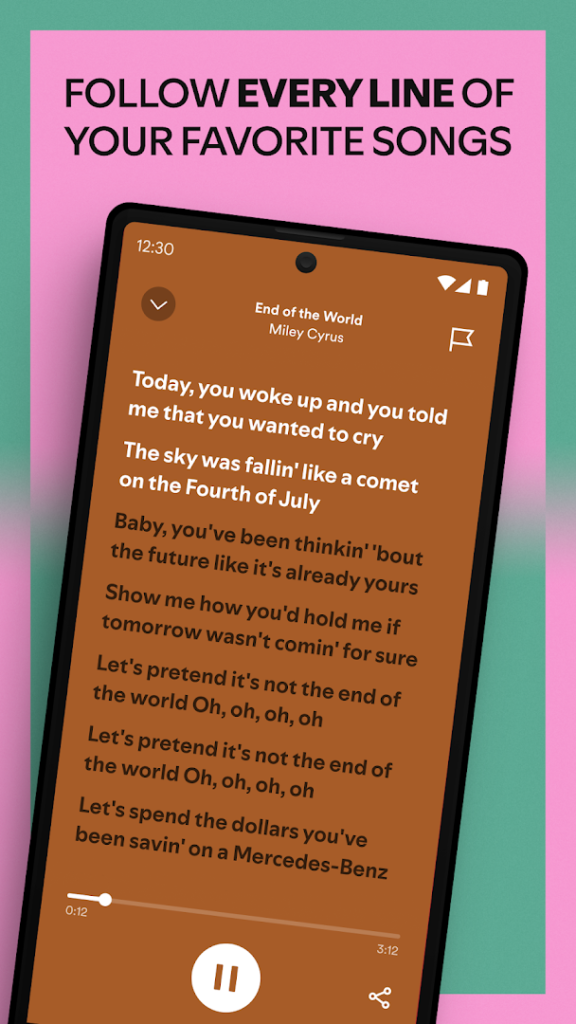
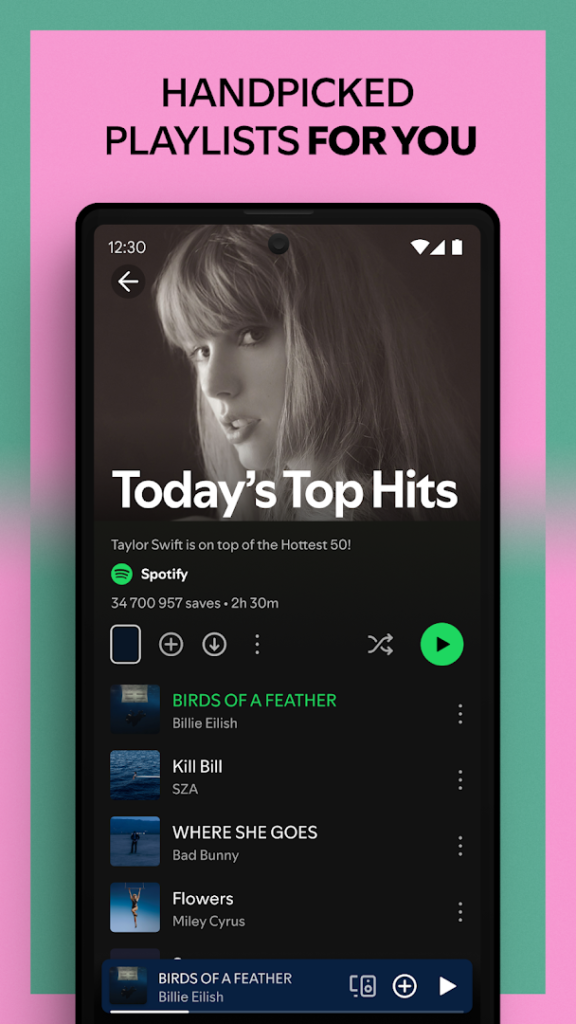
Spotify is a streaming service for music and podcasts. You can search for songs, follow artists, build playlists and get personalised recommendations based on what you listen to.
It offers a free plan supported by ads, with some limits on skipping and on-demand listening, and a paid Premium plan that removes ads and allows offline downloads. Features and pricing vary by country, so read the plan details inside the app before you subscribe.
Downloaded music takes storage, so check how much space your offline library uses if your phone is nearly full. Install it from the official Play page, since modified copies that unlock Premium are a common way to spread malware and break the service terms.
How to install Spotify: Music and Podcasts
- Allow your browser to install appsOpen the install unknown apps setting and allow the browser or file manager you downloaded with.
- Check the detailsCompare the file size and Android requirement on this page with your download and your phone.
- Open the file and tap InstallFind it in your Downloads folder, tap it, then confirm.
- Turn the permission off againReturn to the same setting and disallow it.
Questions about Spotify: Music and Podcasts
How do I install the Spotify: Music and Podcasts APK?
Allow your browser or file manager to install unknown apps, download the file from this page, open it from your Downloads folder and tap Install. Turn the permission off again afterwards.
Where is the official Spotify: Music and Podcasts page?
The developer listing is on Google Play. Use the Google Play button on this page to open it.