VLC for Android APK
Videolabs / Video Players
Screenshots
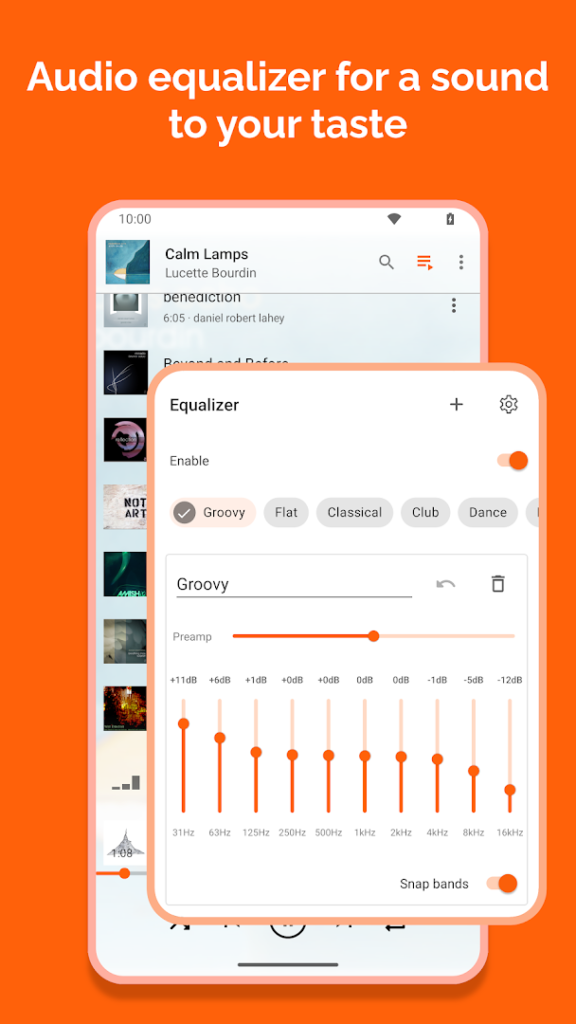
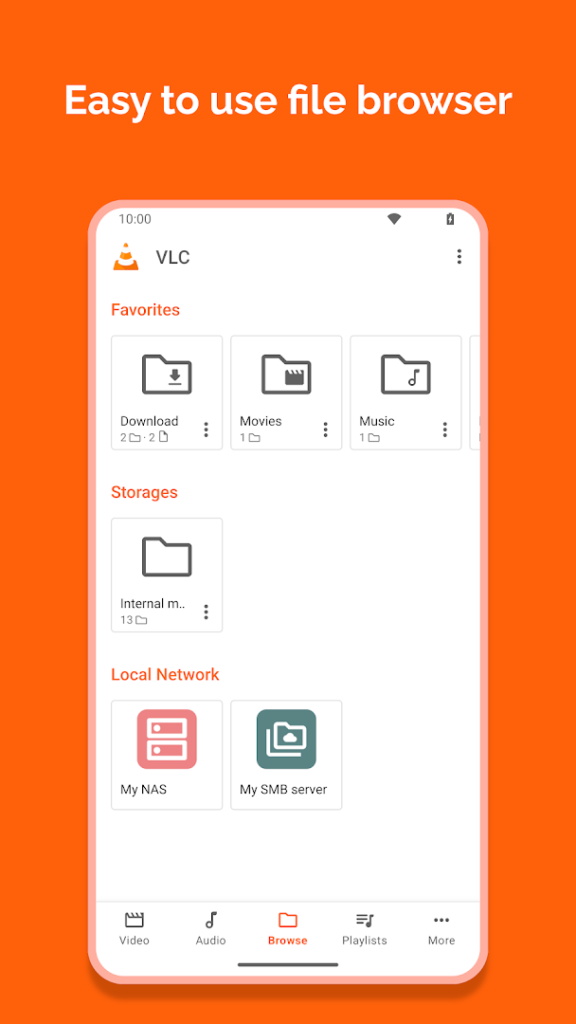
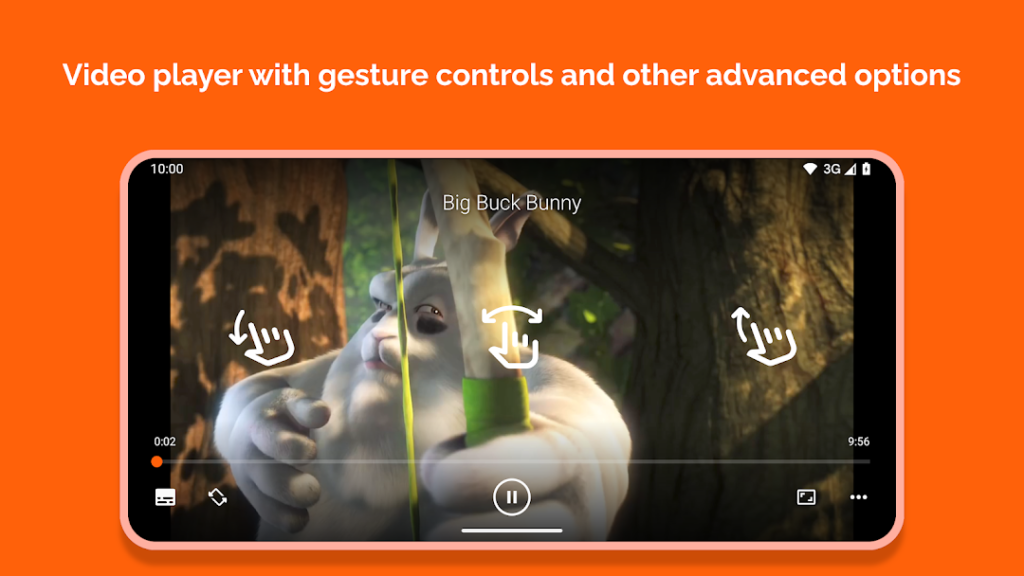
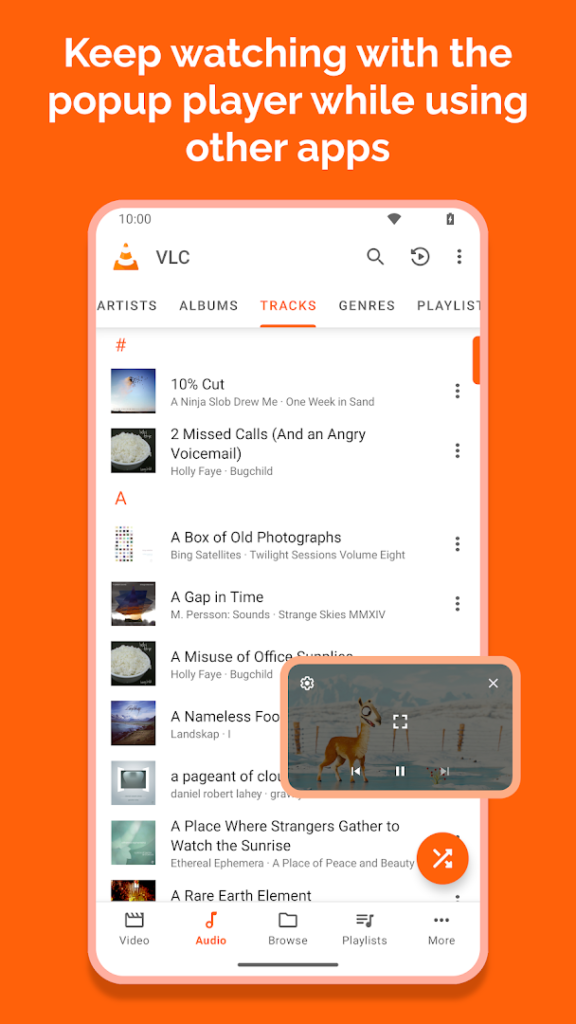
About VLC for Android
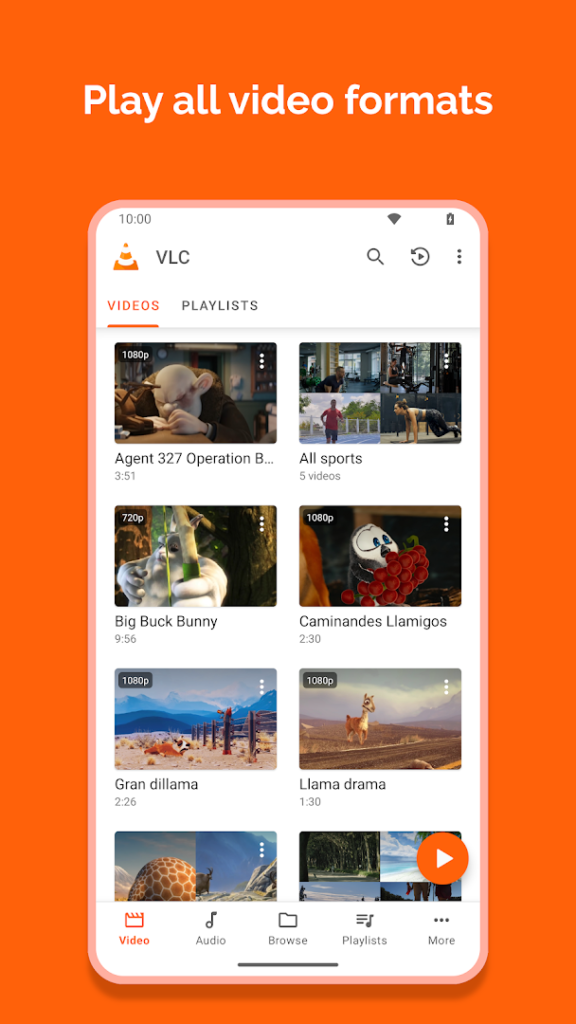
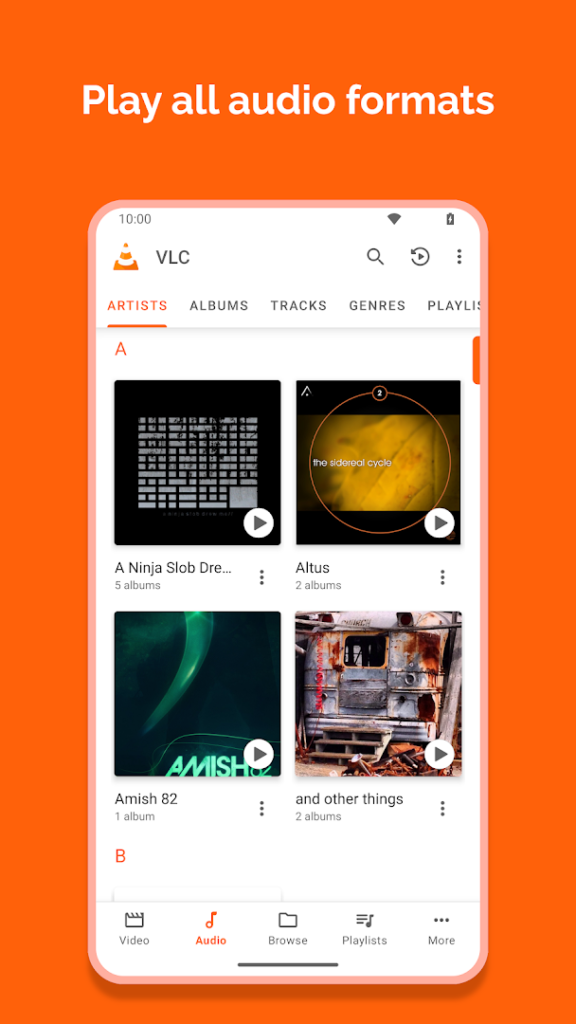
VLC for Android is the mobile version of the VideoLAN media player. It plays a very wide range of audio and video formats without extra codecs, and it can open files from local storage, network shares and streaming links.
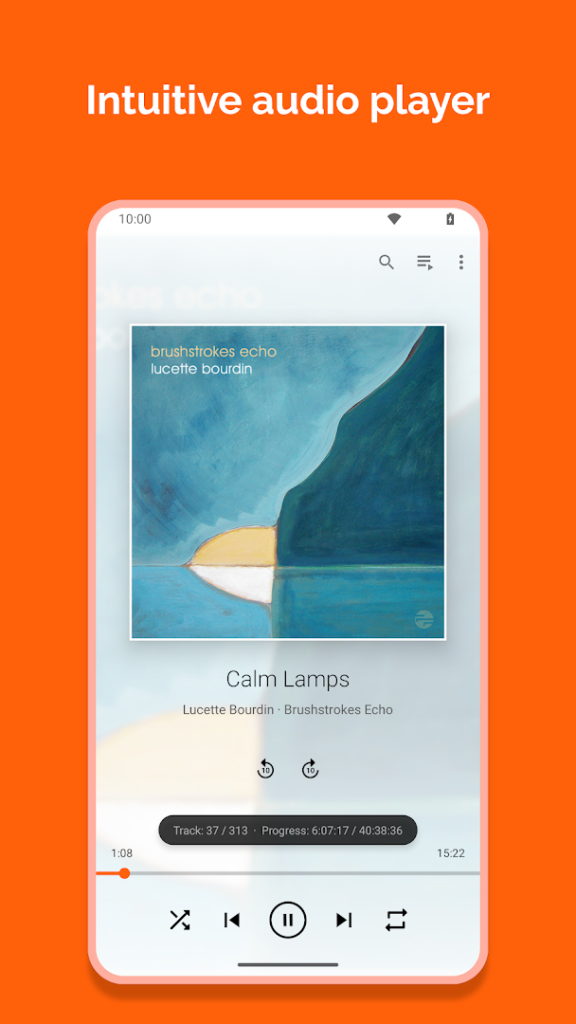
It is free and open source with no ads, and it includes features such as subtitle support, playback speed control and background audio. Because it is a general-purpose player, it is a useful tool to keep on a phone that receives video files in unusual formats.
Use the official Play page or the VideoLAN website to get it, as copies that look like VLC but add adverts or tracking can exist.
How to install VLC for Android
- Allow your browser to install appsOpen the install unknown apps setting and allow the browser or file manager you downloaded with.
- Check the detailsCompare the file size and Android requirement on this page with your download and your phone.
- Open the file and tap InstallFind it in your Downloads folder, tap it, then confirm.
- Turn the permission off againReturn to the same setting and disallow it.
Questions about VLC for Android
How do I install the VLC for Android APK?
Allow your browser or file manager to install unknown apps, download the file from this page, open it from your Downloads folder and tap Install. Turn the permission off again afterwards.
Where is the official VLC for Android page?
The developer listing is on Google Play. Use the Google Play button on this page to open it.