
Duolingo: Learn Languages APK
Duolingo / Education
Screenshots


About Duolingo: Learn Languages
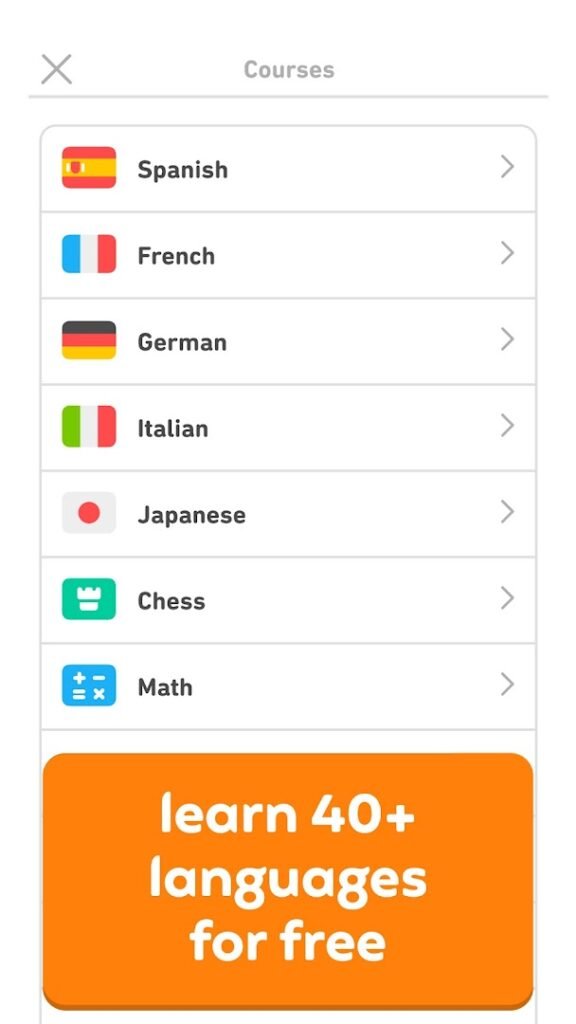
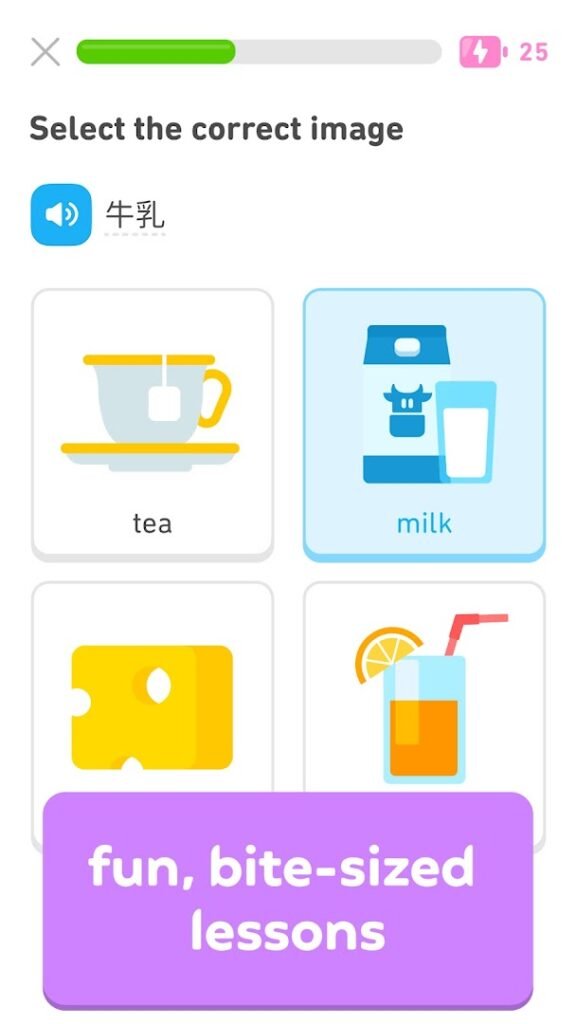
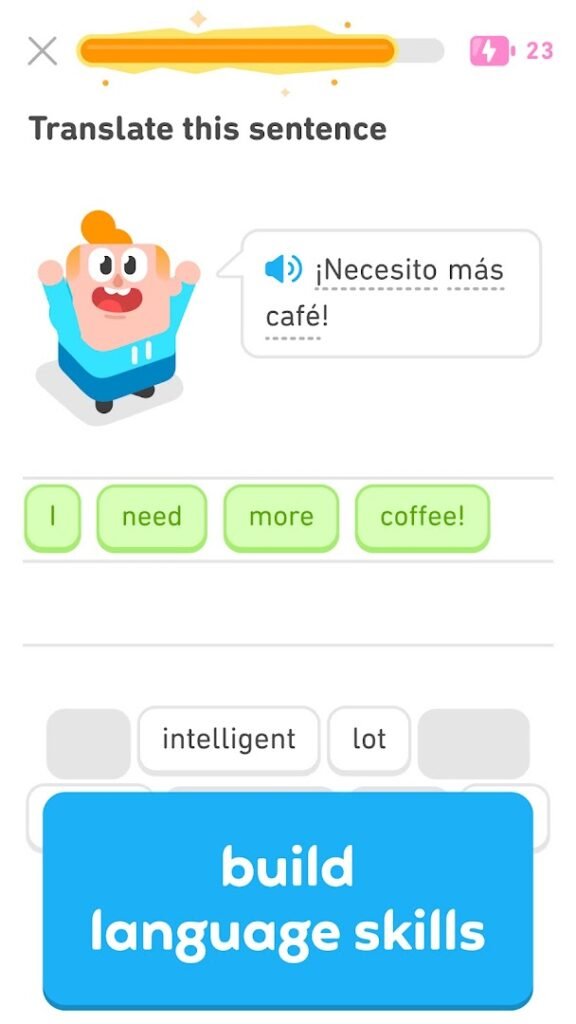
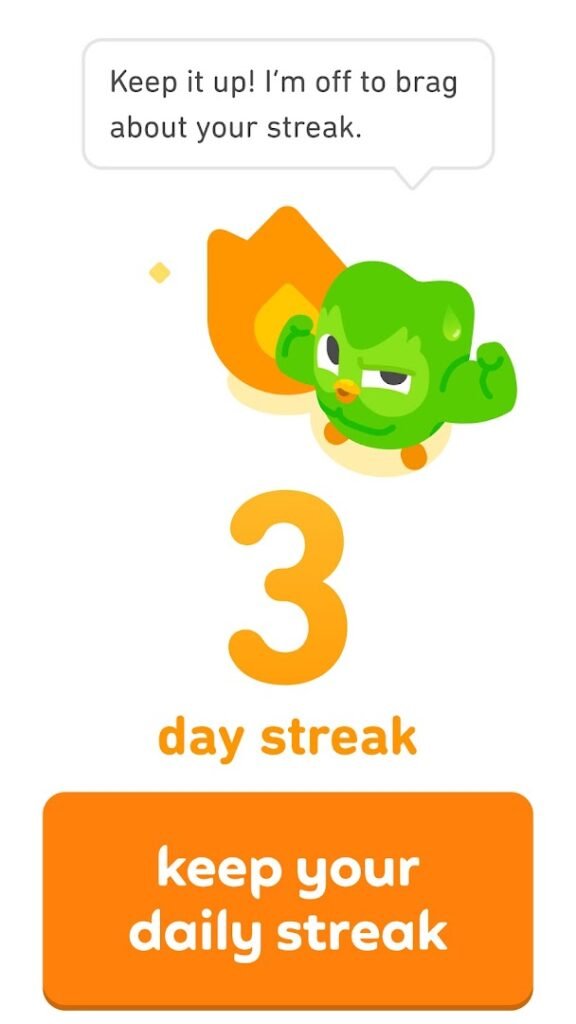
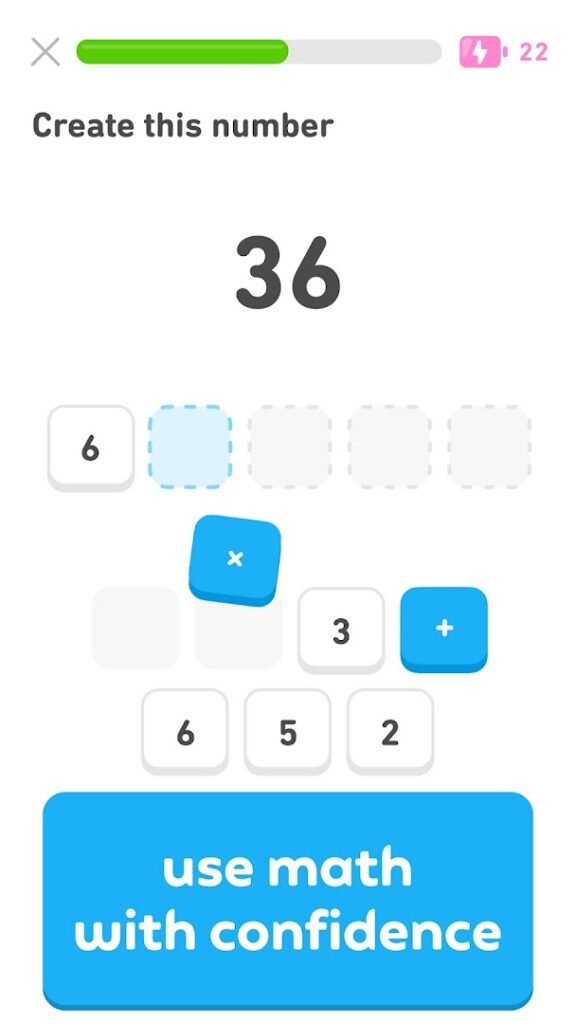
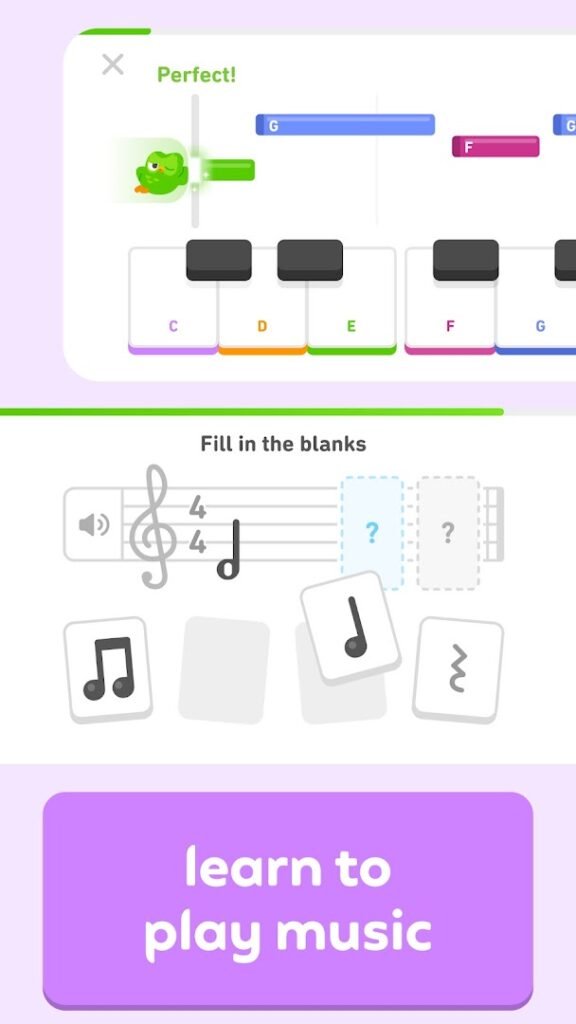
Duolingo is a language learning app built around short lessons that mix listening, speaking, reading and writing exercises. It tracks a daily streak and awards points to keep you practising regularly.
It offers many languages and is free with ads, with a paid subscription that removes ads and unlocks extra features. Short daily practice is a good way to build a habit, but few people reach fluency from an app alone, so pair it with listening, reading and conversation when you can.
Notifications and streaks can nudge you daily, which you can adjust in the settings if they become a nuisance.
How to install Duolingo: Learn Languages
- Allow your browser to install appsOpen the install unknown apps setting and allow the browser or file manager you downloaded with.
- Check the detailsCompare the file size and Android requirement on this page with your download and your phone.
- Open the file and tap InstallFind it in your Downloads folder, tap it, then confirm.
- Turn the permission off againReturn to the same setting and disallow it.
Questions about Duolingo: Learn Languages
How do I install the Duolingo: Learn Languages APK?
Allow your browser or file manager to install unknown apps, download the file from this page, open it from your Downloads folder and tap Install. Turn the permission off again afterwards.
Where is the official Duolingo: Learn Languages page?
The developer listing is on Google Play. Use the Google Play button on this page to open it.