How to Free Up Storage on Android Before Installing Big Games
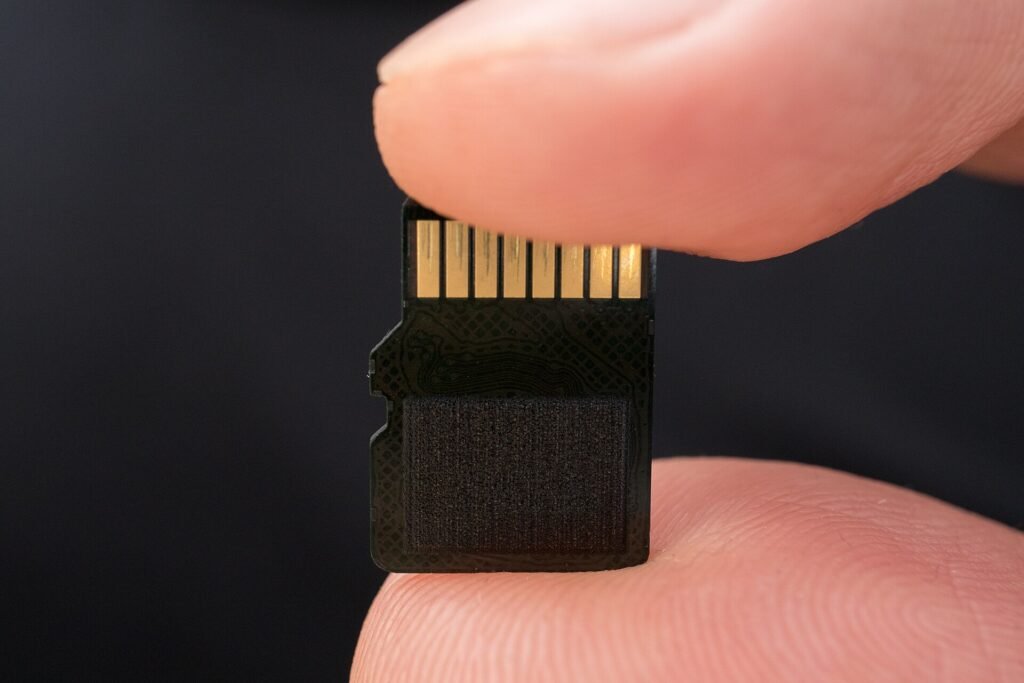
Image: Ivan Radic, CC BY 2.0, via Wikimedia Commons
Large games often fail to install, or stop partway through a download, because the phone runs out of space. The number on the store page rarely tells the whole story. This guide shows how to check your storage, what to remove first and which popular tricks are not worth your time.
Why games need more space than the download size
- The installer must unpack files, so Android needs room for the download and the installed app at the same time.
- Many games download extra data on first launch, sometimes several gigabytes.
- Updates are installed alongside the old version until they finish.
As a practical rule, aim for free space of at least double the stated install size, and more for heavy 3D games.
Step 1: See what is using your storage
Open Settings, Storage. Android breaks the total into apps, images, videos, audio, documents and other. Tap the largest category first. On many phones you can also sort apps by size or by when they were last used.
Step 2: Remove what you do not use
- Unused apps. Sort apps by last used and uninstall anything you have not opened in months.
- Old downloads. Check the Downloads folder for installers and APK files you already installed.
- Large videos. Videos use space faster than anything else. Move them to a computer or cloud storage.
- Messaging media. Chat apps store every photo and video you receive. Look for a manage storage option inside the app.
Step 3: Clear app cache carefully
Cache holds temporary files that an app can rebuild. To clear it for one app go to Settings, Apps, choose the app, then Storage, then Clear cache. Do not tap Clear data unless you mean it, because that resets the app and can delete saved games and logins. Clearing the cache of browsers and social apps is usually the biggest quick win.
Step 4: Back up photos, then free up space
Google Photos can back up your pictures and then remove the local copies that are safely stored. Confirm that the backup finished, open a few photos on another device, then use the option to free up space. Other cloud services have a similar feature.
Step 5: Use the built-in cleanup tools
Files by Google and the cleanup tools that many manufacturers include suggest junk files, duplicates and large files. Review the list before confirming. Some recent Android versions and Google Play can also archive apps you rarely use, which removes most of the app’s files while keeping its data so you can restore it later.
What about a microSD card?
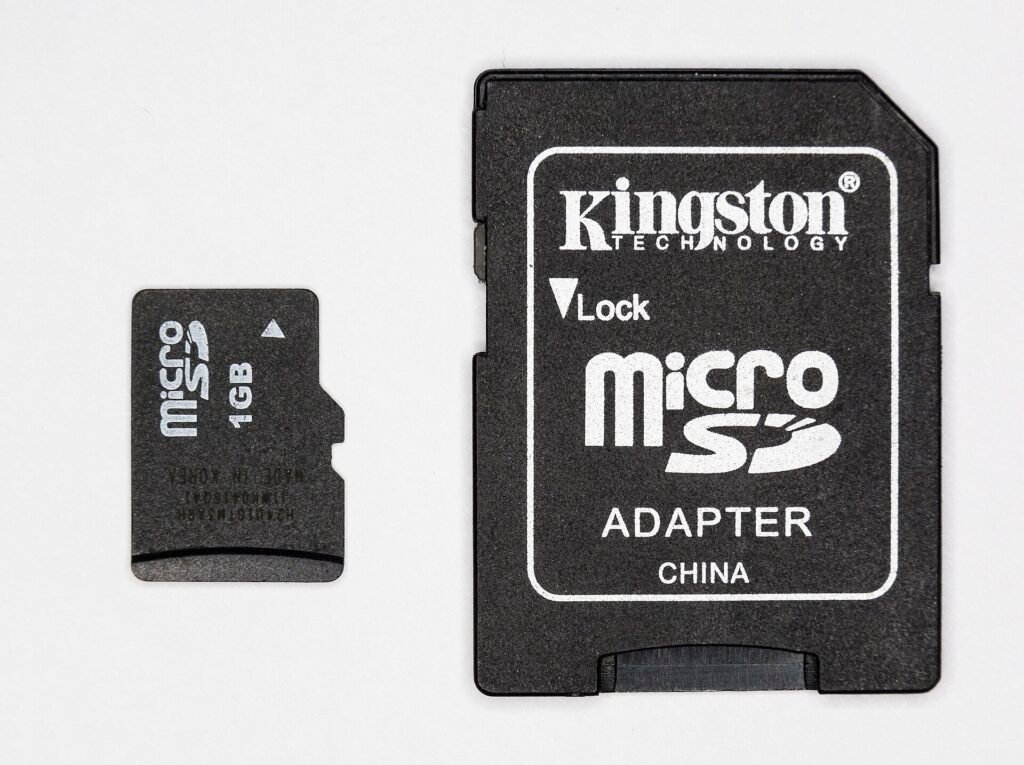
A microSD card is useful for photos, music, videos and offline files. Modern Android generally does not let you move installed apps to a card, and the old tricks for doing so are unreliable. Treat the card as media storage and keep apps on the phone. If you buy one, choose a known brand and a card rated A1 or A2 for apps and V30 or higher for video.
Tricks that are not worth it
- Cleaner and booster apps. Many are full of ads and add little beyond what Android already offers.
- Deleting system files. Without special tools you cannot, and with them you risk breaking the phone.
- Factory reset. A last resort, only after backing everything up.
Check the game before you download
Look at the download size on the store page, the stated install size if there is one, and recent reviews that mention extra downloads. Confirm that your phone meets the minimum version (see this guide). Then follow the install steps, or troubleshoot a failed install if something goes wrong. Once you have space, browse our games section.
A ten-minute routine that keeps space free
- Once a month, sort apps by last used and remove one or two you no longer open.
- Clear the cache of your browser and your heaviest social app.
- Check that photo backup is running, then free up space.
- Empty the Downloads folder of installers you already used.
- Look at your largest game and decide whether it still earns its place.
Frequently asked questions
How much free space should I keep on my phone?
There is no official figure, but keeping a few gigabytes free makes installs and updates smoother, and heavy games need more. Because installers unpack files, a good habit is to leave at least double the install size free before downloading a large game.
Will clearing the cache delete my saved games?
No, clearing the cache removes temporary files only. Clearing data does reset the app, so avoid it unless you have a backup or a cloud save.
Can I install games on a microSD card?
Usually not on modern Android. Use the card for media and keep apps on internal storage.
Why does storage stay full after I delete things?
Deleted files can sit in a trash or recently deleted folder for weeks. Check the gallery trash and the trash in your Files app, then empty them.