TerraBlocks: Wear OS Puzzle APK
GPhoenix Apps / Casual
Screenshots
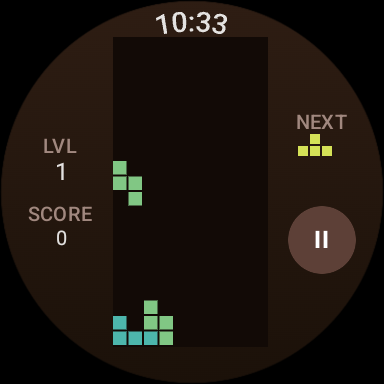
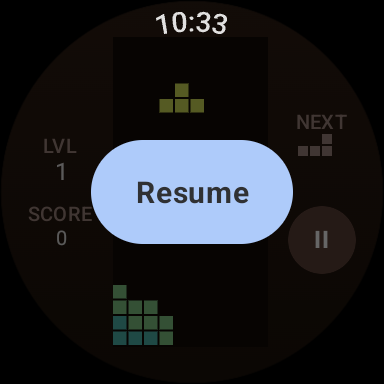
About TerraBlocks: Wear OS Puzzle
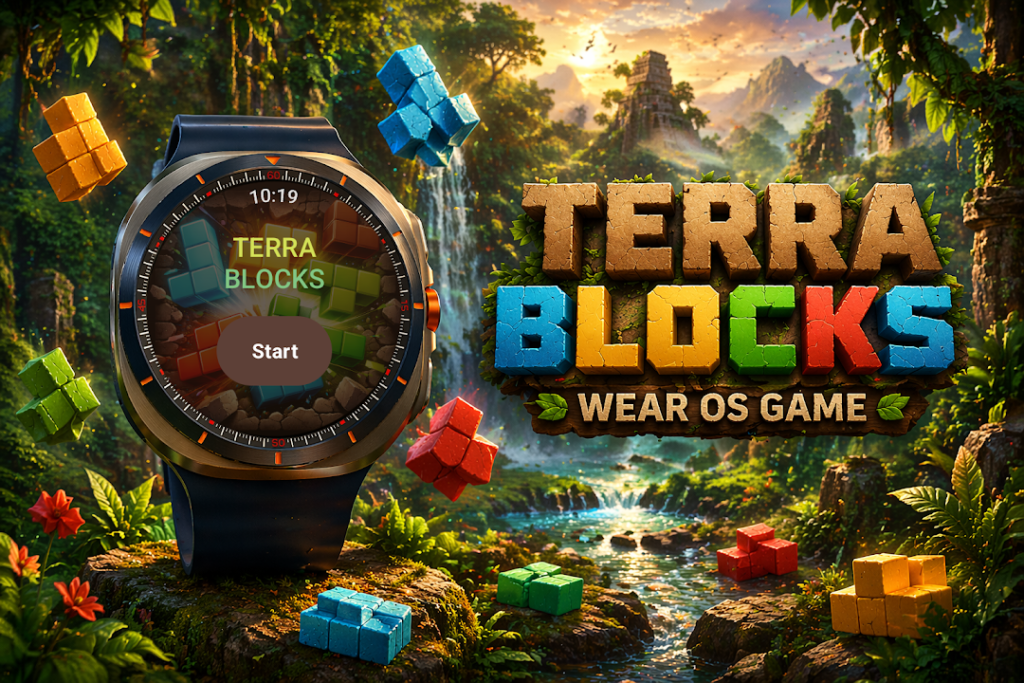
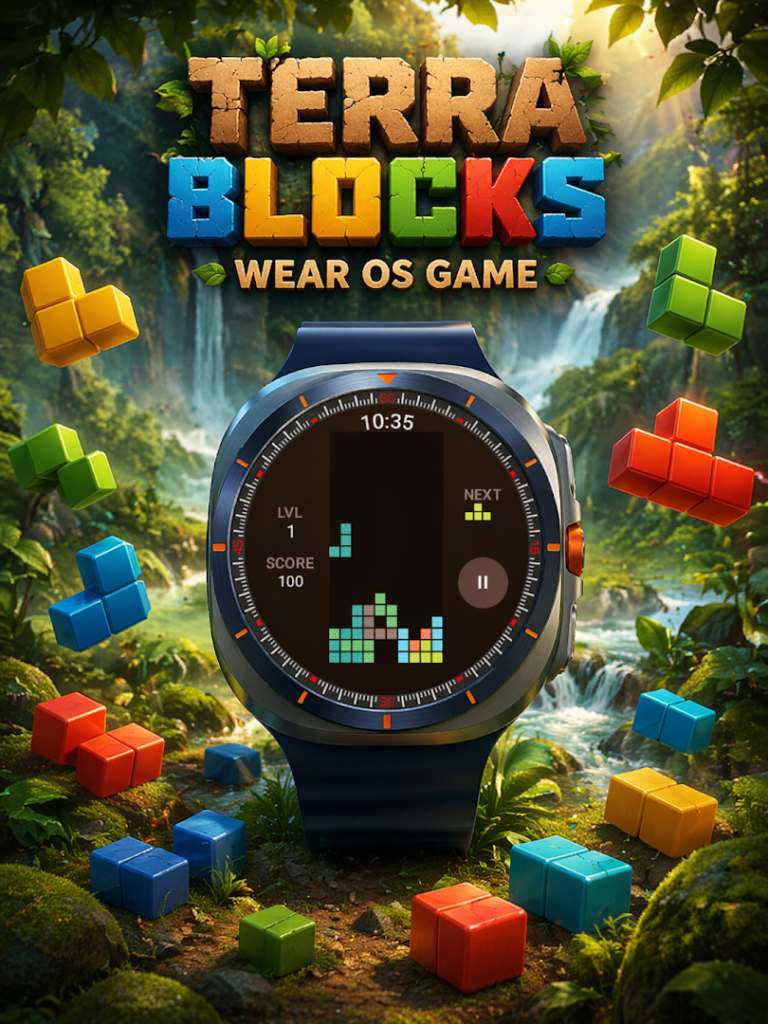
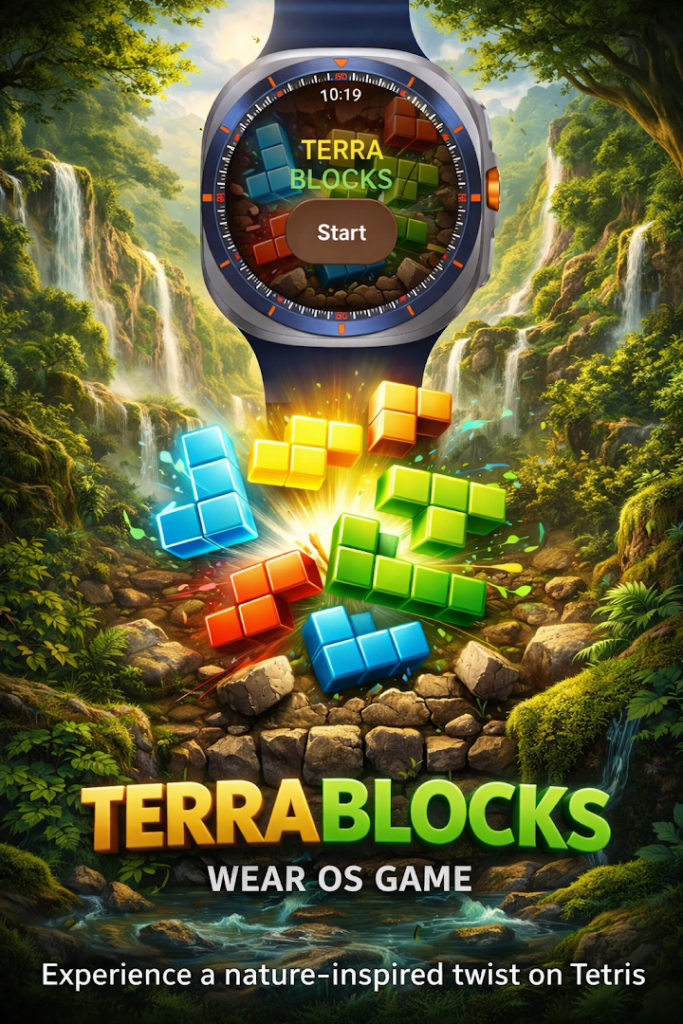
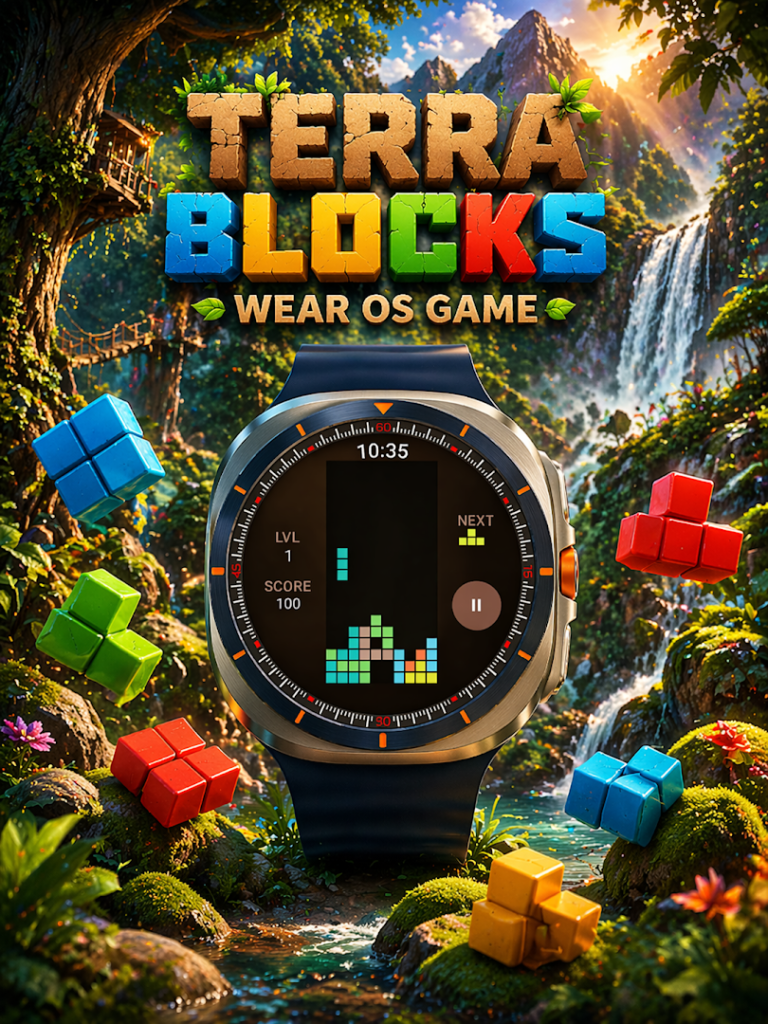
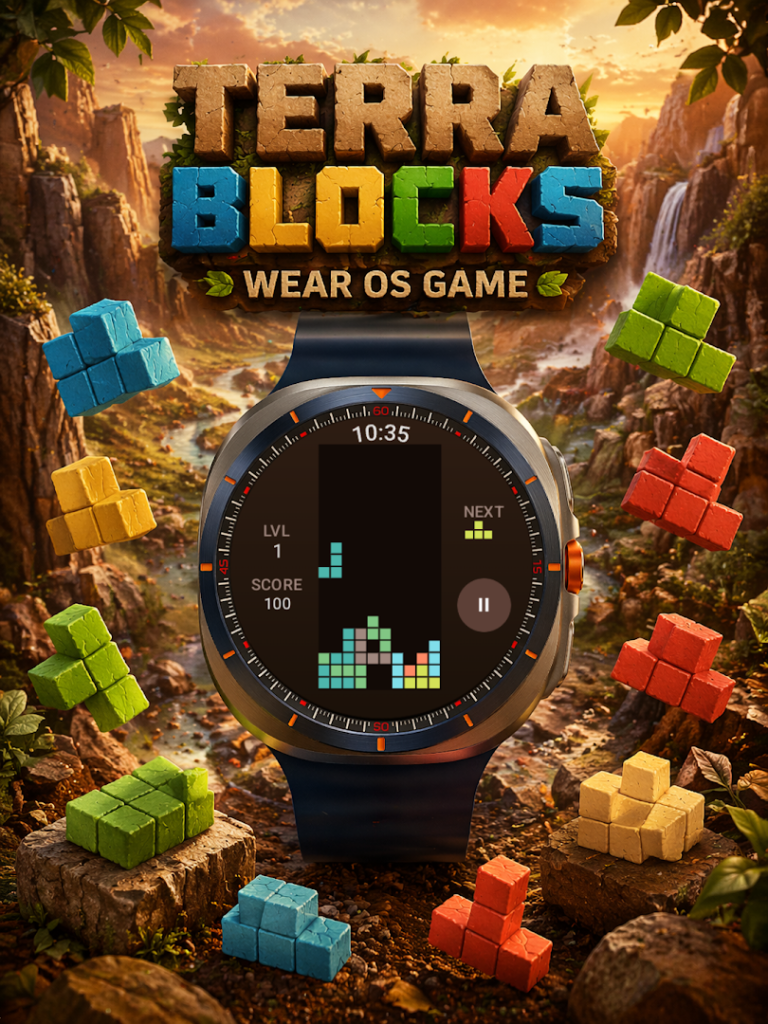
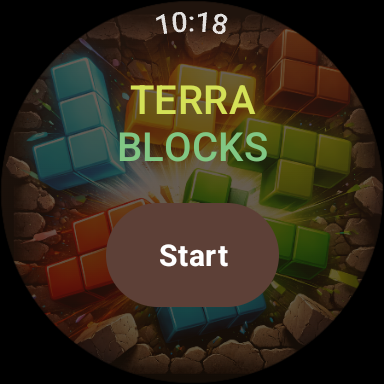
TerraBlocks: Wear OS Puzzle, from GPhoenix Apps, is a classic block-stacking game made for Wear OS smartwatches. The listing says you swipe and tap to clear lines on your wrist.
This is a watch app, not a phone game. It installs on a compatible Wear OS watch, usually from the Play Store on the watch itself or through the companion phone app, and it will not give you a playable game on a phone. Check that your watch runs Wear OS and meets the Android requirement.
It has very few installs so far and no rating, so there is little feedback. Block puzzles are easy to try, but watch screens are small and battery use is a consideration.
How to install TerraBlocks: Wear OS Puzzle
- Allow your browser to install appsOpen the install unknown apps setting and allow the browser or file manager you downloaded with.
- Check the detailsCompare the file size and Android requirement on this page with your download and your phone.
- Open the file and tap InstallFind it in your Downloads folder, tap it, then confirm.
- Turn the permission off againReturn to the same setting and disallow it.
Questions about TerraBlocks: Wear OS Puzzle
How do I install the TerraBlocks: Wear OS Puzzle APK?
Allow your browser or file manager to install unknown apps, download the file from this page, open it from your Downloads folder and tap Install. Turn the permission off again afterwards.
Where is the official TerraBlocks: Wear OS Puzzle page?
The developer listing is on Google Play. Use the Google Play button on this page to open it.