
Firefox Fast & Private Browser APK
Mozilla / Communication
Screenshots

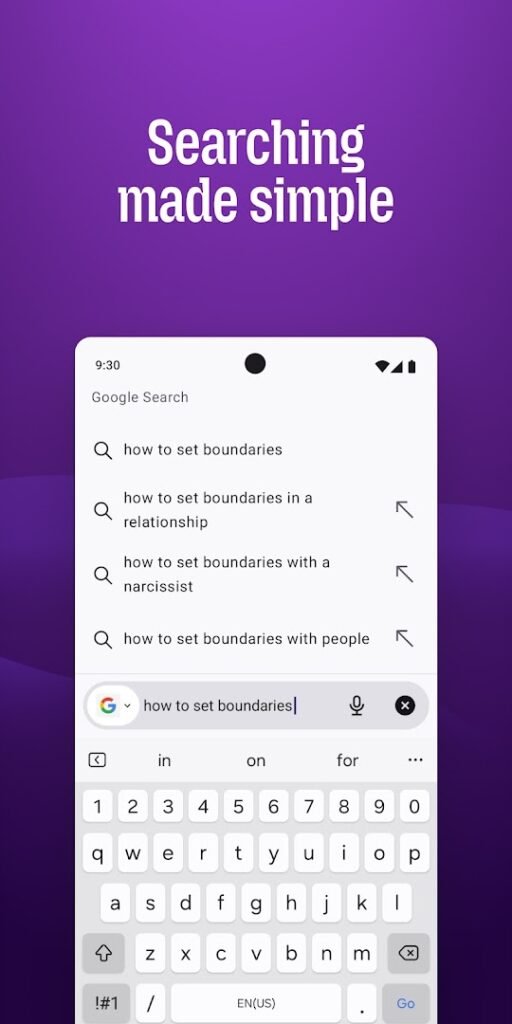

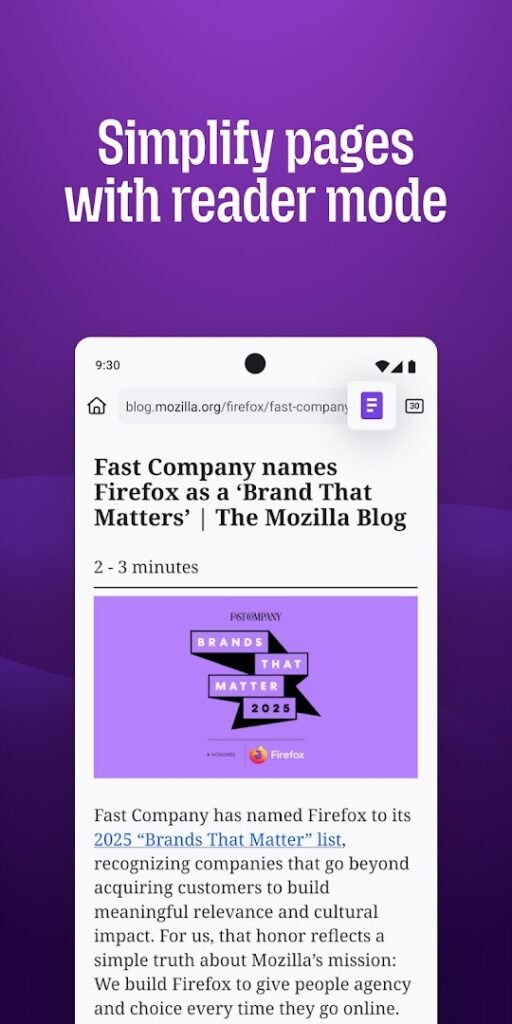
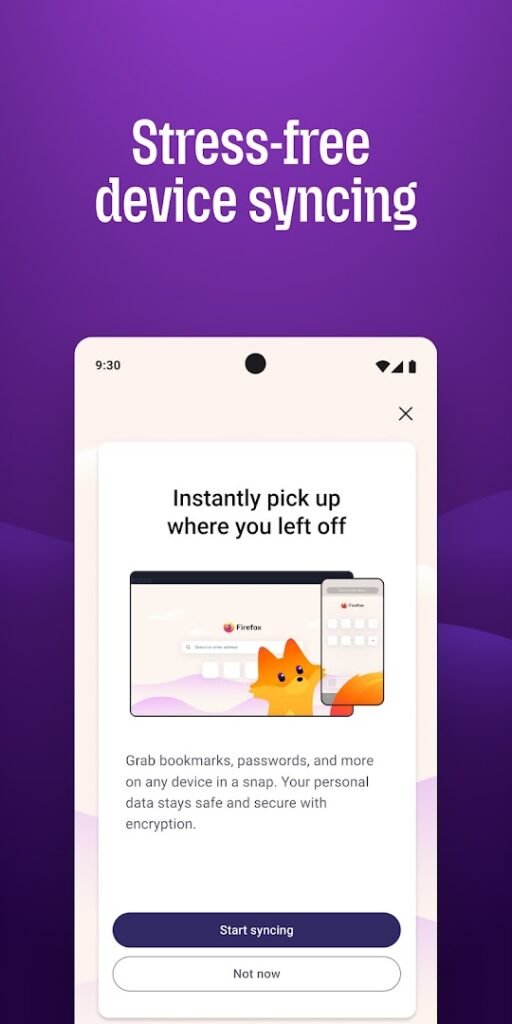
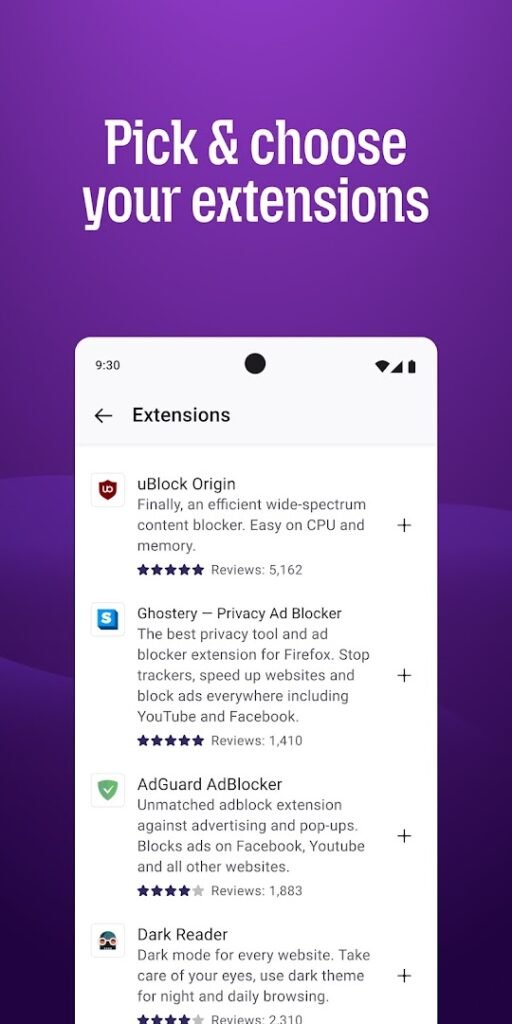
About Firefox Fast & Private Browser
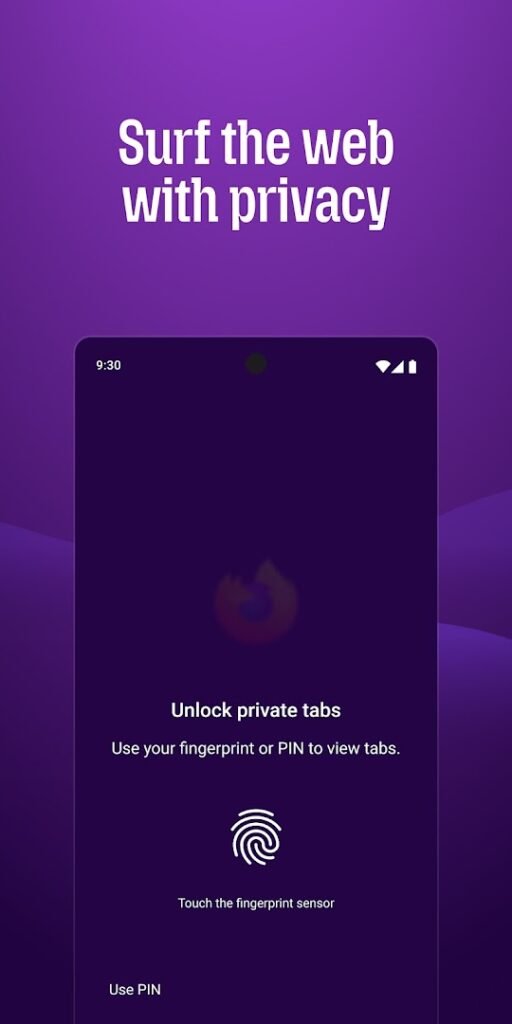
Firefox for Android is the mobile browser from Mozilla. It includes enhanced tracking protection, private browsing and the option to sync bookmarks, history and passwords with Firefox on other devices.
Unlike many mobile browsers, Firefox for Android supports add-ons, so you can add features such as content blockers. It uses its own browser engine, which means websites are rendered by a different engine from the one in Chrome and other Chromium-based browsers.
It is a straightforward way to try a different browser without giving up your bookmarks. Download it from the official Play page and review the privacy and sync settings on first launch.
How to install Firefox Fast & Private Browser
- Allow your browser to install appsOpen the install unknown apps setting and allow the browser or file manager you downloaded with.
- Check the detailsCompare the file size and Android requirement on this page with your download and your phone.
- Open the file and tap InstallFind it in your Downloads folder, tap it, then confirm.
- Turn the permission off againReturn to the same setting and disallow it.
Questions about Firefox Fast & Private Browser
How do I install the Firefox Fast & Private Browser APK?
Allow your browser or file manager to install unknown apps, download the file from this page, open it from your Downloads folder and tap Install. Turn the permission off again afterwards.
Where is the official Firefox Fast & Private Browser page?
The developer listing is on Google Play. Use the Google Play button on this page to open it.