
Telegram APK
Telegram FZ-LLC / Communication
Screenshots

About Telegram
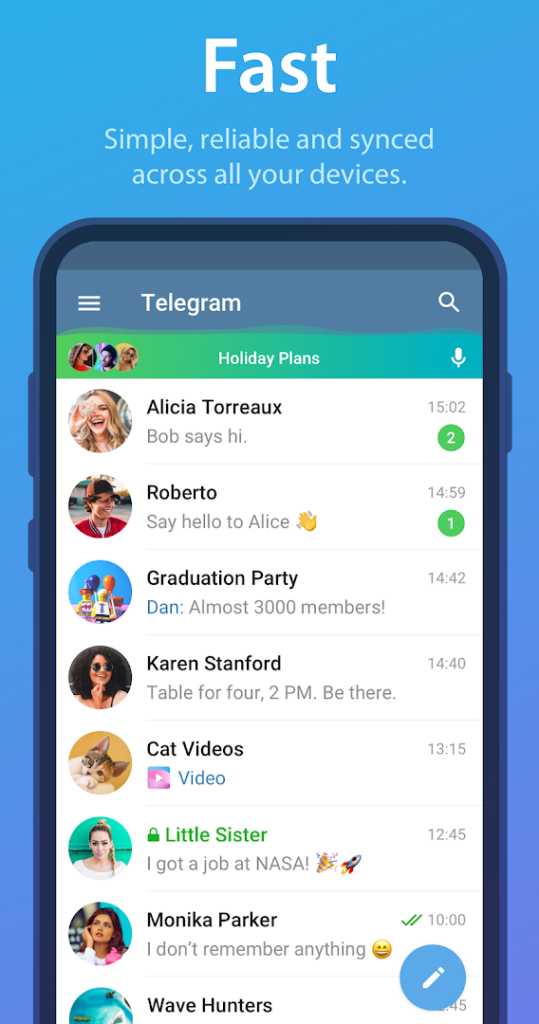
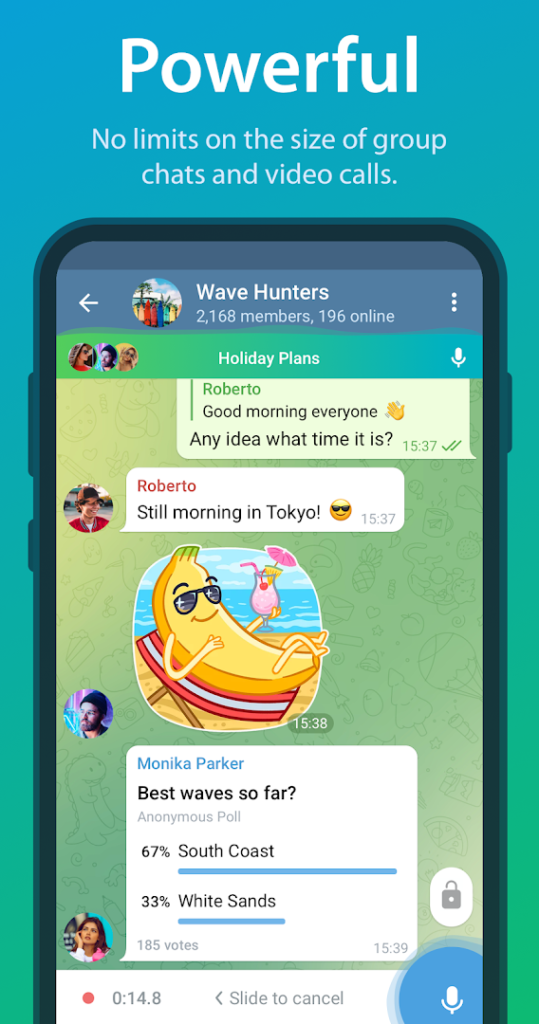
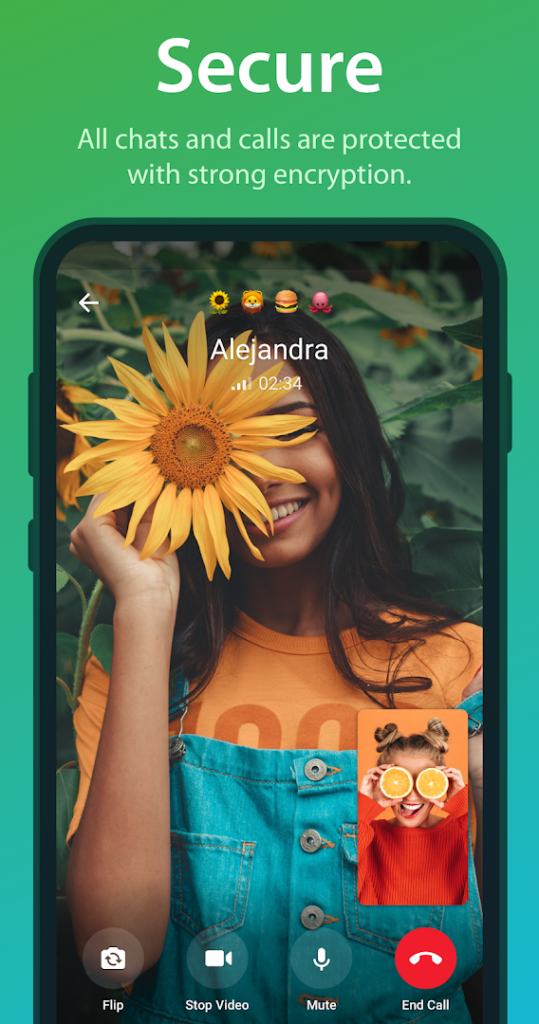
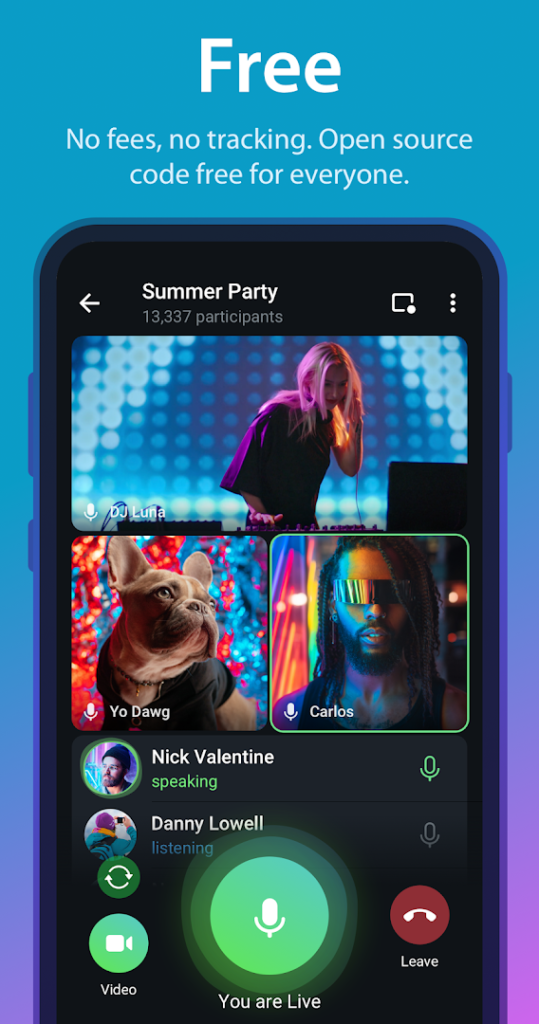
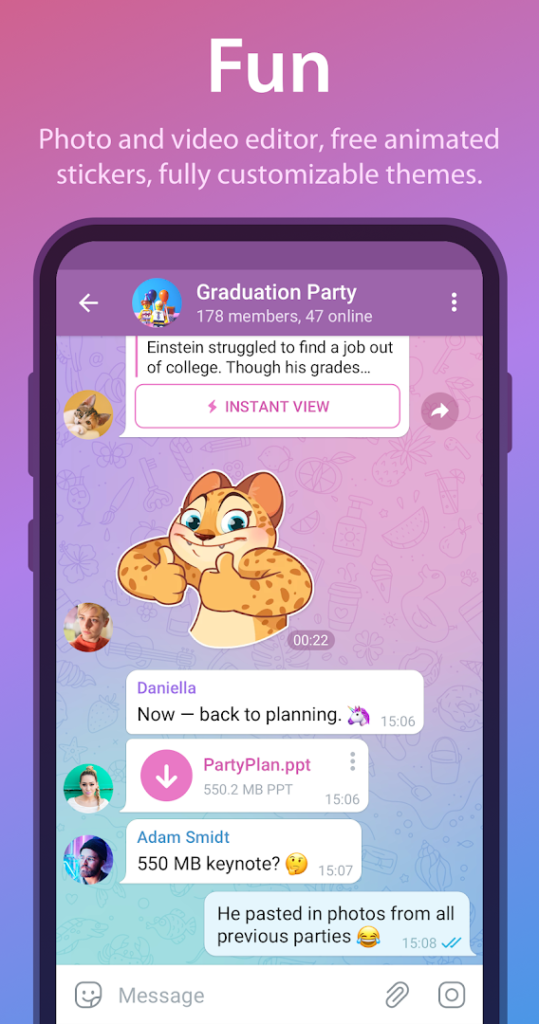
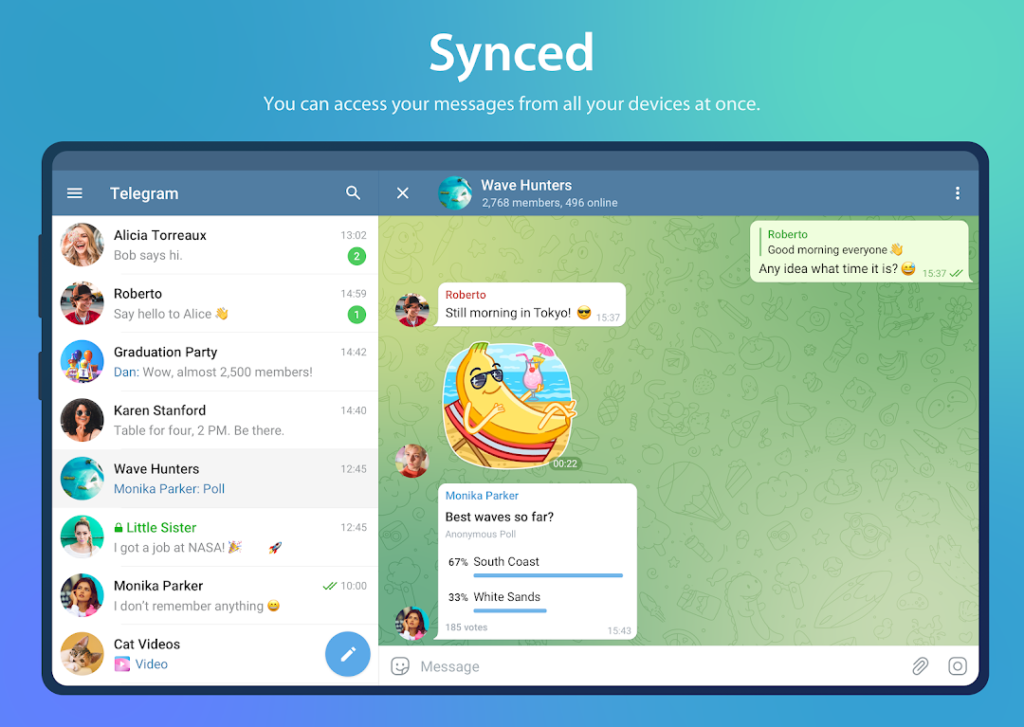
Telegram is a messaging app that stores your chats in the cloud so you can open them on several devices. It supports large groups, broadcast channels, bots, file sharing and voice and video calls.
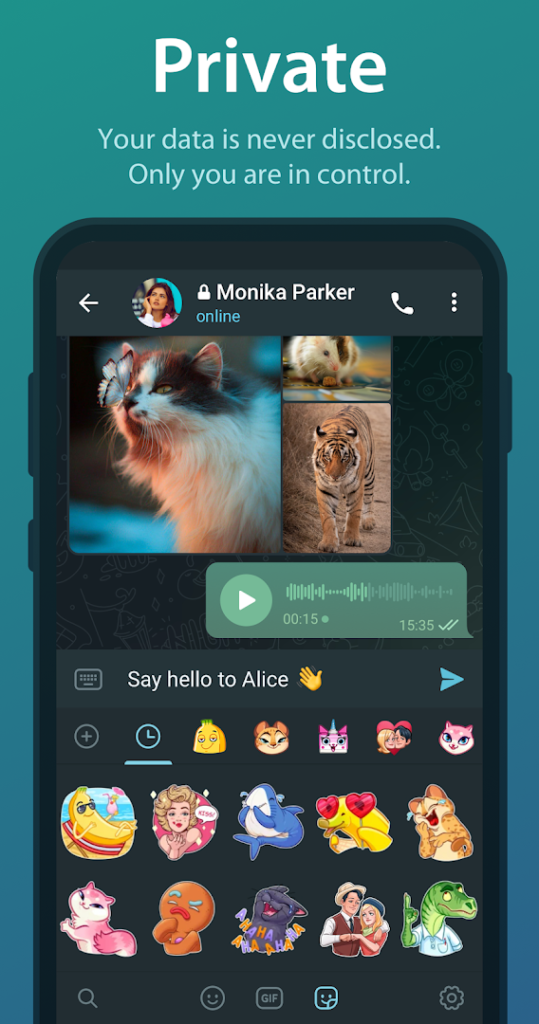
Ordinary chats are encrypted between your device and Telegram servers but are not end-to-end encrypted by default. Secret chats are end-to-end encrypted and work on one device only. Choose the chat type that fits what you are sharing.
Public groups and channels are open to many people, so be careful with links and files from strangers, and review your privacy settings for who can see your phone number and add you to groups.
How to install Telegram
- Allow your browser to install appsOpen the install unknown apps setting and allow the browser or file manager you downloaded with.
- Check the detailsCompare the file size and Android requirement on this page with your download and your phone.
- Open the file and tap InstallFind it in your Downloads folder, tap it, then confirm.
- Turn the permission off againReturn to the same setting and disallow it.
Questions about Telegram
How do I install the Telegram APK?
Allow your browser or file manager to install unknown apps, download the file from this page, open it from your Downloads folder and tap Install. Turn the permission off again afterwards.
Where is the official Telegram page?
The developer listing is on Google Play. Use the Google Play button on this page to open it.