
HiOS Launcher – Fast APK
Transsion Holdings / Personalization
Screenshots
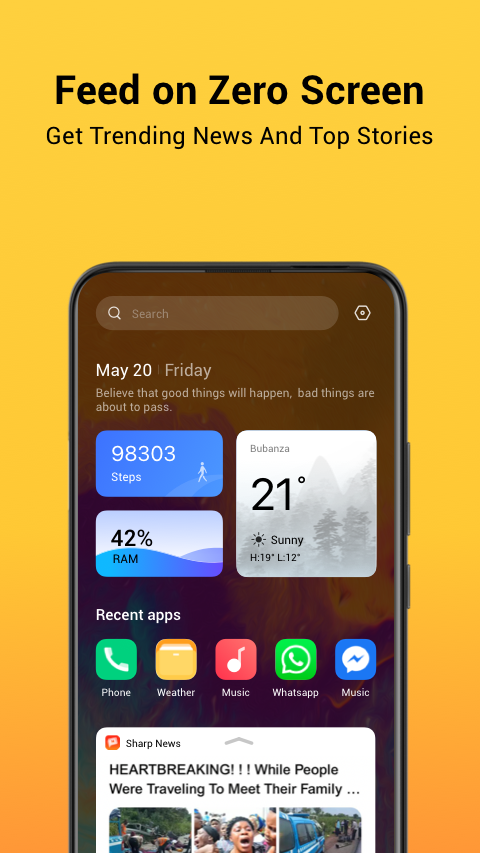

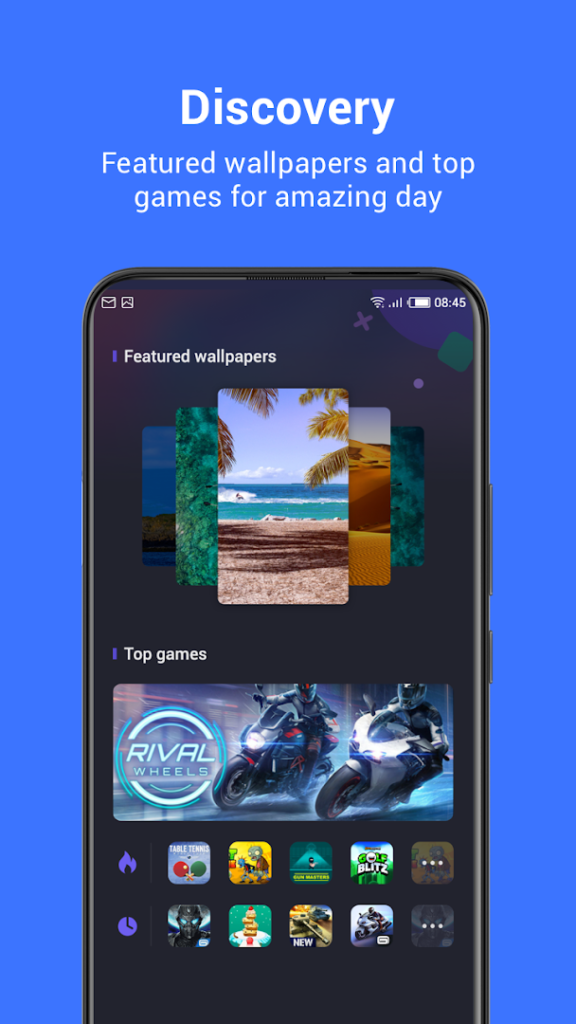
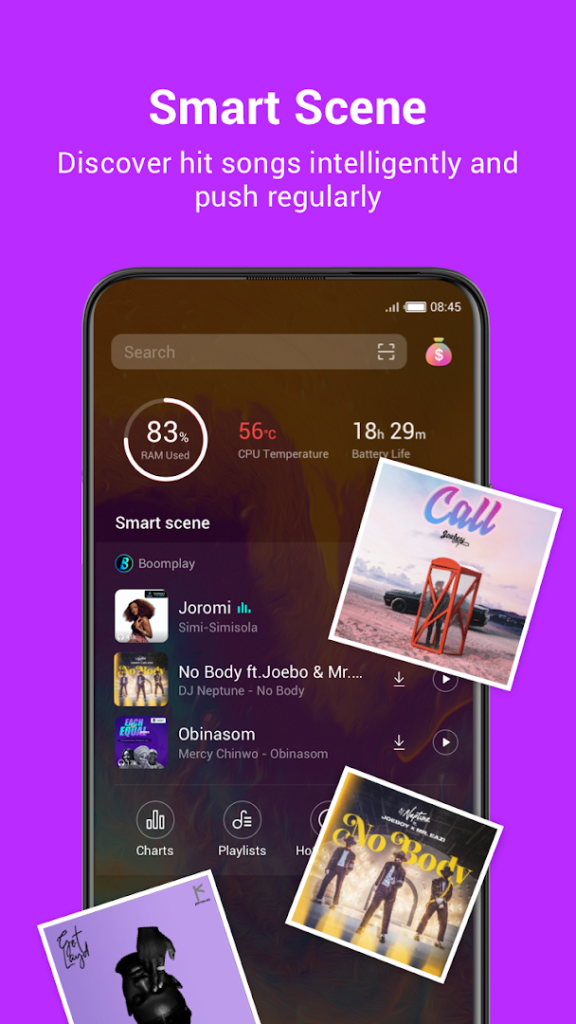
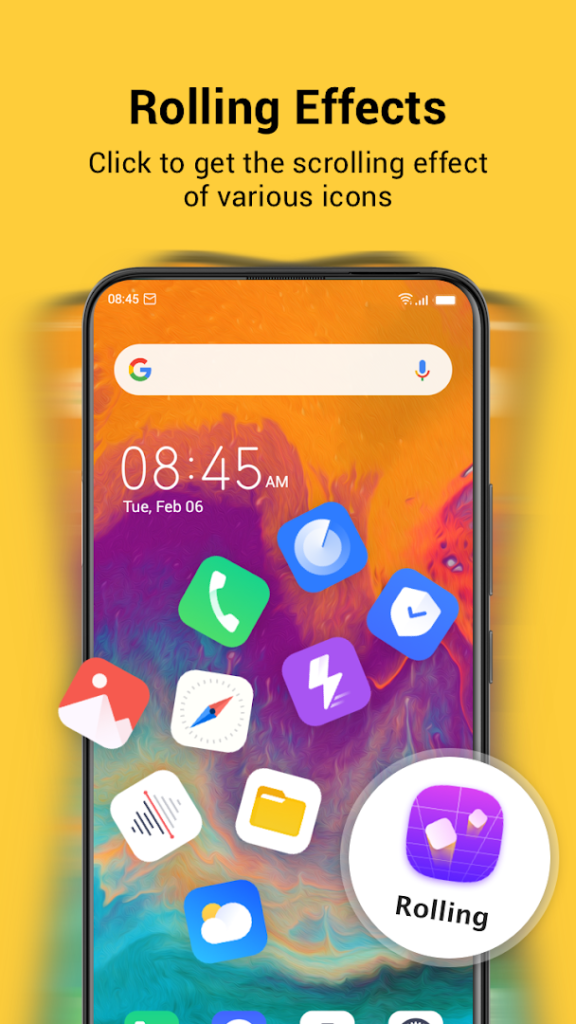

About HiOS Launcher – Fast
HiOS Launcher – Fast, from Transsion Holdings, is a home screen app. Transsion is the company behind the Infinix, Tecno and itel phone brands, and HiOS is the software layer on many of their devices.
The listing describes it as a portable and fast launcher. It is most relevant if you own one of those phones and want to restore or update the stock home screen. On other brands some features may not work, so compare the Requires Android line with your version and read recent reviews first.
With more than 500 million installs it is one of the most installed launchers in this library, which also means it is worth downloading only from the official Google Play page.
How to install HiOS Launcher – Fast
- Allow your browser to install appsOpen the install unknown apps setting and allow the browser or file manager you downloaded with.
- Check the detailsCompare the file size and Android requirement on this page with your download and your phone.
- Open the file and tap InstallFind it in your Downloads folder, tap it, then confirm.
- Turn the permission off againReturn to the same setting and disallow it.
Questions about HiOS Launcher – Fast
How do I install the HiOS Launcher – Fast APK?
Allow your browser or file manager to install unknown apps, download the file from this page, open it from your Downloads folder and tap Install. Turn the permission off again afterwards.
Where is the official HiOS Launcher – Fast page?
The developer listing is on Google Play. Use the Google Play button on this page to open it.