
POCO Launcher 2.0 – Customize, APK
Xiaomi Inc. / Personalization
Screenshots
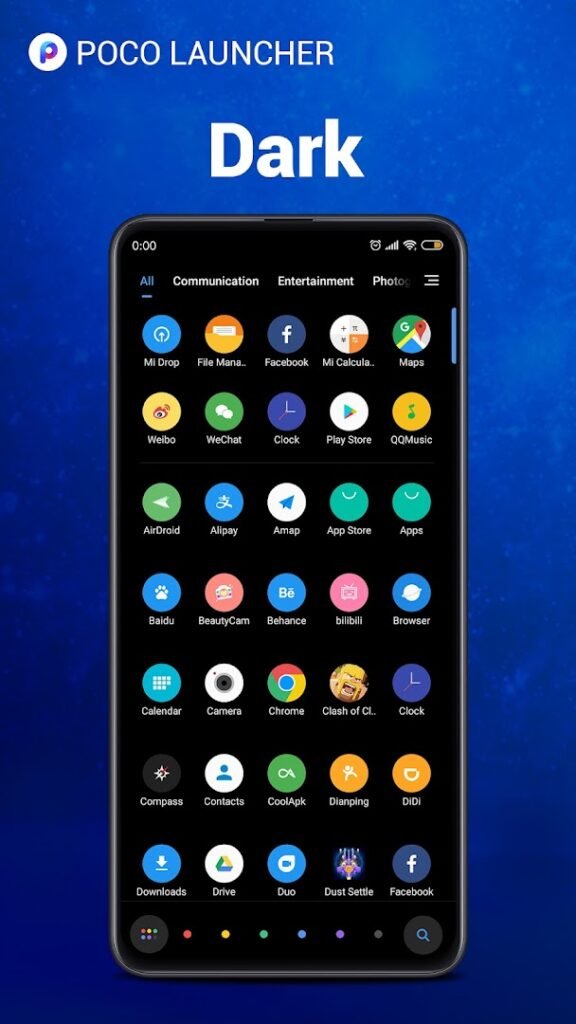
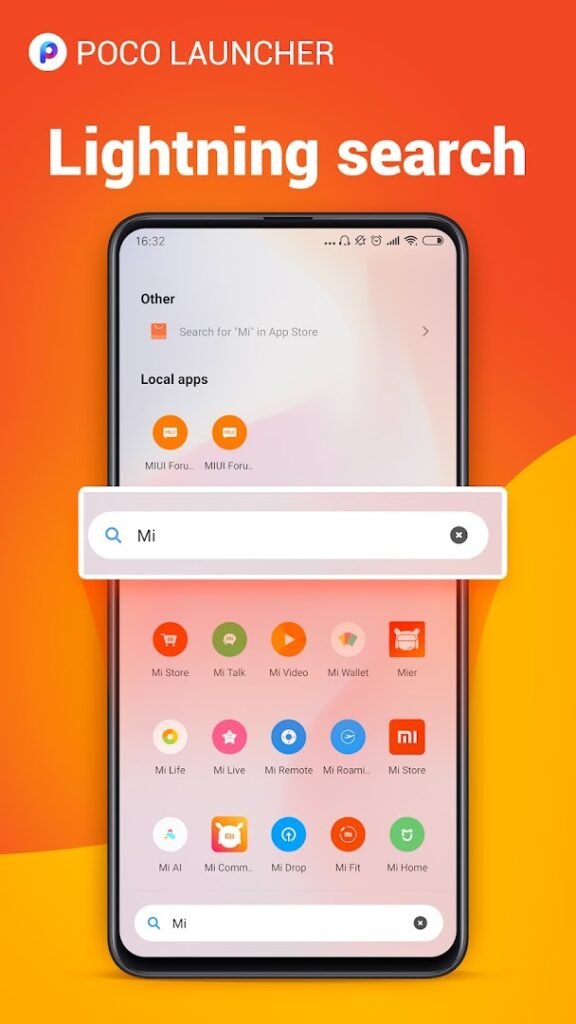
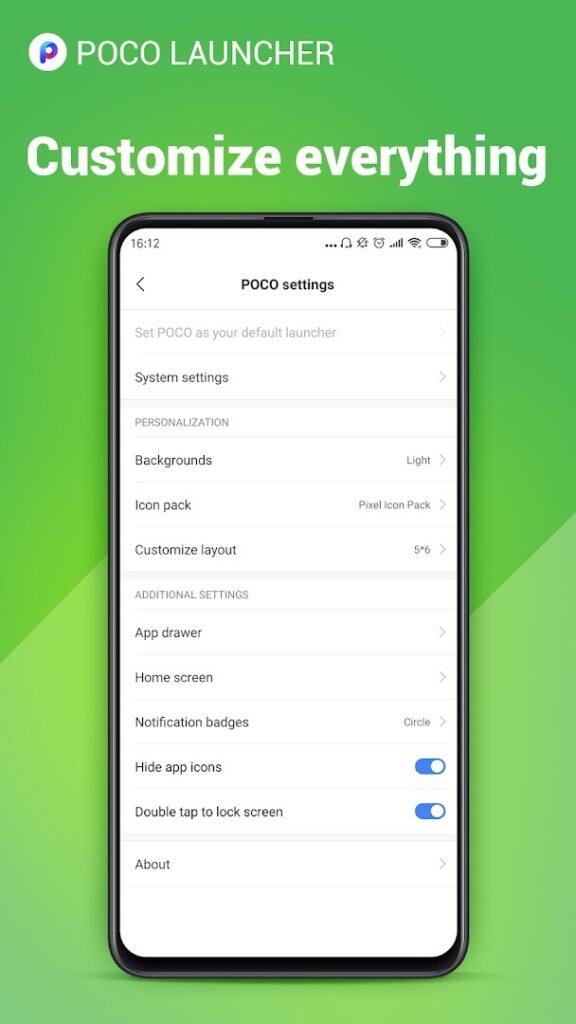
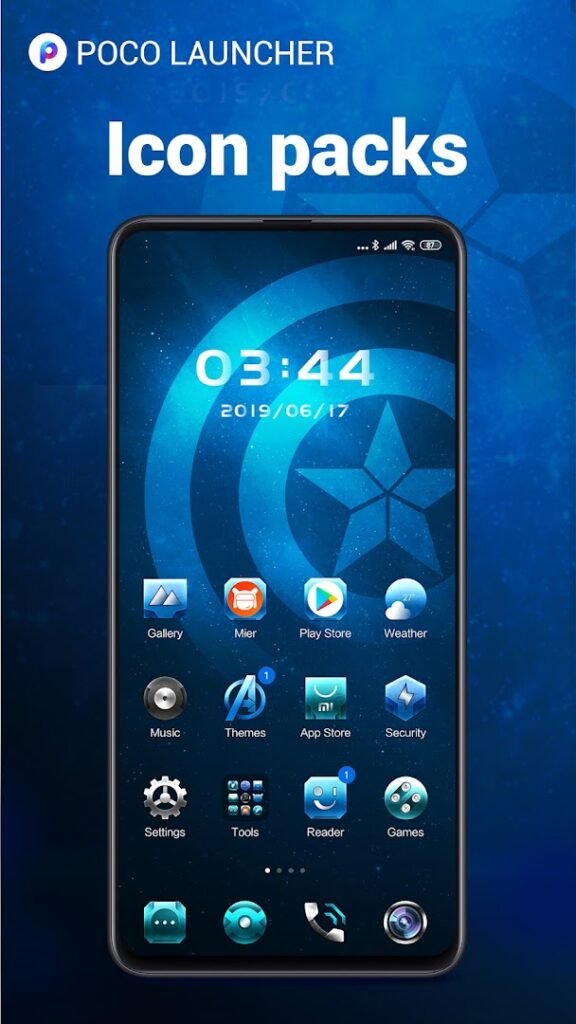
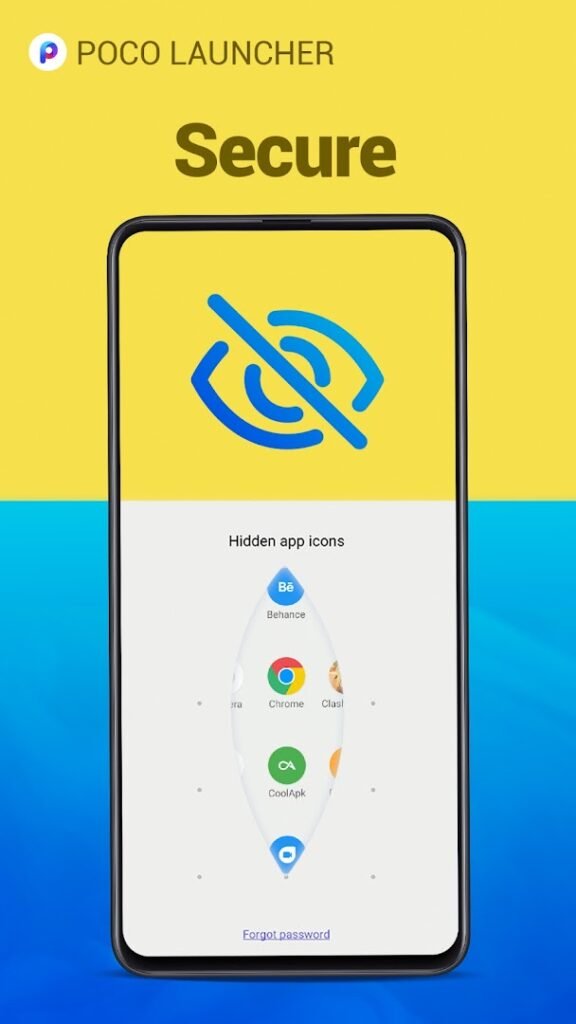
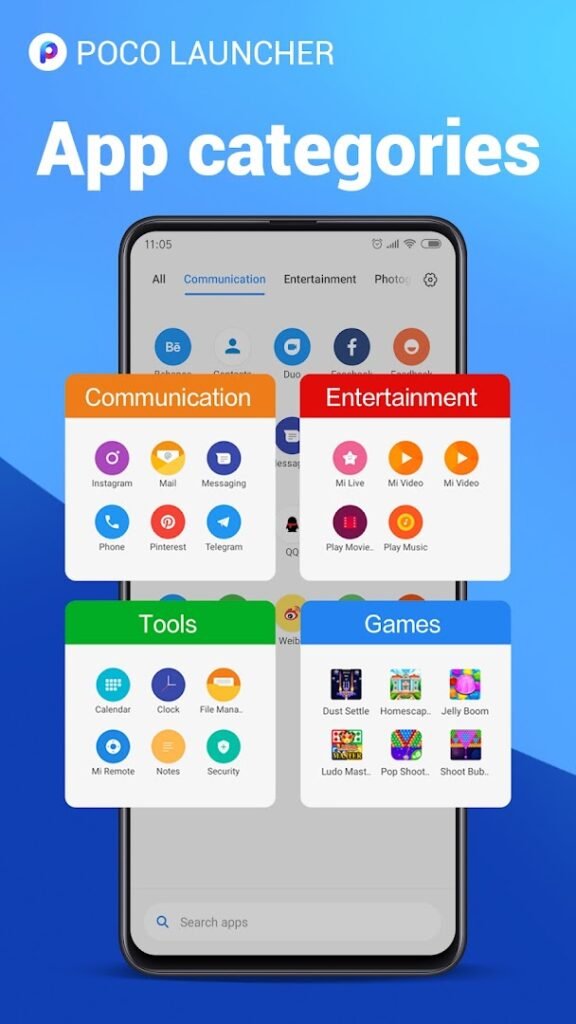
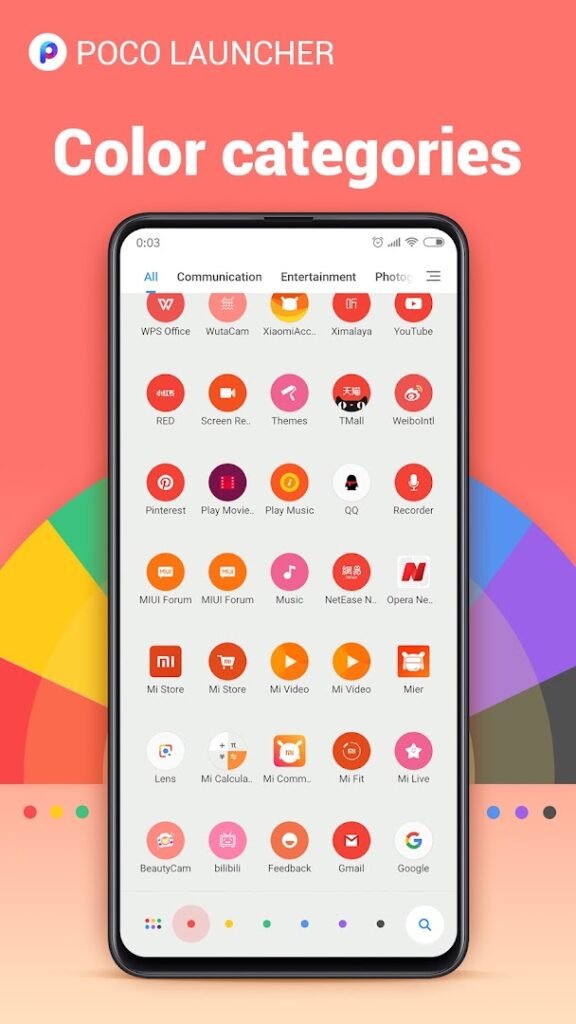

About POCO Launcher 2.0 – Customize,
POCO Launcher 2.0, from Xiaomi, is the home screen app used on POCO phones and available to other Android phones. The listing highlights customising your home screen and describes the launcher as smaller, lighter, faster and safer.
Launchers like this let you change the grid size, apply icon packs and themes, sort apps in a drawer and adjust animations. Switching launchers does not remove any of your apps or data, and you can go back to your original home screen from Settings.
It has over 100 million installs and a good rating, so it is a well-tested option. As with any launcher, check the permissions it requests and decline anything that does not relate to managing your home screen.
How to install POCO Launcher 2.0 – Customize,
- Allow your browser to install appsOpen the install unknown apps setting and allow the browser or file manager you downloaded with.
- Check the detailsCompare the file size and Android requirement on this page with your download and your phone.
- Open the file and tap InstallFind it in your Downloads folder, tap it, then confirm.
- Turn the permission off againReturn to the same setting and disallow it.
Questions about POCO Launcher 2.0 – Customize,
How do I install the POCO Launcher 2.0 – Customize, APK?
Allow your browser or file manager to install unknown apps, download the file from this page, open it from your Downloads folder and tap Install. Turn the permission off again afterwards.
Where is the official POCO Launcher 2.0 – Customize, page?
The developer listing is on Google Play. Use the Google Play button on this page to open it.