
textPlus: Text Message + Call APK
textPlus / Social
Screenshots


About textPlus: Text Message + Call
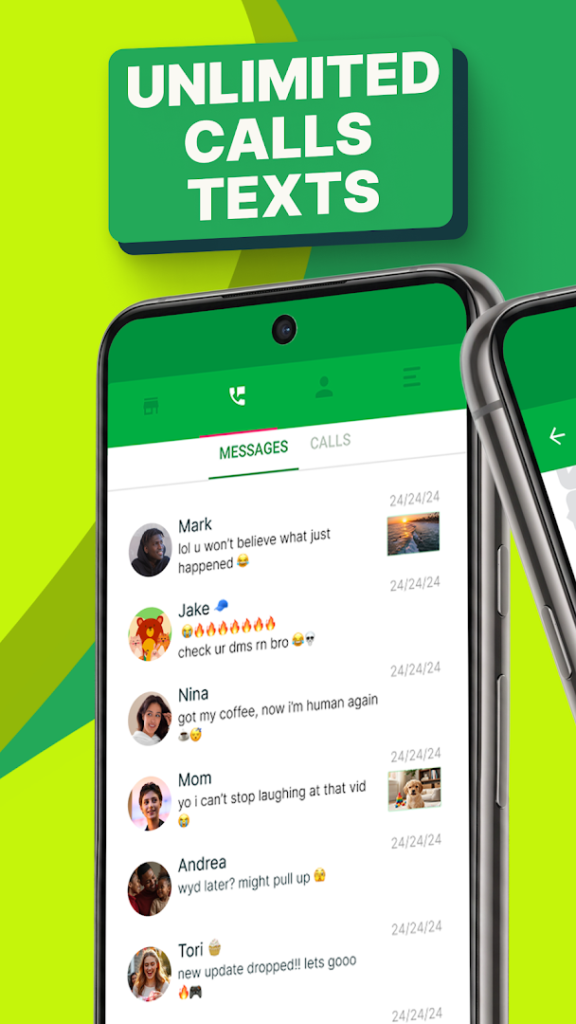
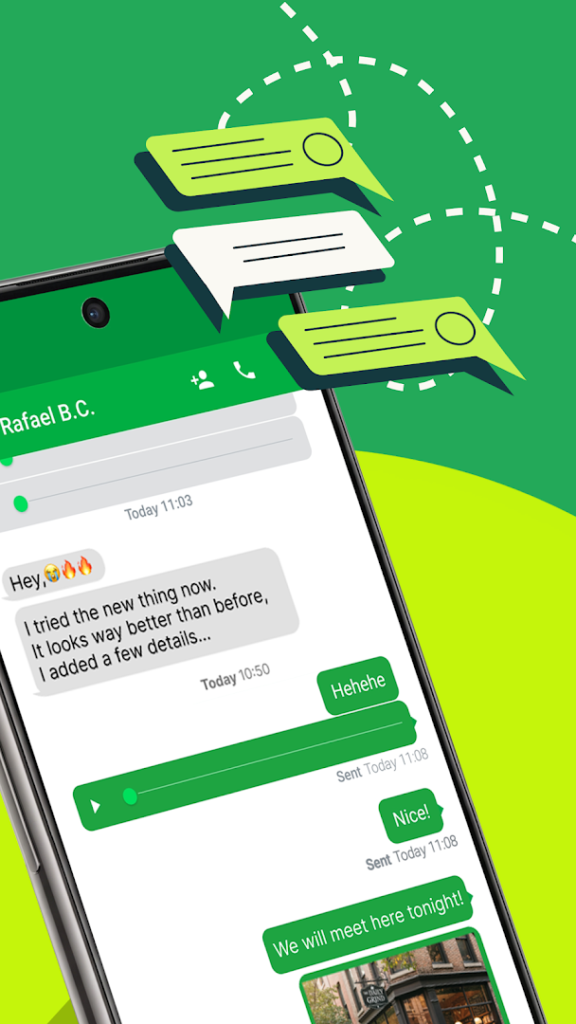
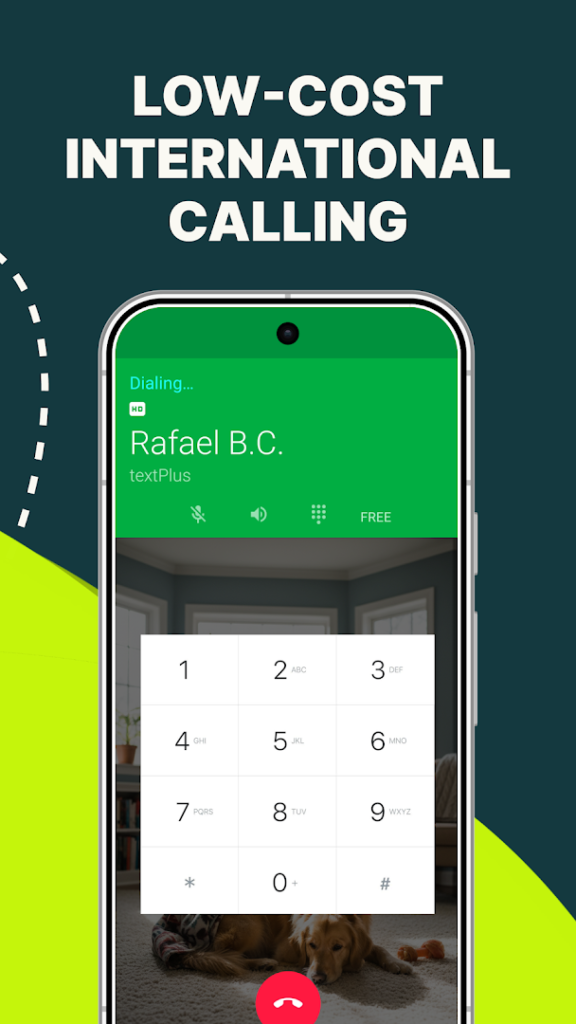
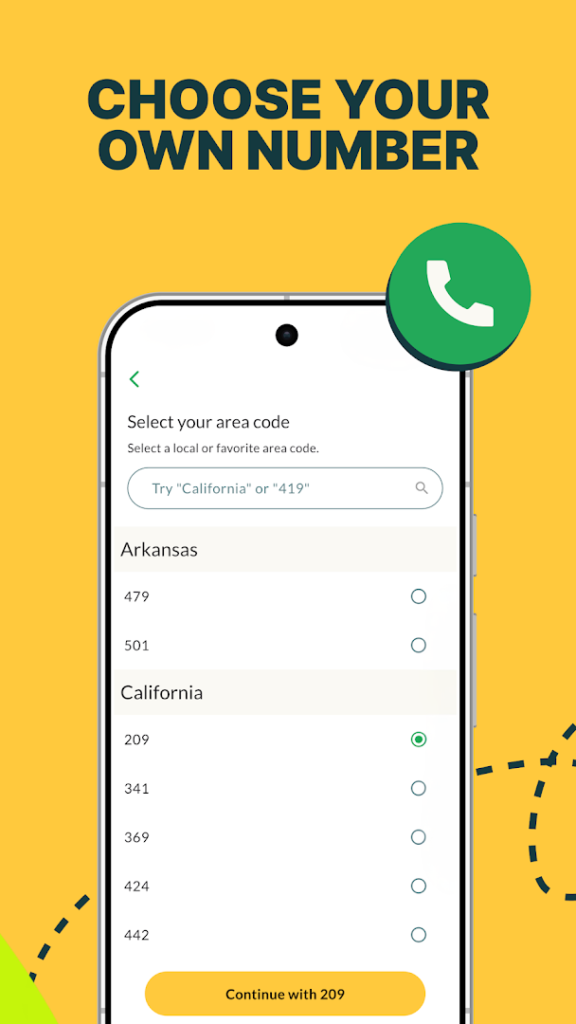
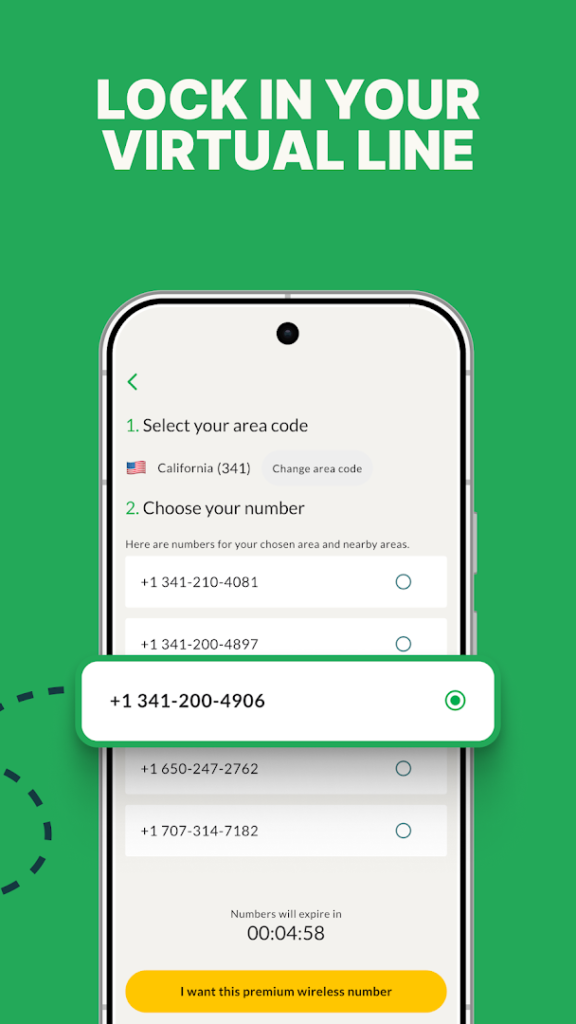
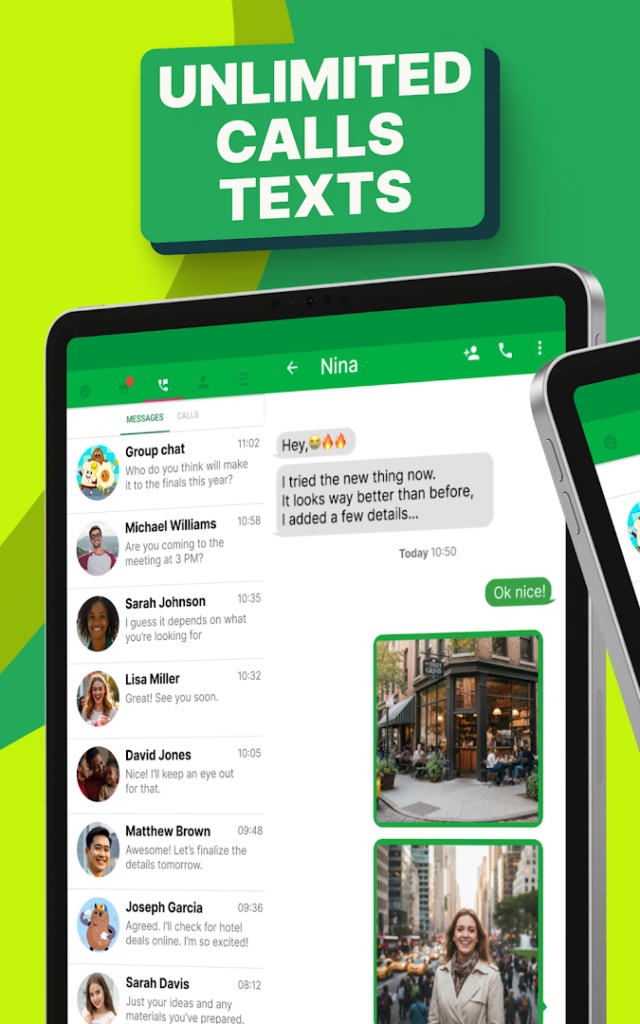
textPlus is a messaging and calling app that works over the internet. The listing describes unlimited texting and calling, and says that talking and texting is free when you use its Second Phone Number option.
That makes it a possible choice if you want a separate number for online accounts, classifieds or a second line without buying another SIM card. Because the number belongs to the app rather than to a carrier plan, treat it carefully if you plan to use it for account recovery. Numbers tied to apps can change or lapse, and some websites refuse to send verification codes to internet numbers.
As with similar apps, read the plan details inside the app, including how ads and any paid upgrade work, and compare it with TextNow and 2ndLine if you are choosing between them.
How to install textPlus: Text Message + Call
- Allow your browser to install appsOpen the install unknown apps setting and allow the browser or file manager you downloaded with.
- Check the detailsCompare the file size and Android requirement on this page with your download and your phone.
- Open the file and tap InstallFind it in your Downloads folder, tap it, then confirm.
- Turn the permission off againReturn to the same setting and disallow it.
Questions about textPlus: Text Message + Call
How do I install the textPlus: Text Message + Call APK?
Allow your browser or file manager to install unknown apps, download the file from this page, open it from your Downloads folder and tap Install. Turn the permission off again afterwards.
Where is the official textPlus: Text Message + Call page?
The developer listing is on Google Play. Use the Google Play button on this page to open it.