
TikTok – Videos, Shop & LIVE APK
TikTok Pte. Ltd. / Social
Screenshots

About TikTok – Videos, Shop & LIVE
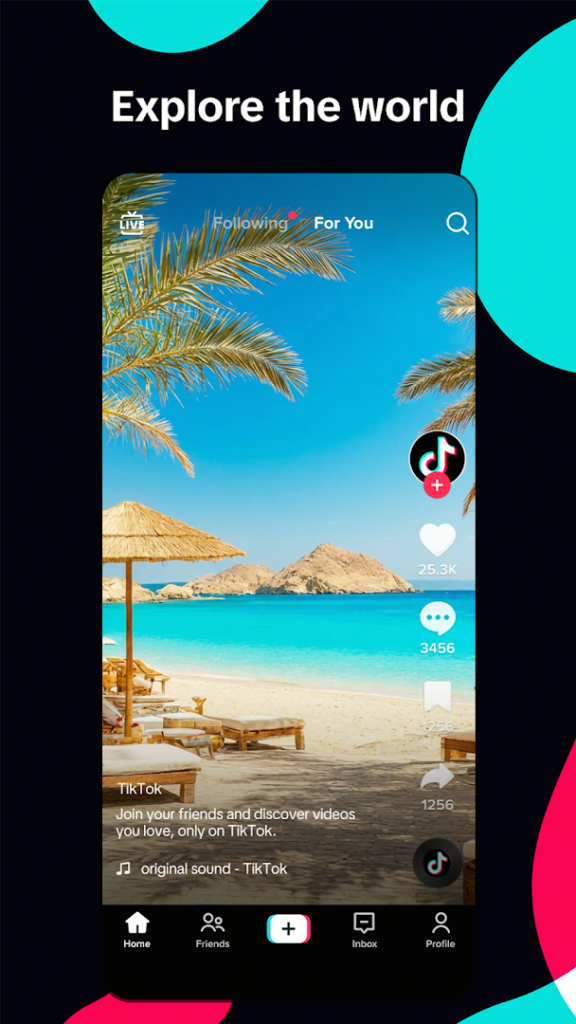
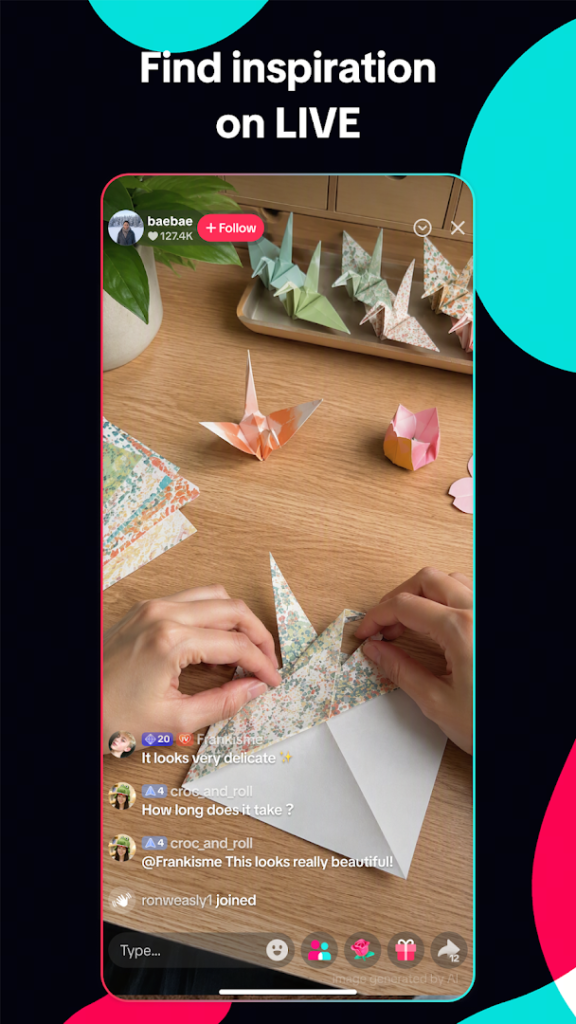
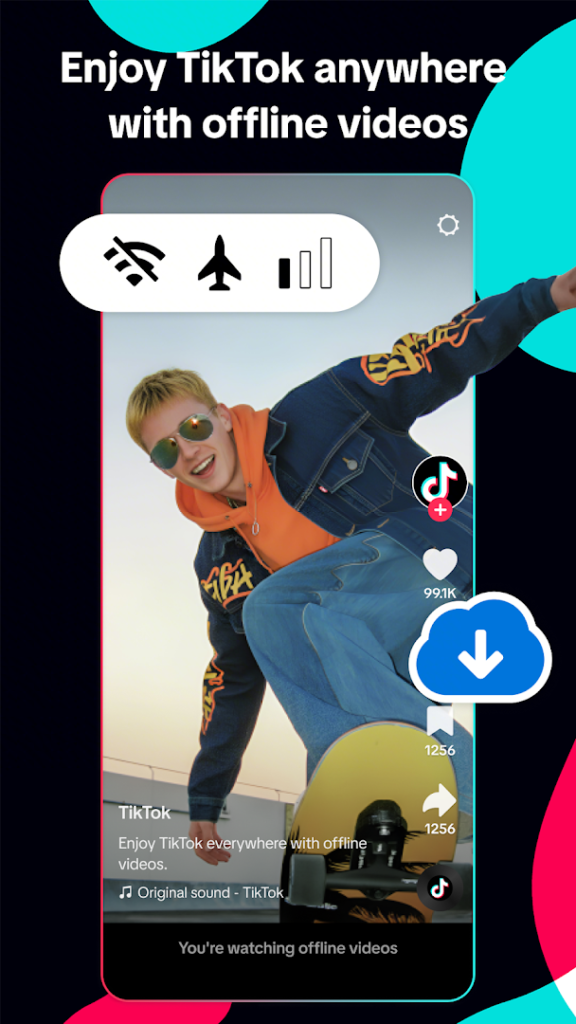
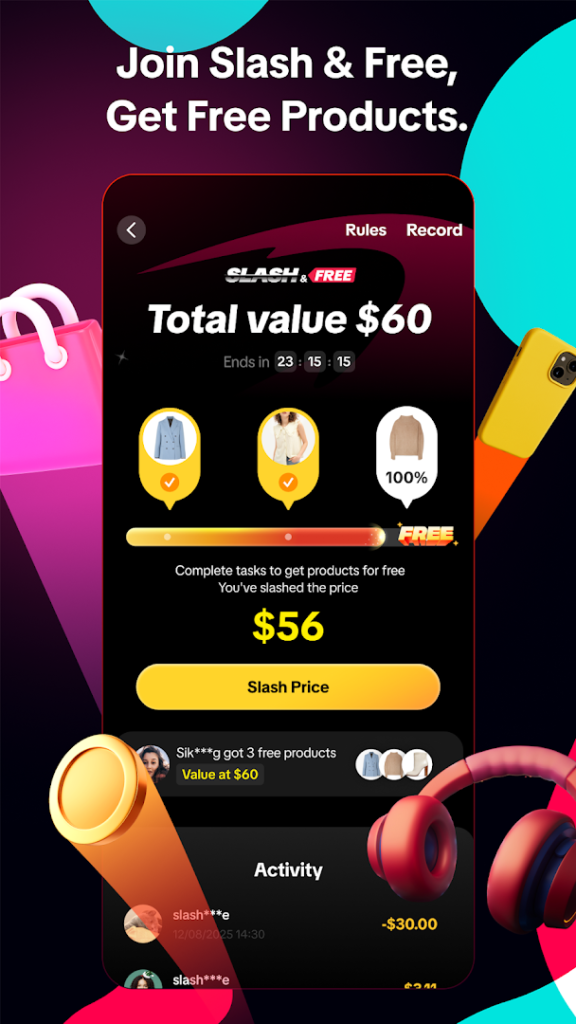
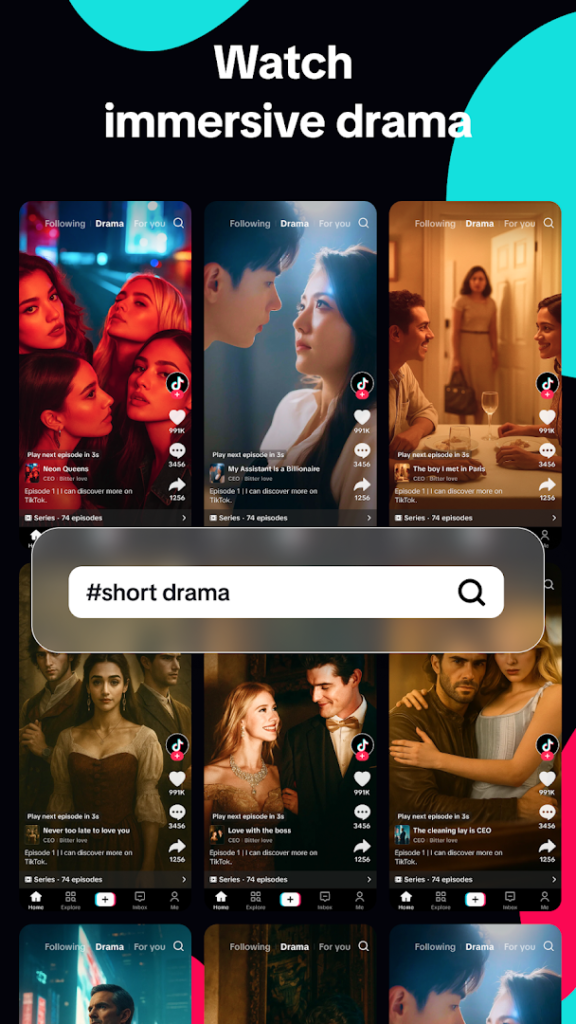
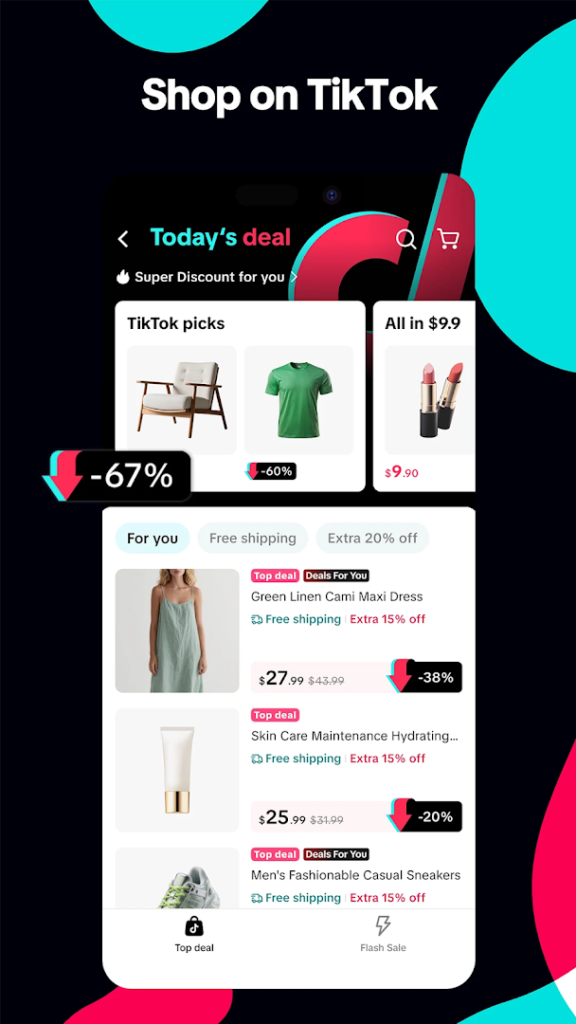
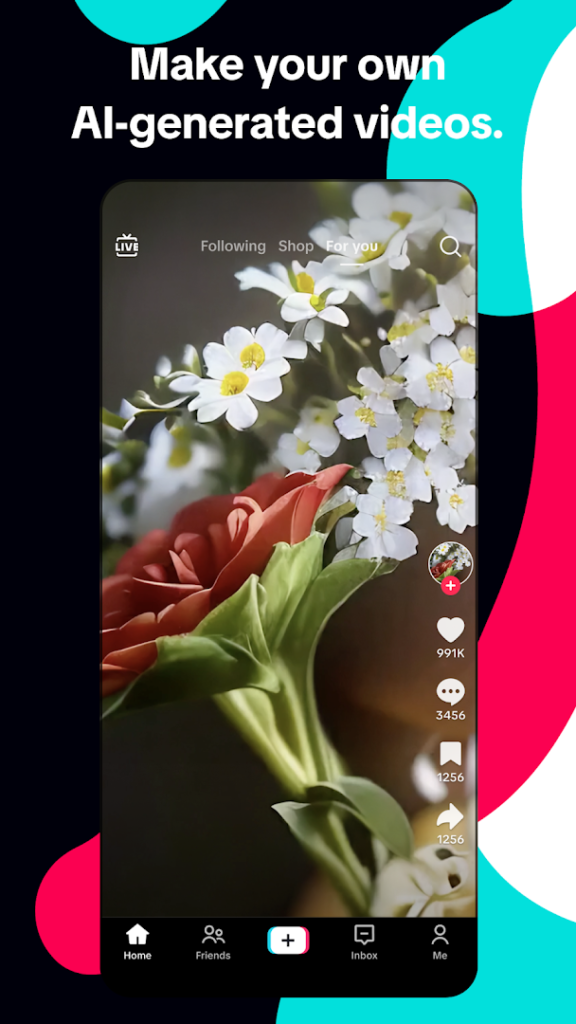
TikTok is a short-video platform where you watch, create and share clips. Its main feed suggests videos based on what you watch, and the app also includes live streams and a shopping section, as the listing name suggests.
It has more than a billion installs and is one of the most widely used social apps. Because it is aimed at a broad audience, parents should review the age rules and the safety tools on the official page, including settings that limit screen time and restrict who can message a young user.
Videos are chosen by an algorithm, so the feed can quickly become more of the same. If you want to control how much time you spend, use the built-in screen time tools or the digital wellbeing settings on your phone.
How to install TikTok – Videos, Shop & LIVE
- Allow your browser to install appsOpen the install unknown apps setting and allow the browser or file manager you downloaded with.
- Check the detailsCompare the file size and Android requirement on this page with your download and your phone.
- Open the file and tap InstallFind it in your Downloads folder, tap it, then confirm.
- Turn the permission off againReturn to the same setting and disallow it.
Questions about TikTok – Videos, Shop & LIVE
How do I install the TikTok – Videos, Shop & LIVE APK?
Allow your browser or file manager to install unknown apps, download the file from this page, open it from your Downloads folder and tap Install. Turn the permission off again afterwards.
Where is the official TikTok – Videos, Shop & LIVE page?
The developer listing is on Google Play. Use the Google Play button on this page to open it.