
Uninstaller APK
Splend Apps / Tools
Screenshots
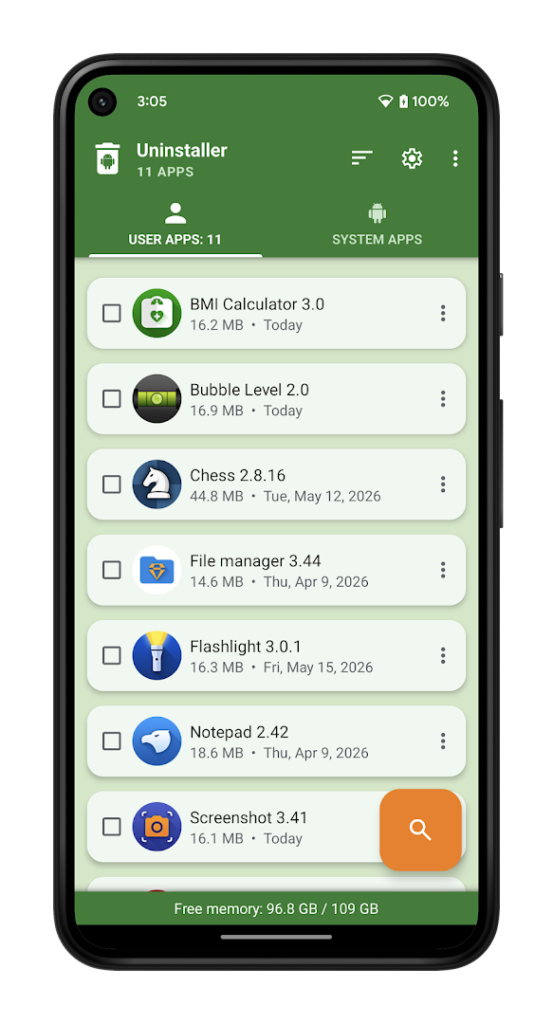
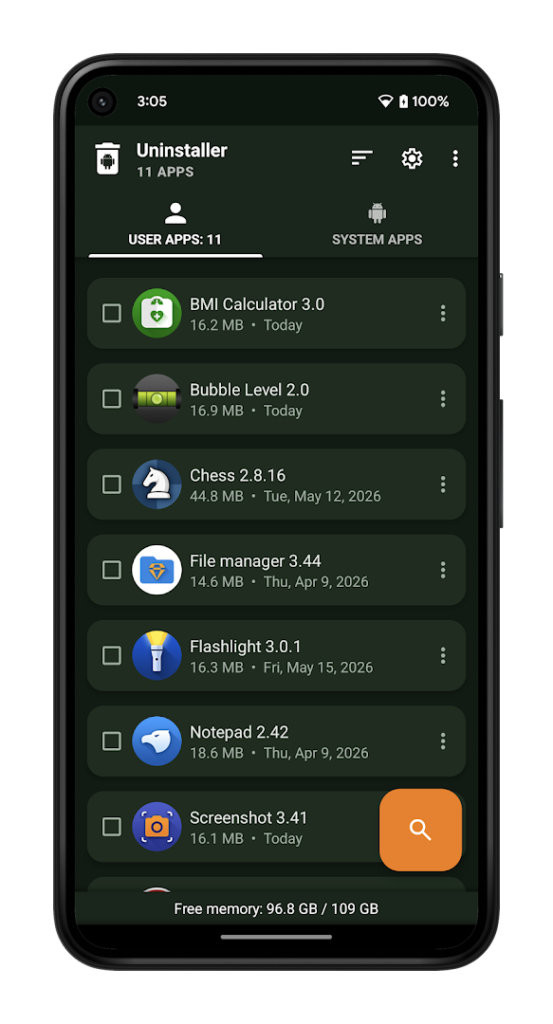
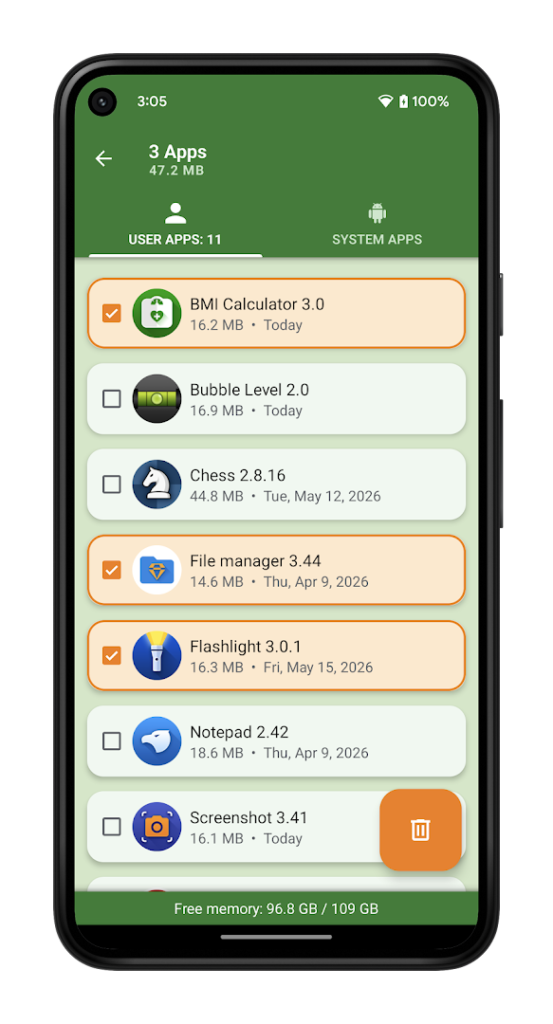
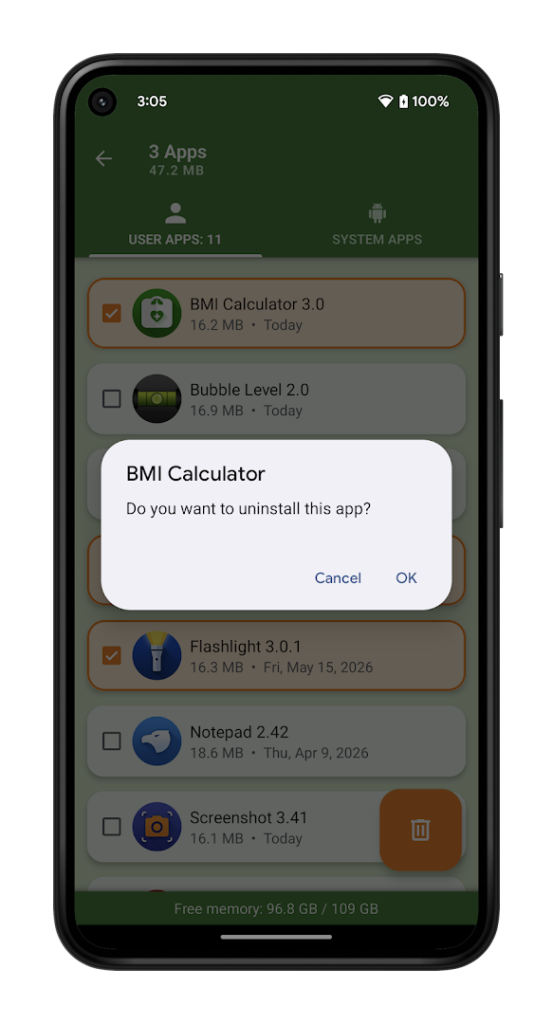
About Uninstaller
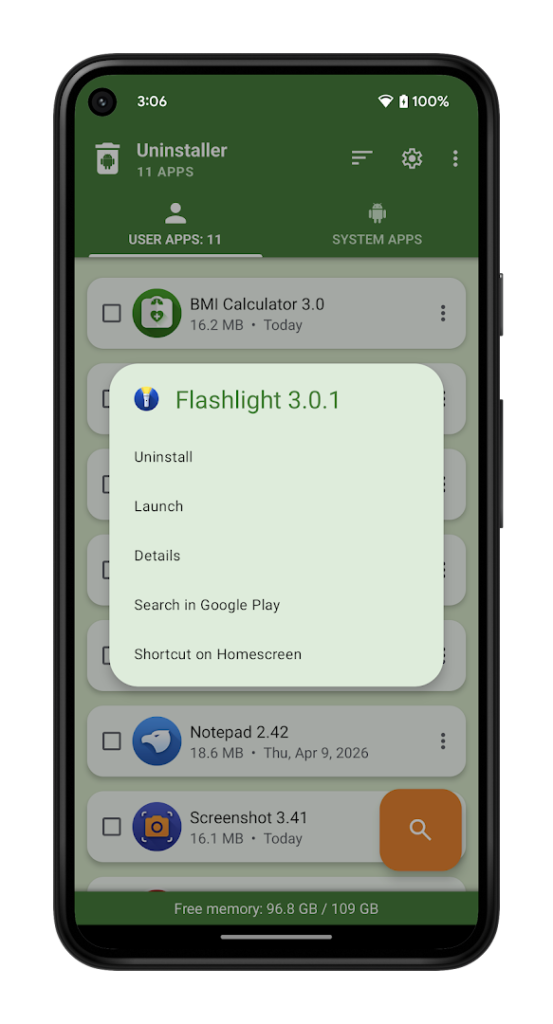
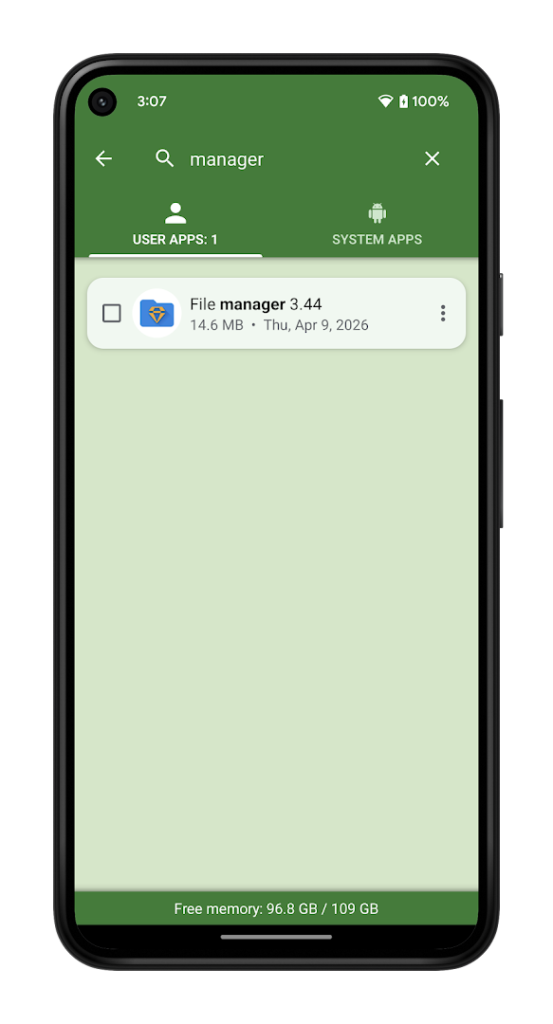
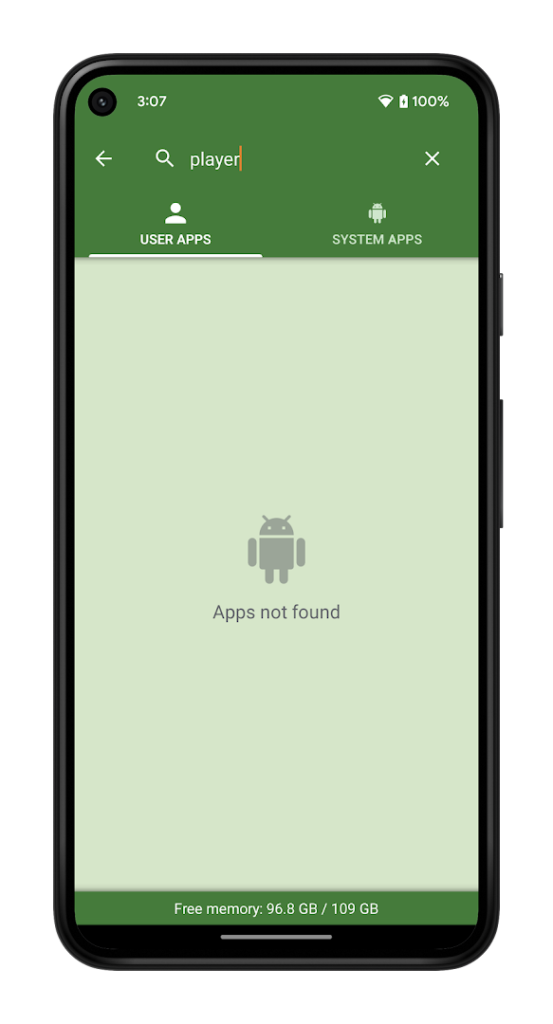
Uninstaller, from Splend Apps, is a small utility that helps you remove apps you installed yourself. The listing says it uninstalls user apps but not system apps, which is a safe limit because removing system apps can break the phone.
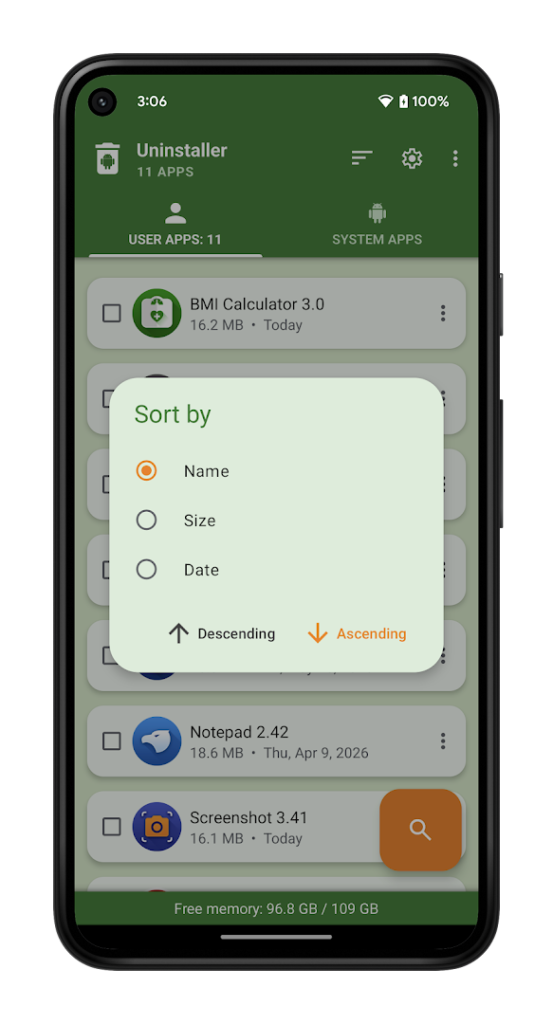
Android already lets you uninstall apps from the home screen or Settings, so the value of an app like this is convenience: sorting by size or date and removing several apps one after another. Review each app before you remove it, because uninstalling deletes local data that is not backed up.
It has a high rating and more than ten million installs. Utility apps often show ads, and some ask for broad access to the list of apps on your phone, so keep the permissions to what the job needs.
How to install Uninstaller
- Allow your browser to install appsOpen the install unknown apps setting and allow the browser or file manager you downloaded with.
- Check the detailsCompare the file size and Android requirement on this page with your download and your phone.
- Open the file and tap InstallFind it in your Downloads folder, tap it, then confirm.
- Turn the permission off againReturn to the same setting and disallow it.
Questions about Uninstaller
How do I install the Uninstaller APK?
Allow your browser or file manager to install unknown apps, download the file from this page, open it from your Downloads folder and tap Install. Turn the permission off again afterwards.
Where is the official Uninstaller page?
The developer listing is on Google Play. Use the Google Play button on this page to open it.