GearUP: Lower Lag Game Booster APK
GearUP Global / Tools
Screenshots
About GearUP: Lower Lag Game Booster
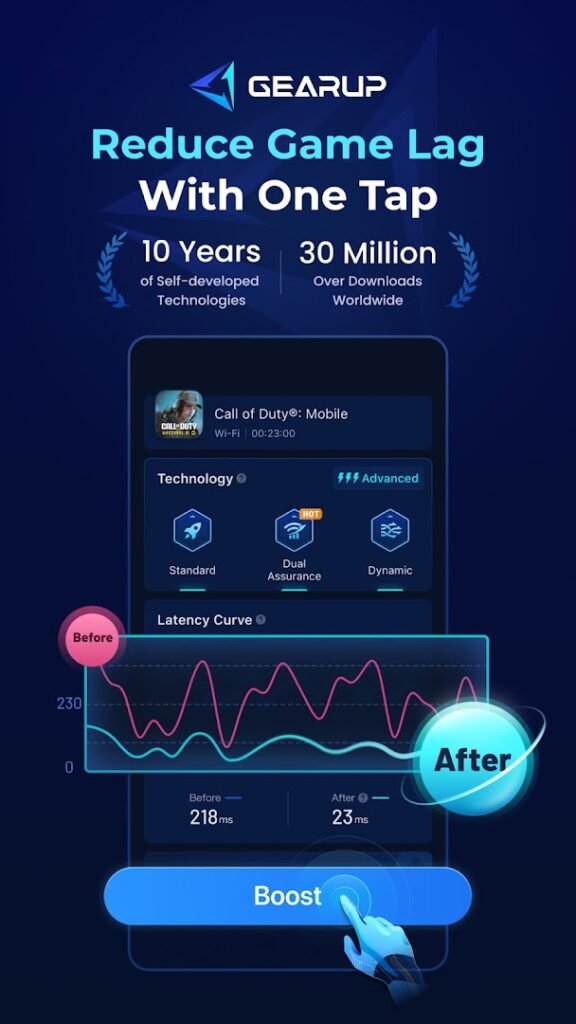
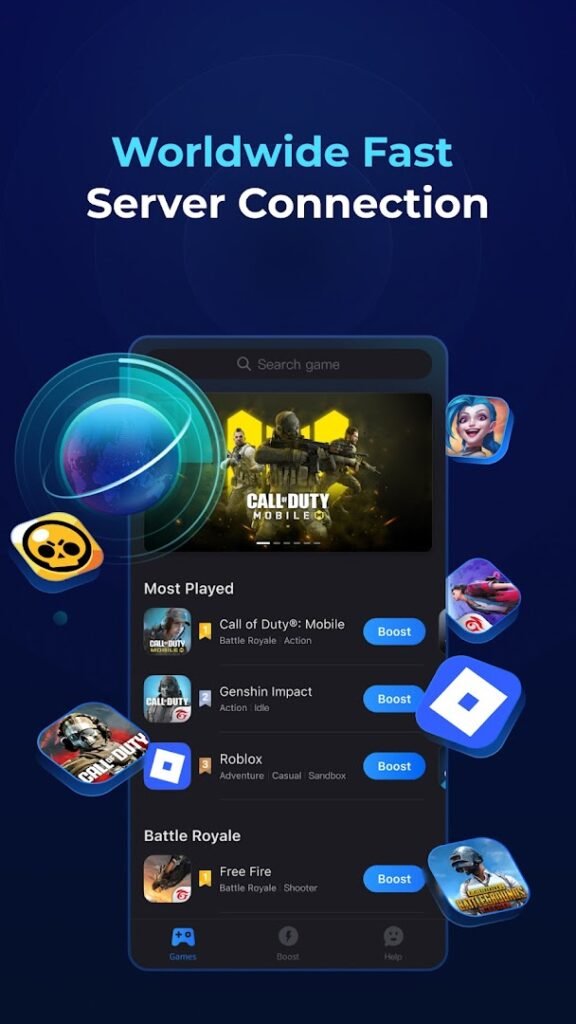
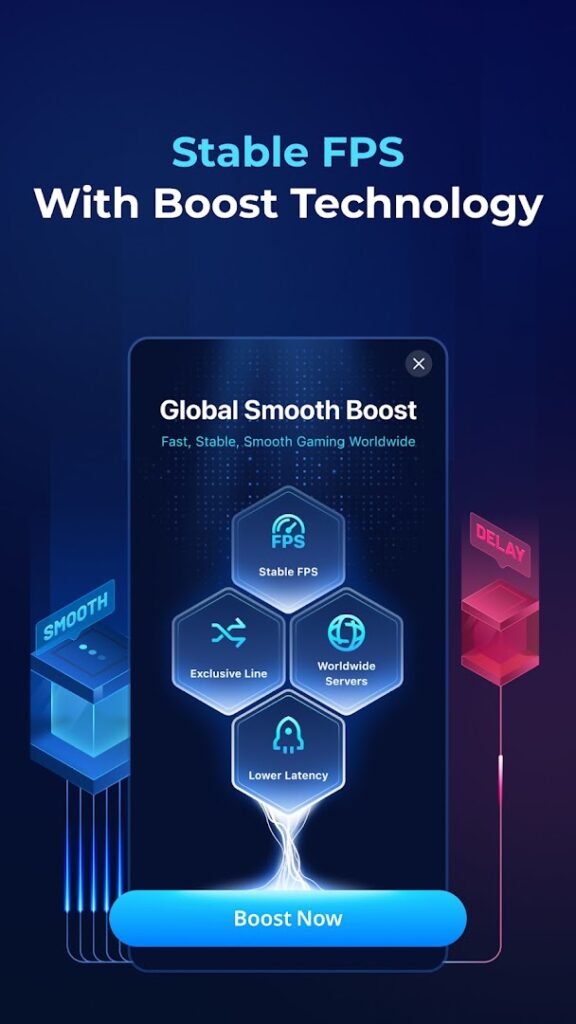
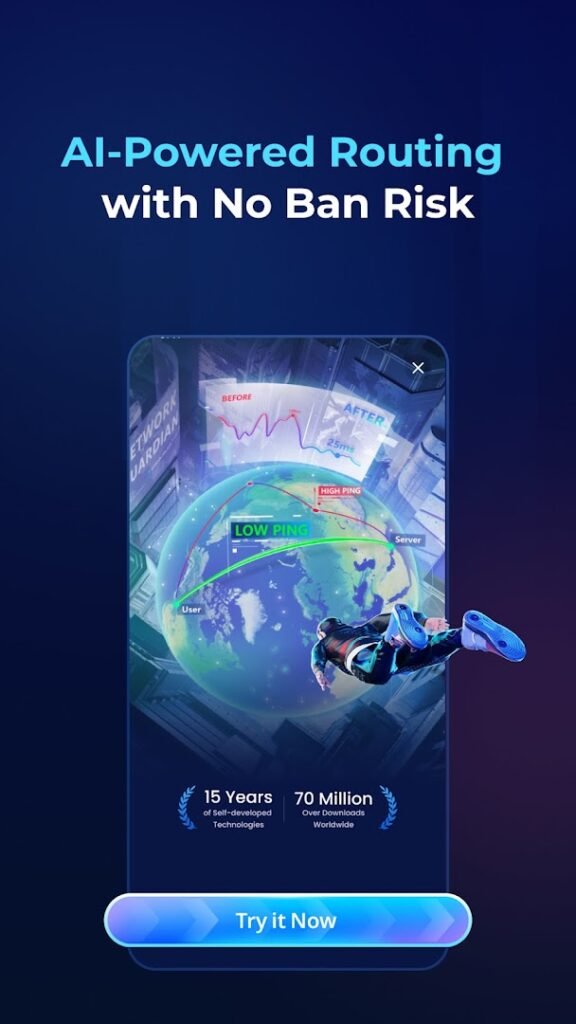
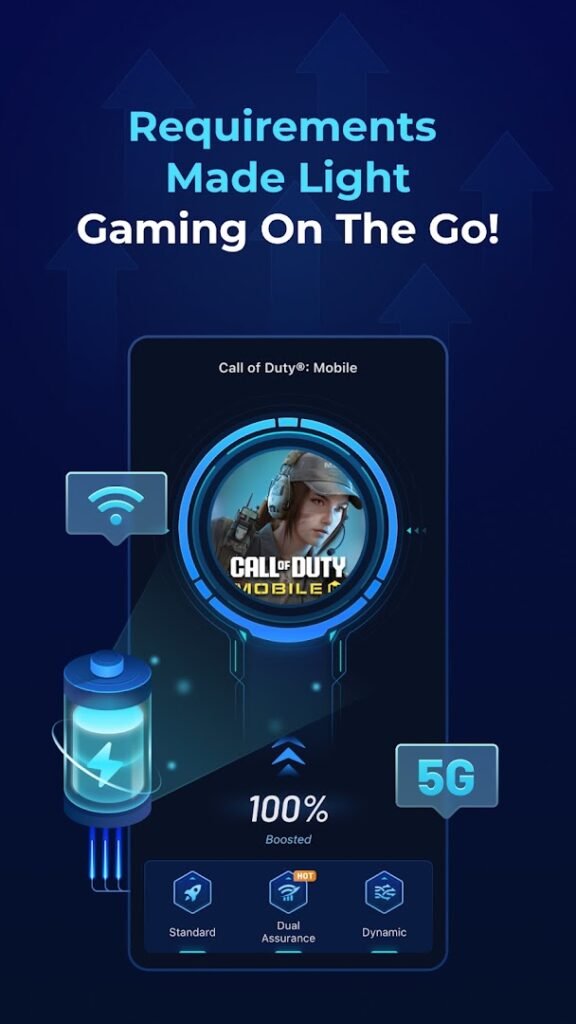
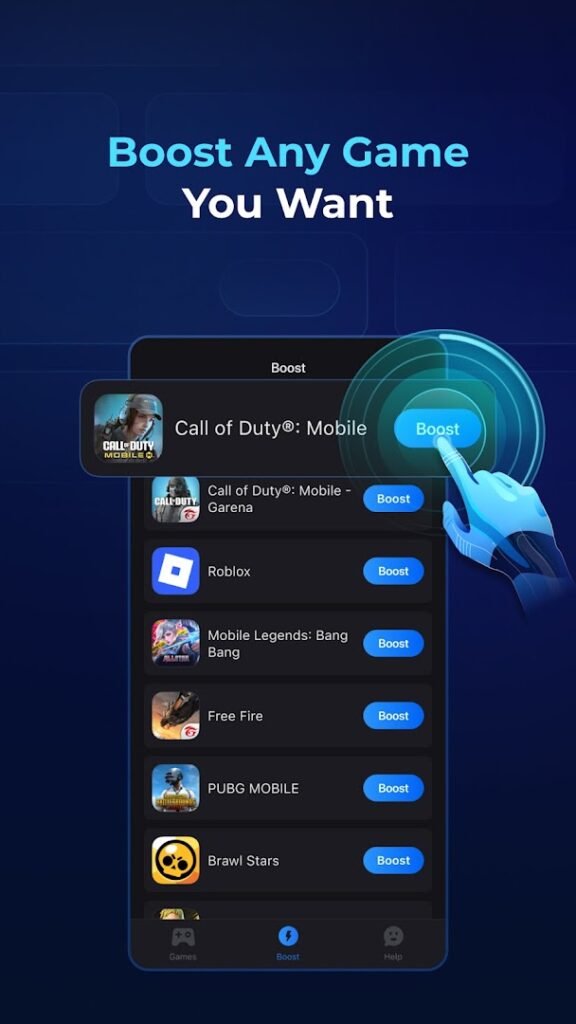
GearUP: Lower Lag Game Booster, from GearUP Global, is a network accelerator for online mobile games. The listing says it aims to reduce ping and latency for smoother play.
Apps of this type route your game traffic through their own servers, which is why Android shows a VPN indicator while they run. That can help when your normal route to a game server is slow or unstable, but it cannot fix a weak Wi-Fi signal or an overloaded connection, and results vary by game, region and provider.
Because your game traffic passes through the service, read the privacy policy, check what is free and what needs a subscription, and make sure the game you play allows such tools. With over 50 million installs it is widely used, but compare it with ExitLag and test any trial before paying.
How to install GearUP: Lower Lag Game Booster
- Allow your browser to install appsOpen the install unknown apps setting and allow the browser or file manager you downloaded with.
- Check the detailsCompare the file size and Android requirement on this page with your download and your phone.
- Open the file and tap InstallFind it in your Downloads folder, tap it, then confirm.
- Turn the permission off againReturn to the same setting and disallow it.
Questions about GearUP: Lower Lag Game Booster
How do I install the GearUP: Lower Lag Game Booster APK?
Allow your browser or file manager to install unknown apps, download the file from this page, open it from your Downloads folder and tap Install. Turn the permission off again afterwards.
Where is the official GearUP: Lower Lag Game Booster page?
The developer listing is on Google Play. Use the Google Play button on this page to open it.