Files by Google APK
Google LLC / Tools
Screenshots
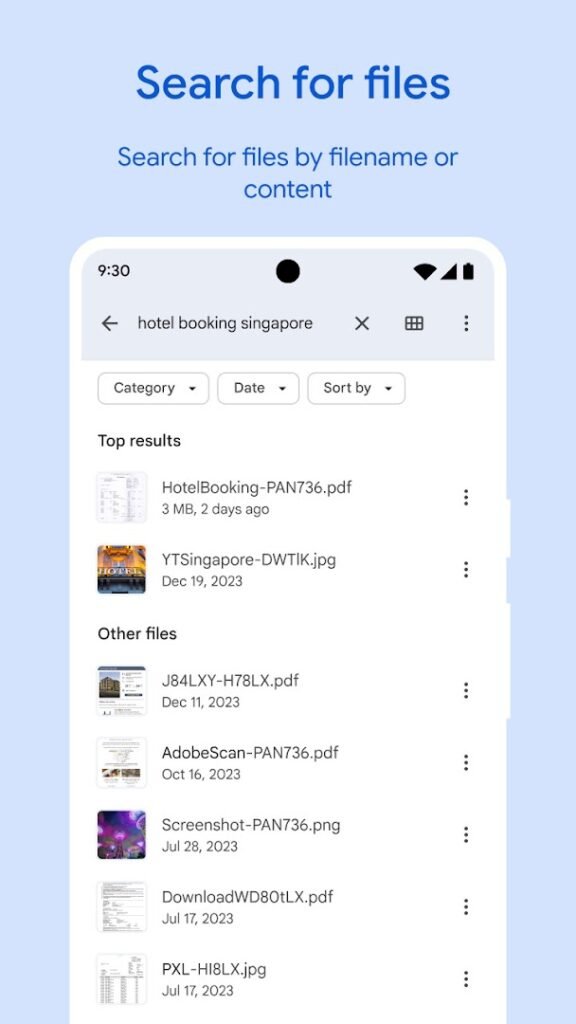
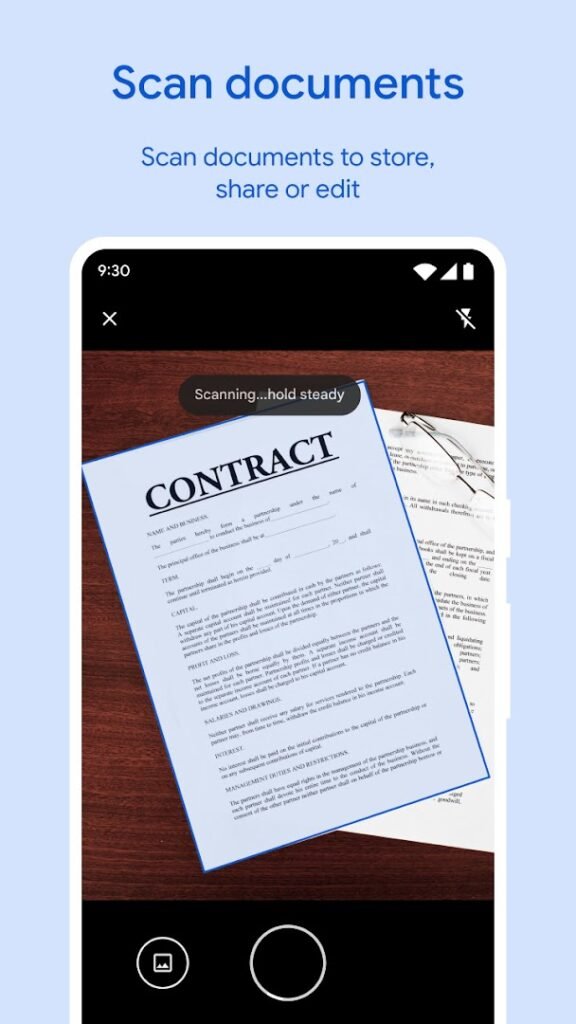
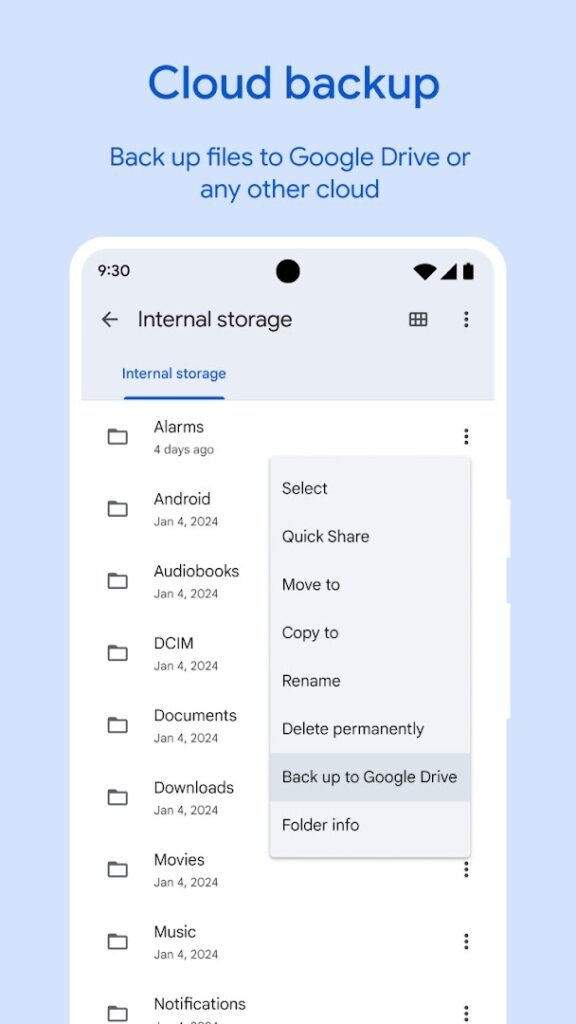
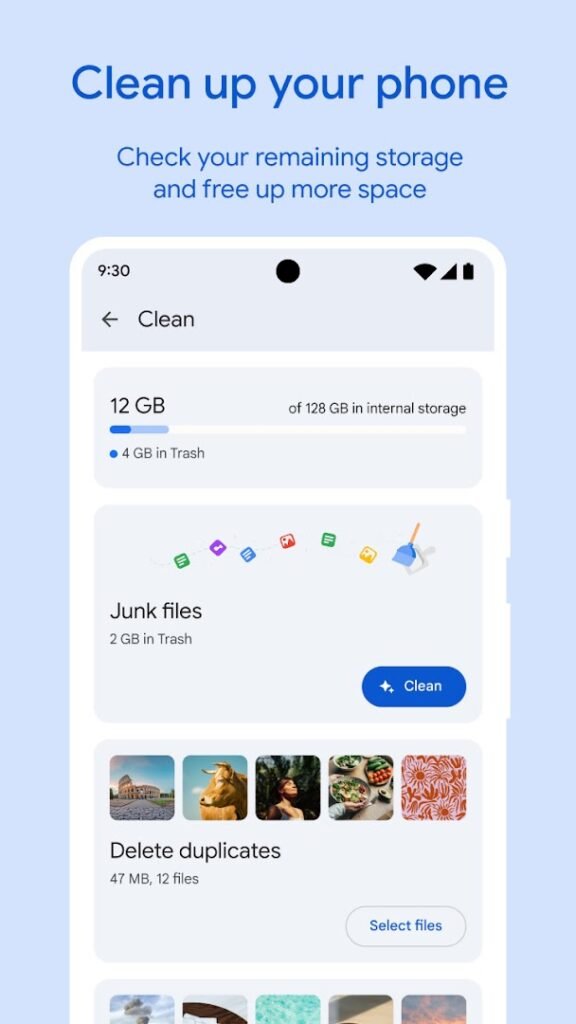
About Files by Google
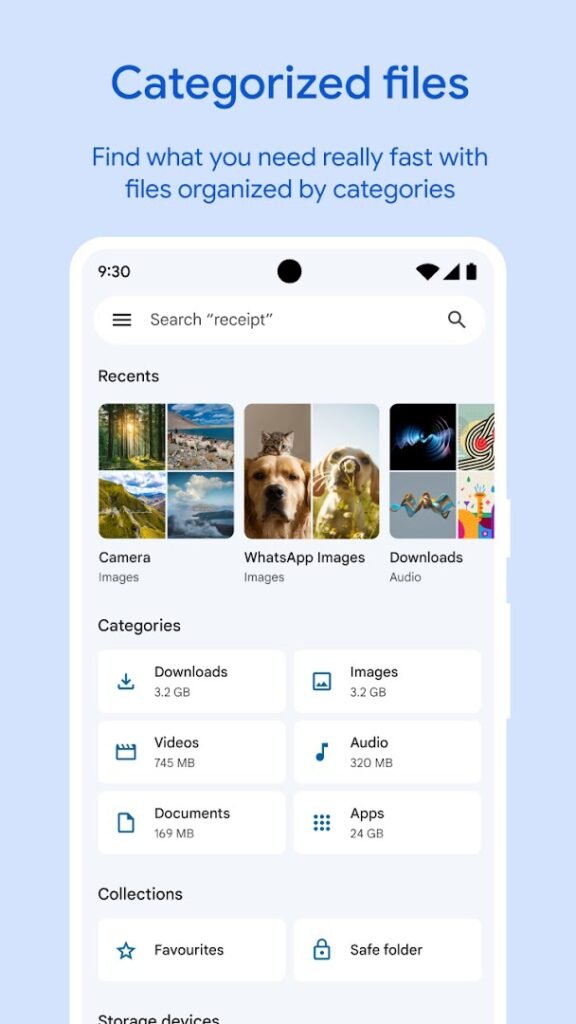
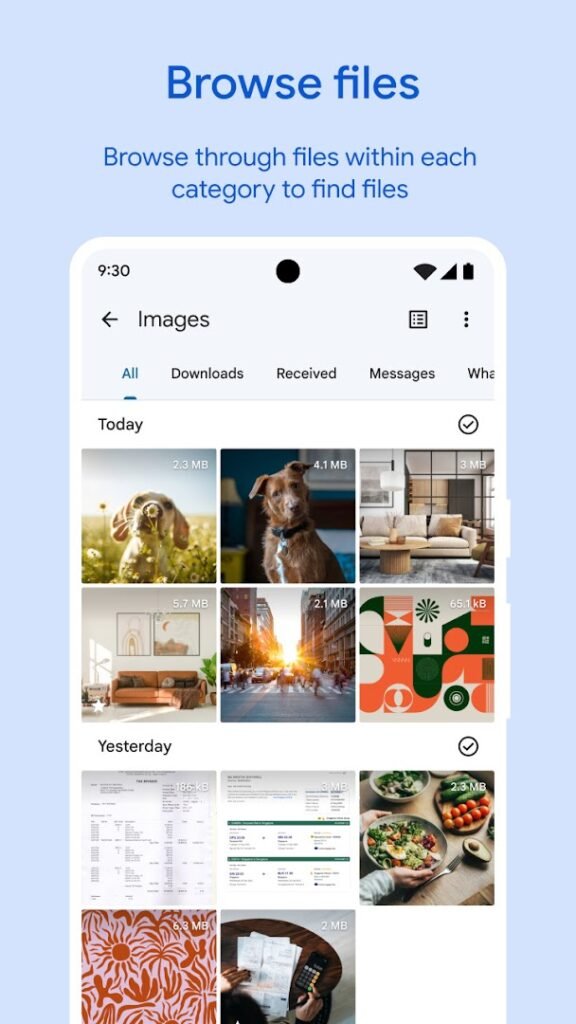
Files by Google is a file manager from Google. It lets you browse, search, move and delete files on your phone and SD card, and it suggests junk files, duplicates and rarely used apps that you could remove to free up space.
It also includes a Safe folder for keeping private files behind a PIN and a way to share files with nearby phones without using mobile data. Review each cleanup suggestion before confirming, because the app can suggest large or old files that you may still want.
It pairs well with our guide to freeing up storage, and it is also a convenient app to use when you install APK files, since it can open them from your Downloads folder.
How to install Files by Google
- Allow your browser to install appsOpen the install unknown apps setting and allow the browser or file manager you downloaded with.
- Check the detailsCompare the file size and Android requirement on this page with your download and your phone.
- Open the file and tap InstallFind it in your Downloads folder, tap it, then confirm.
- Turn the permission off againReturn to the same setting and disallow it.
Questions about Files by Google
How do I install the Files by Google APK?
Allow your browser or file manager to install unknown apps, download the file from this page, open it from your Downloads folder and tap Install. Turn the permission off again afterwards.
Where is the official Files by Google page?
The developer listing is on Google Play. Use the Google Play button on this page to open it.