
Signal Private Messenger APK
Signal Foundation / Communication
Screenshots



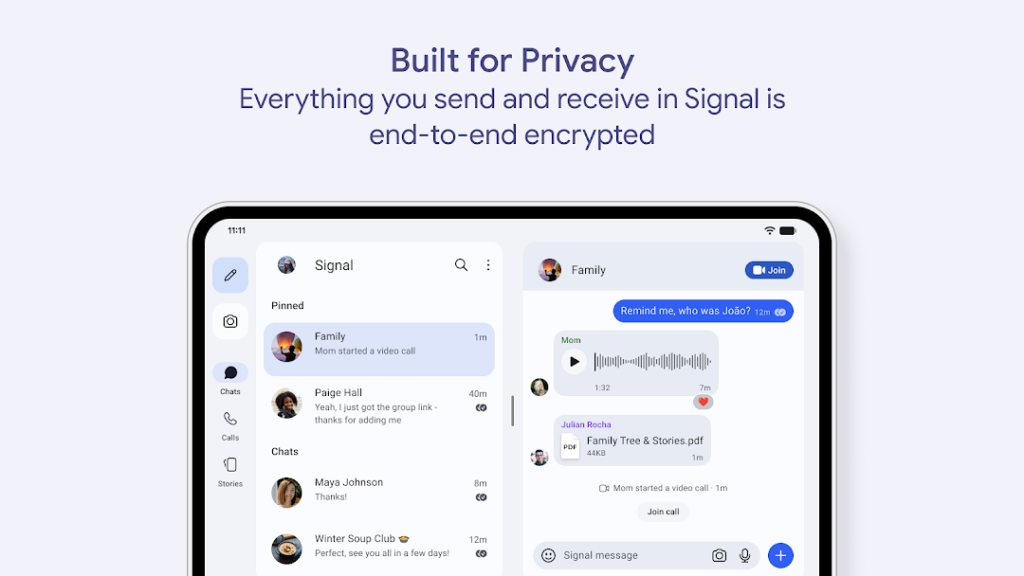
About Signal Private Messenger
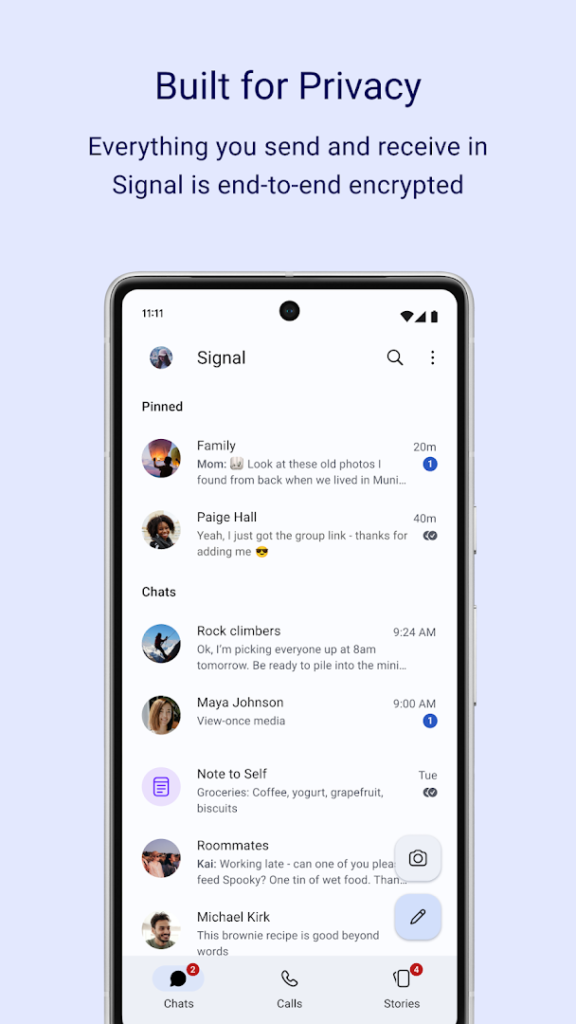
Signal is a messaging and calling app run by the non-profit Signal Foundation. Messages, calls and group chats are end-to-end encrypted by default, and the app collects very little information about its users.
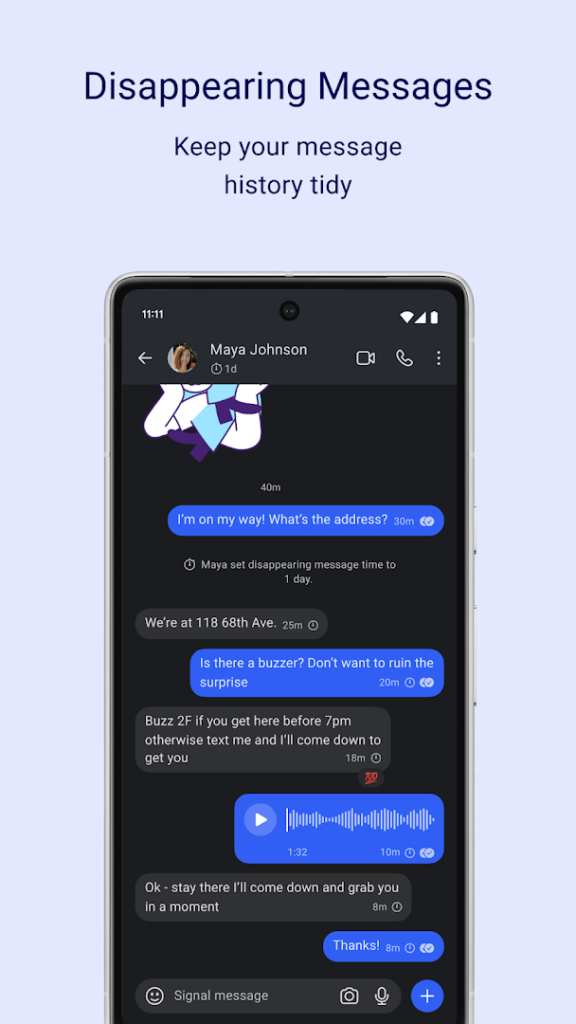
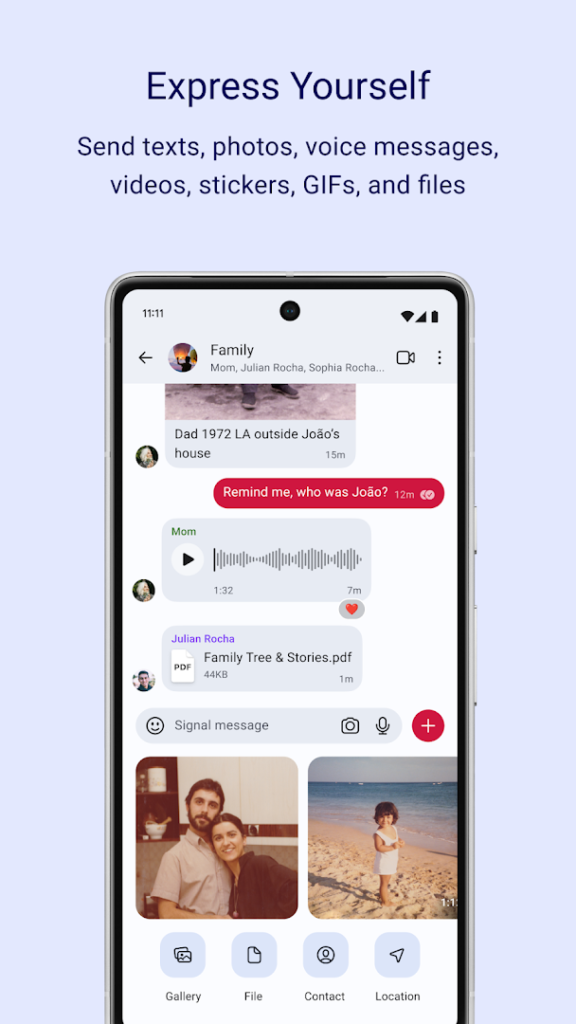
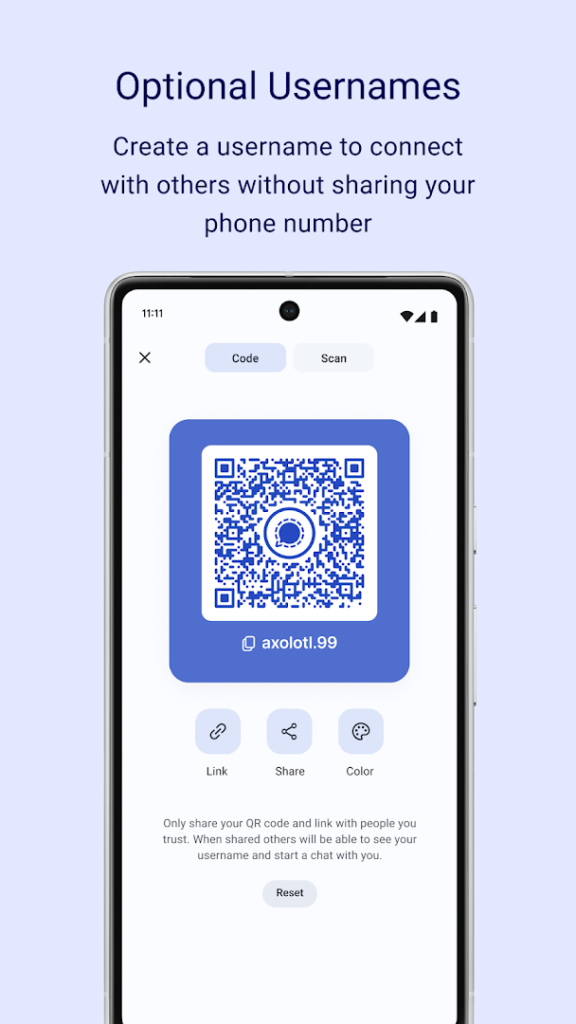
It supports disappearing messages, voice and video calls, groups and file sharing. You register with a phone number, although you can hide it from other users with a username. Because it is funded by donations rather than ads, there is no advertising in the app.
It works best when your contacts use it too, so check whether the people you talk to have installed it. Back up your chat history using the options in the app if you plan to change phones.
How to install Signal Private Messenger
- Allow your browser to install appsOpen the install unknown apps setting and allow the browser or file manager you downloaded with.
- Check the detailsCompare the file size and Android requirement on this page with your download and your phone.
- Open the file and tap InstallFind it in your Downloads folder, tap it, then confirm.
- Turn the permission off againReturn to the same setting and disallow it.
Questions about Signal Private Messenger
How do I install the Signal Private Messenger APK?
Allow your browser or file manager to install unknown apps, download the file from this page, open it from your Downloads folder and tap Install. Turn the permission off again afterwards.
Where is the official Signal Private Messenger page?
The developer listing is on Google Play. Use the Google Play button on this page to open it.