
Alpha Hybrid Launcher 4D theme APK
AppTech Launcher Studios Inc / Personalization
Screenshots
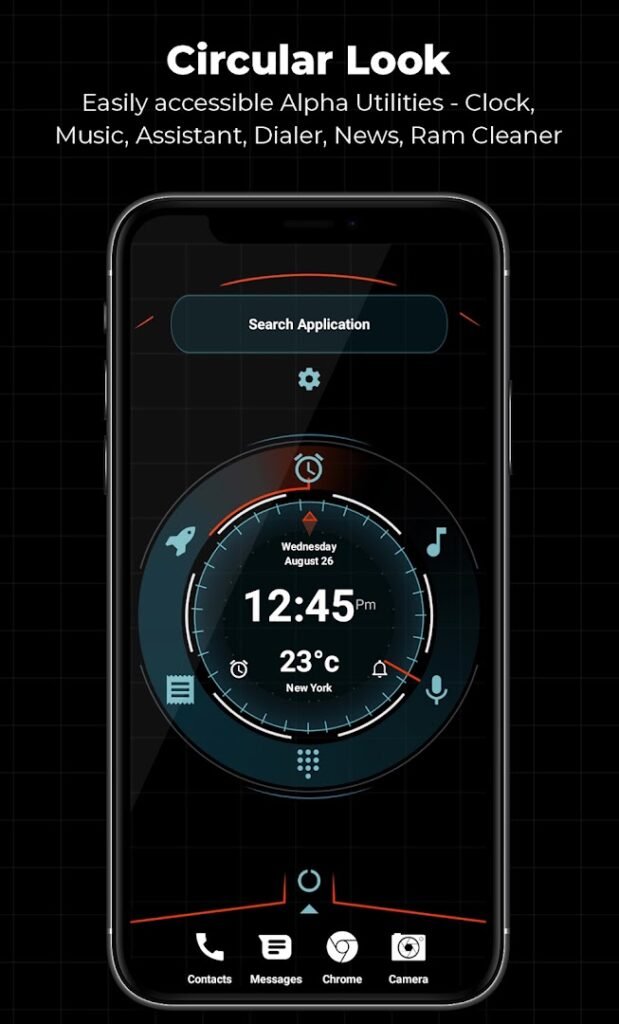
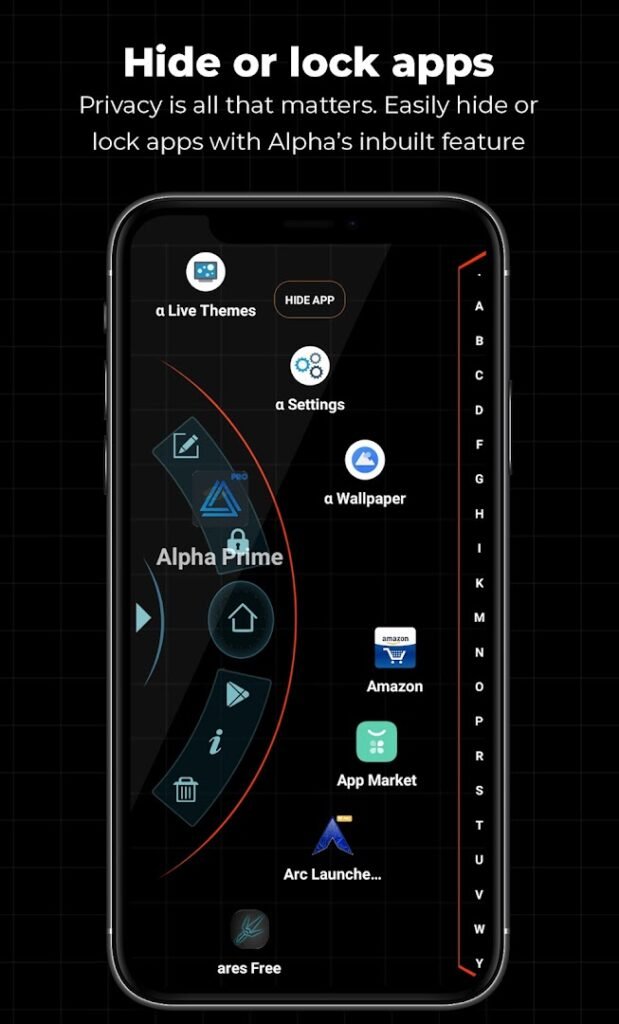
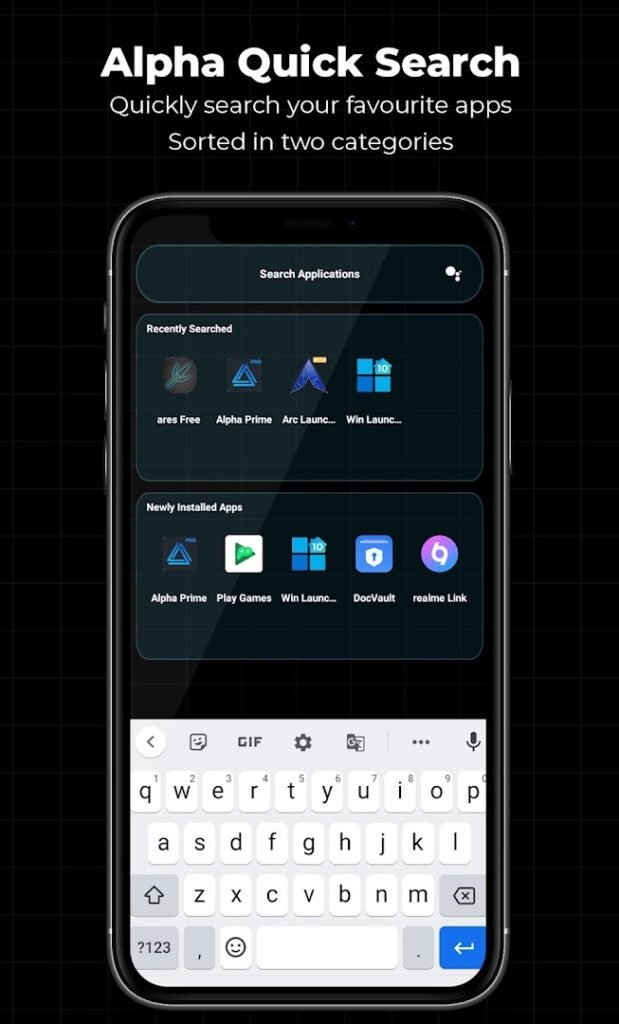
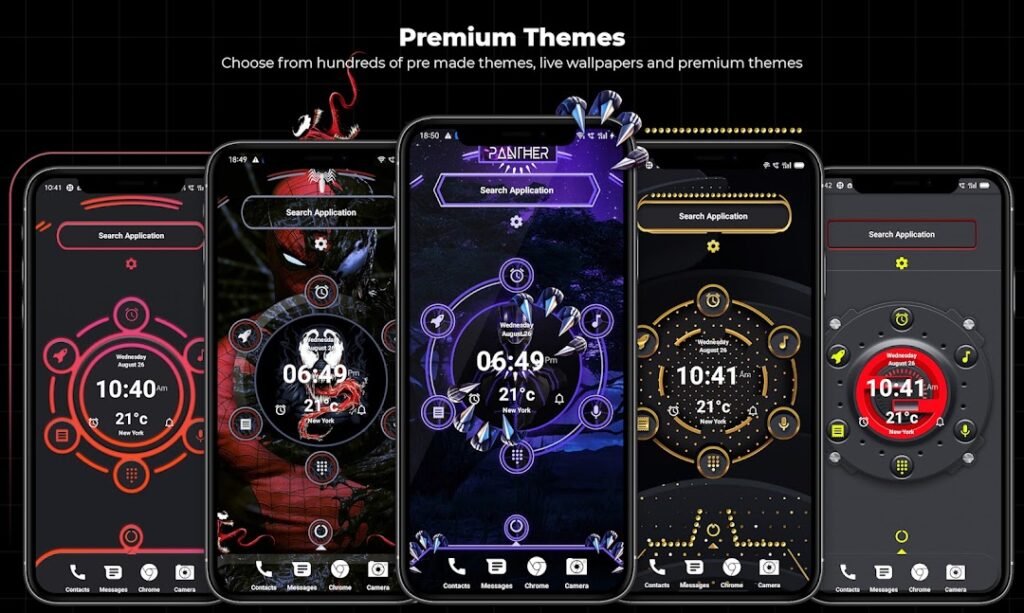
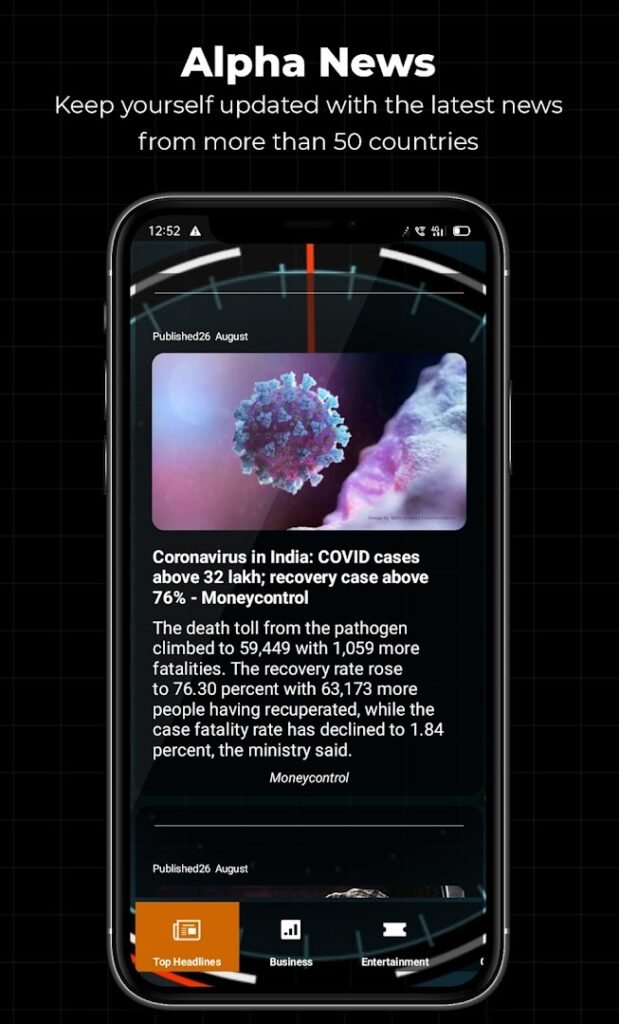
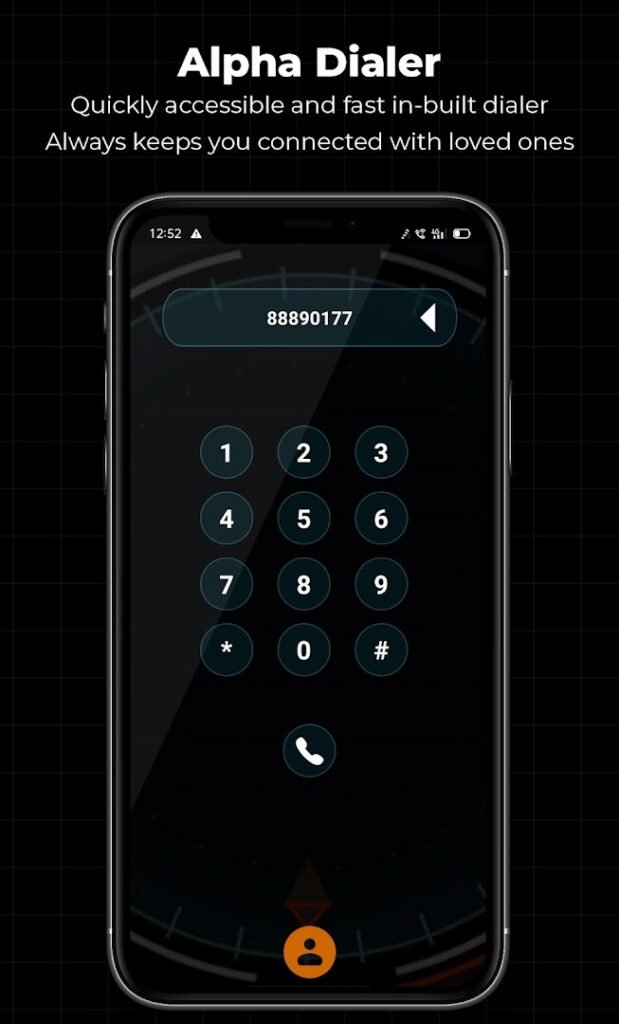
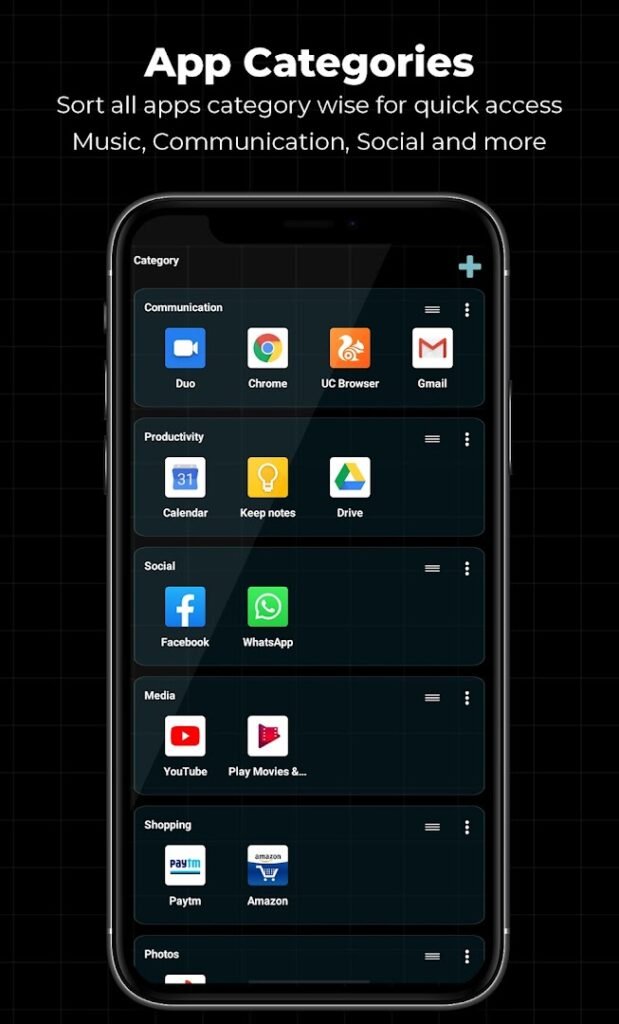
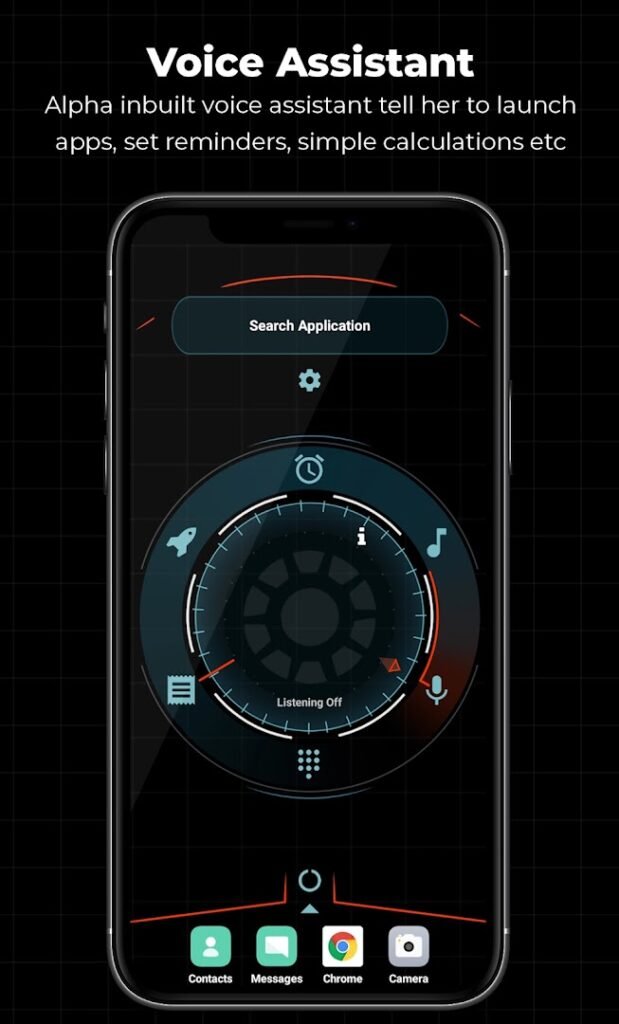
About Alpha Hybrid Launcher 4D theme
Alpha Hybrid Launcher 4D theme, from AppTech Launcher Studios, replaces your home screen with a customisable launcher. The listing mentions themes, the ability to hide apps, a fingerprint app locker and wallpapers in a single app.
A launcher sees everything on your home screen and app drawer, so it deserves more scrutiny than a simple game. Features such as app locking often need special access, including permission to display over other apps or to see which app is open. Grant only what you need, and be cautious about any launcher that asks for contacts, SMS or accessibility without a clear reason.
Free launchers are commonly supported by ads, so expect some promotion. If you only want a different look, try it and switch back through the default apps section in Settings if you do not like it.
How to install Alpha Hybrid Launcher 4D theme
- Allow your browser to install appsOpen the install unknown apps setting and allow the browser or file manager you downloaded with.
- Check the detailsCompare the file size and Android requirement on this page with your download and your phone.
- Open the file and tap InstallFind it in your Downloads folder, tap it, then confirm.
- Turn the permission off againReturn to the same setting and disallow it.
Questions about Alpha Hybrid Launcher 4D theme
How do I install the Alpha Hybrid Launcher 4D theme APK?
Allow your browser or file manager to install unknown apps, download the file from this page, open it from your Downloads folder and tap Install. Turn the permission off again afterwards.
Where is the official Alpha Hybrid Launcher 4D theme page?
The developer listing is on Google Play. Use the Google Play button on this page to open it.