
File Manager APK
Xiaomi Inc. / Tools
Screenshots
About File Manager
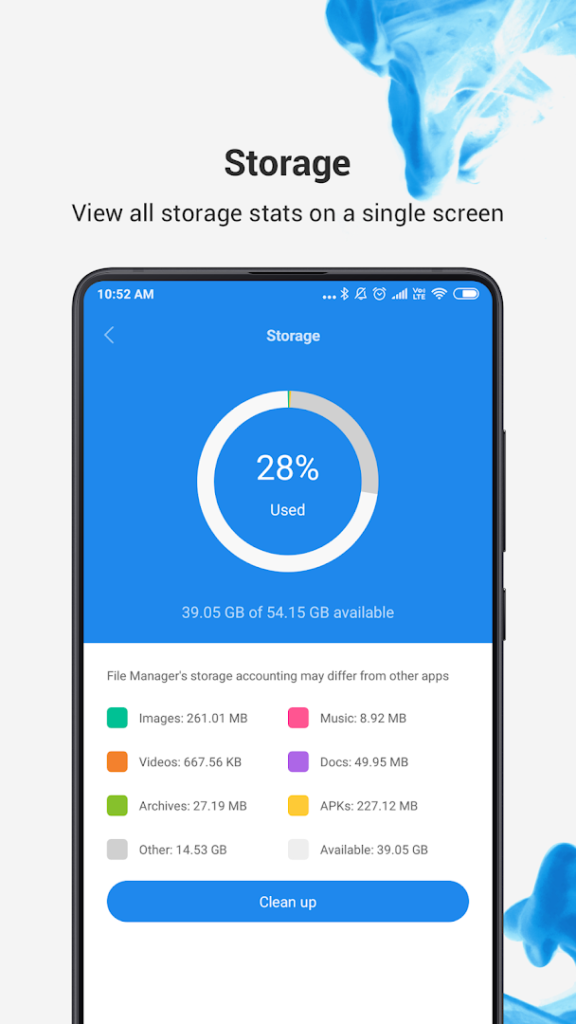
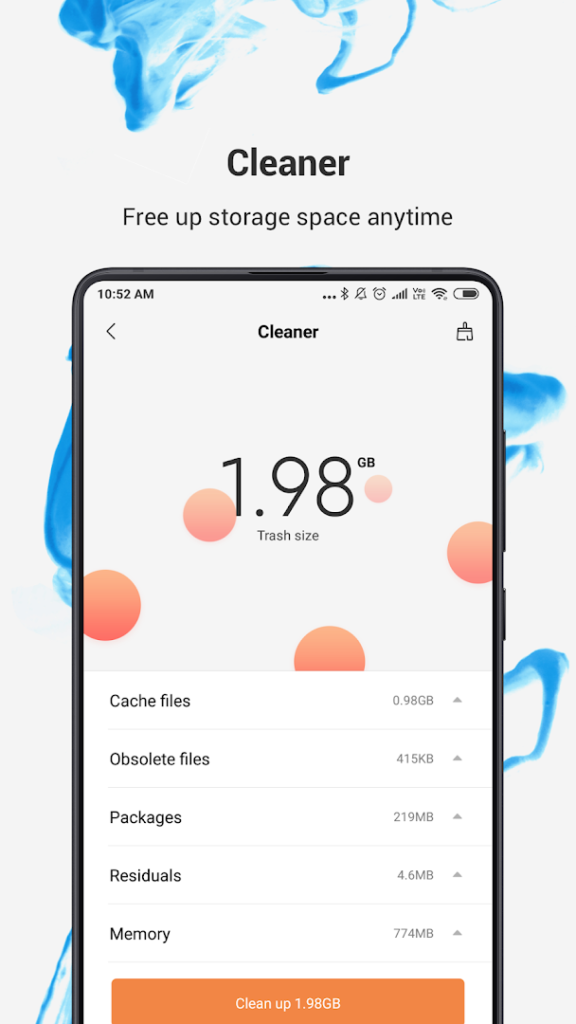
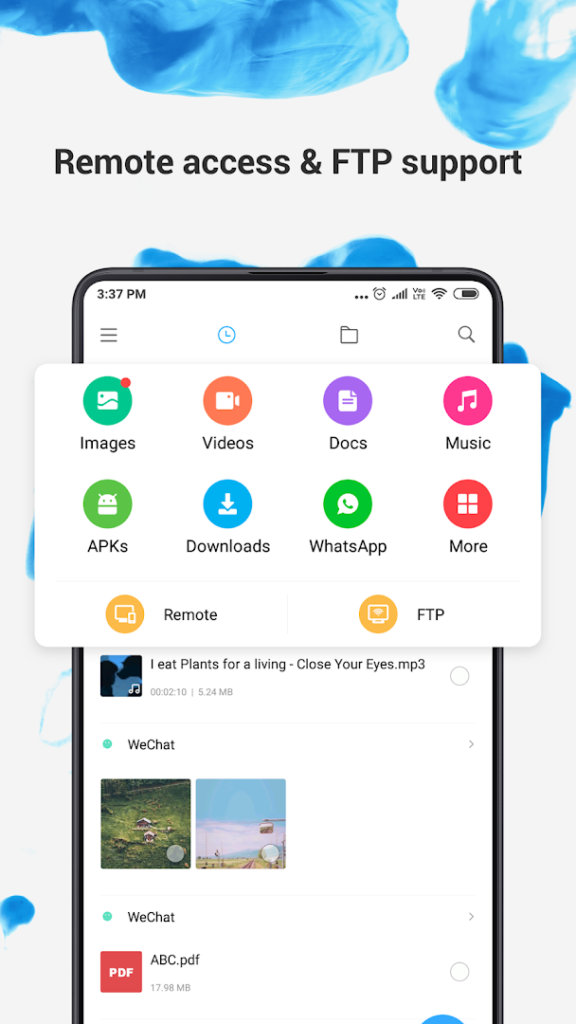
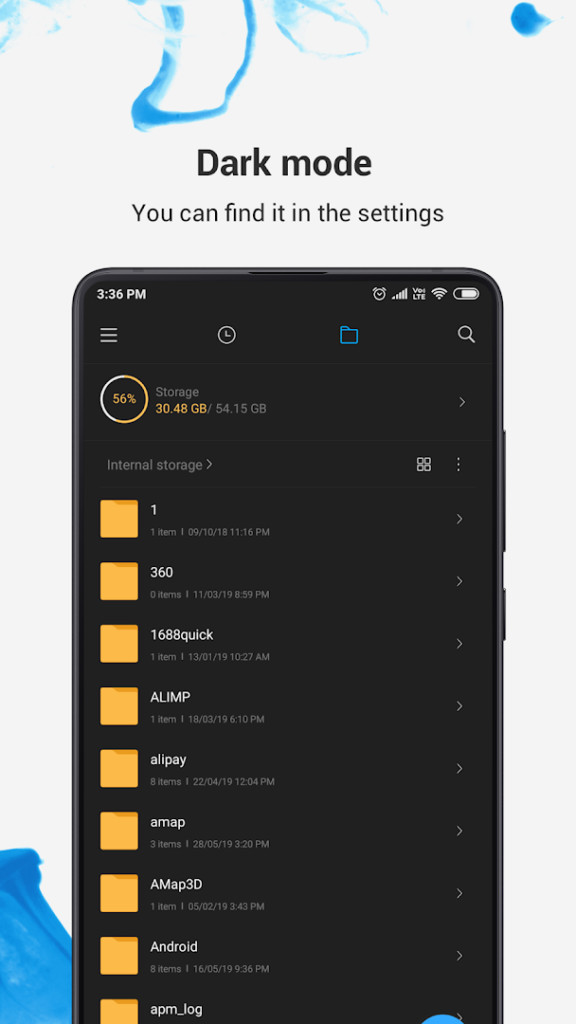
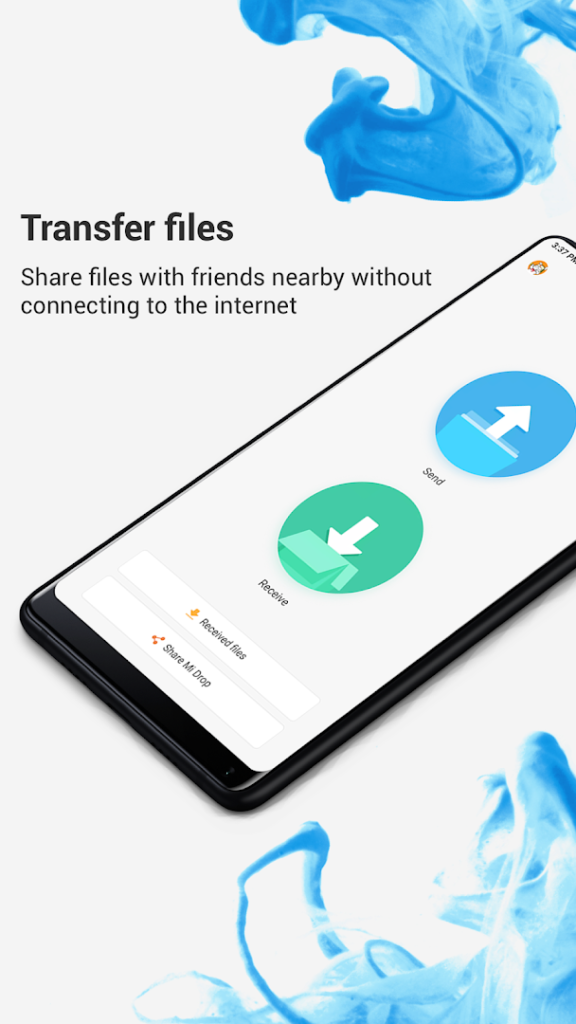
File Manager, from Xiaomi, is the file management app associated with Xiaomi phones. The listing calls it a free, secure tool for easy and efficient file management.
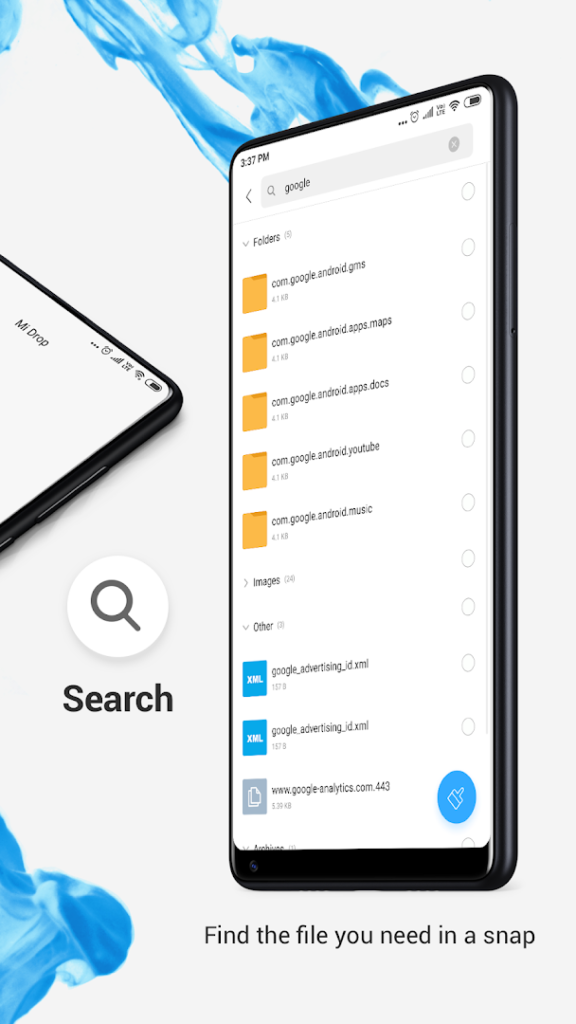
A file manager lets you browse folders, move and rename files, find large files and clear junk. This one is installed on many Xiaomi devices already, so you may only need to update it. If you use it on another phone, compare it with other file managers, such as Files by Google, and choose the one whose cleanup suggestions you find clearer.
Whichever you choose, review cleanup suggestions before you confirm them, and keep a backup of anything important before deleting in bulk.
How to install File Manager
- Allow your browser to install appsOpen the install unknown apps setting and allow the browser or file manager you downloaded with.
- Check the detailsCompare the file size and Android requirement on this page with your download and your phone.
- Open the file and tap InstallFind it in your Downloads folder, tap it, then confirm.
- Turn the permission off againReturn to the same setting and disallow it.
Questions about File Manager
How do I install the File Manager APK?
Allow your browser or file manager to install unknown apps, download the file from this page, open it from your Downloads folder and tap Install. Turn the permission off again afterwards.
Where is the official File Manager page?
The developer listing is on Google Play. Use the Google Play button on this page to open it.