
Wifi password all in one APK
Magdalm / Tools
Screenshots
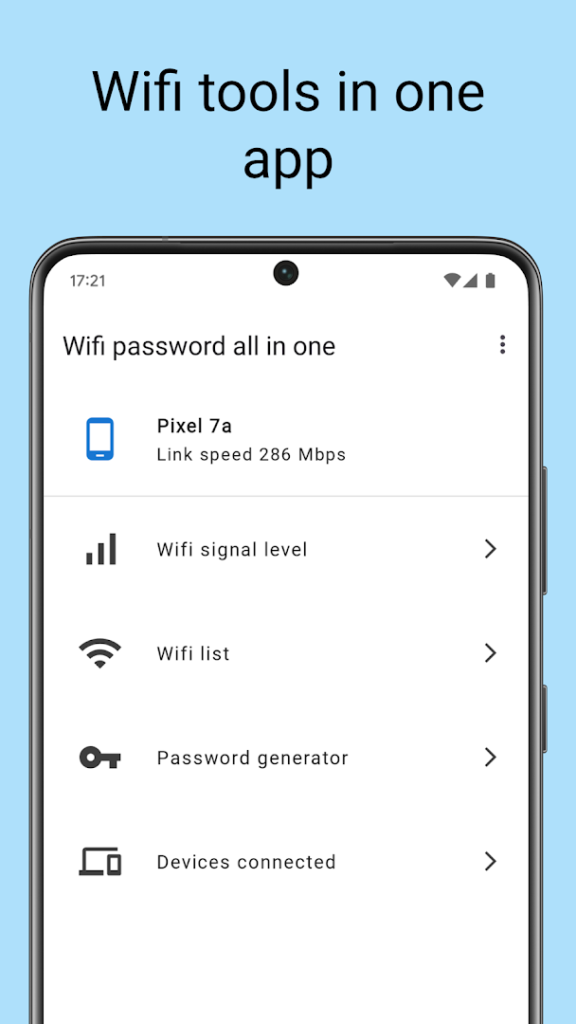
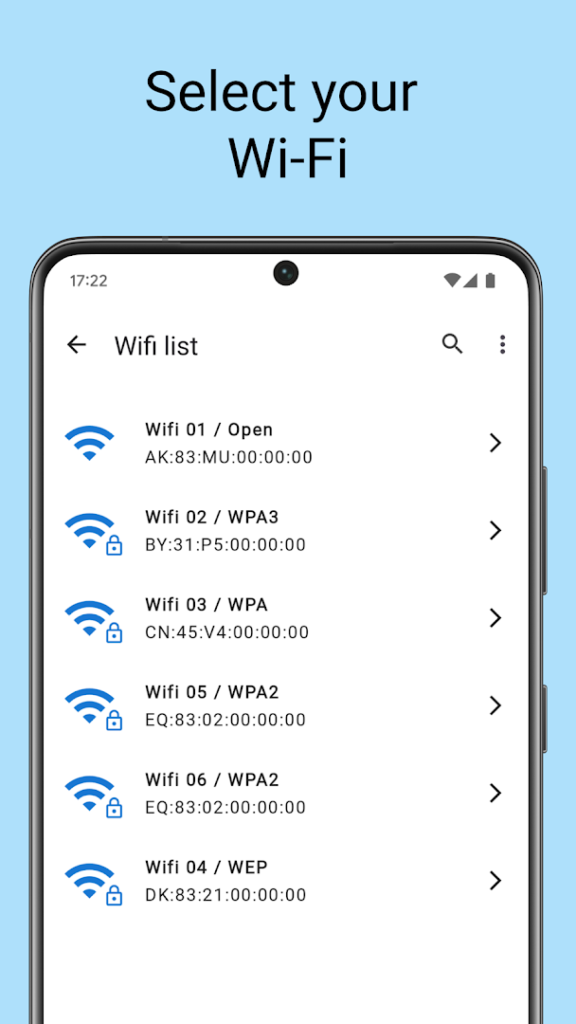
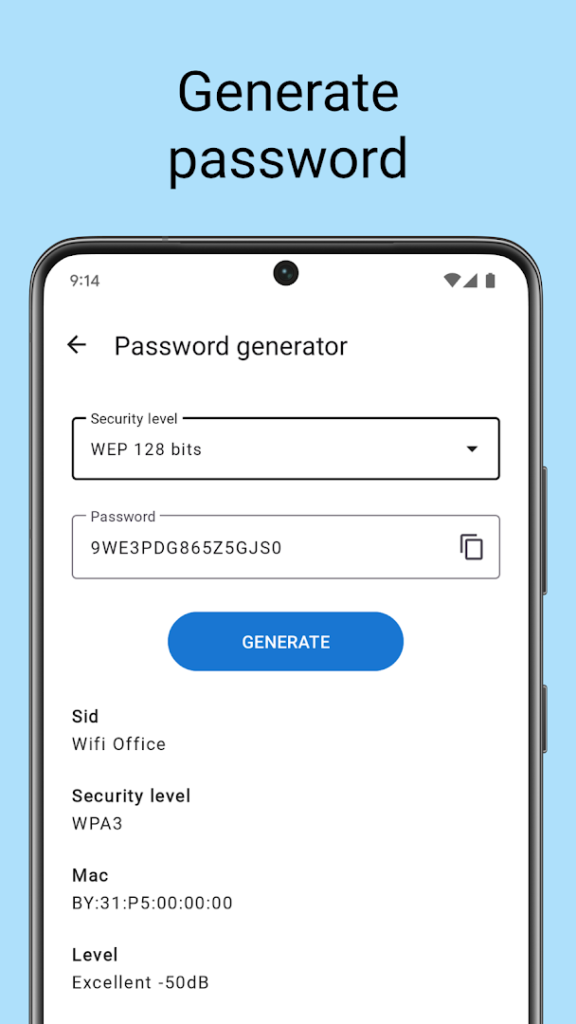
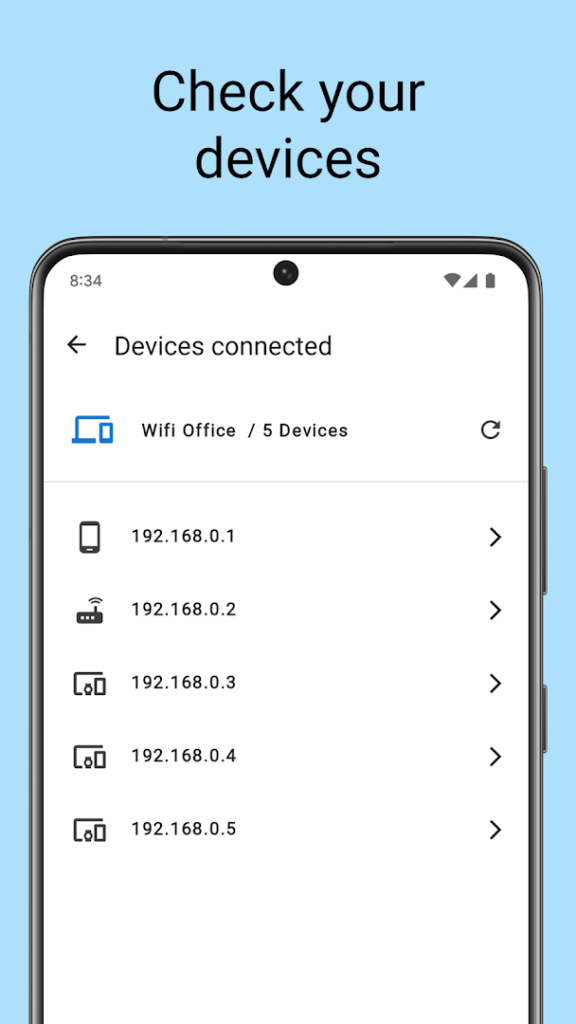
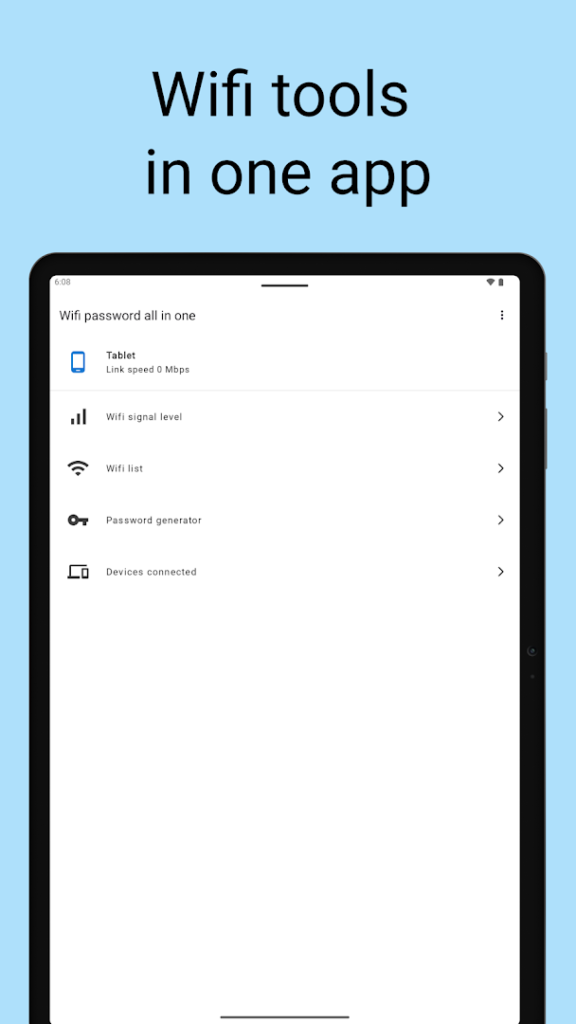
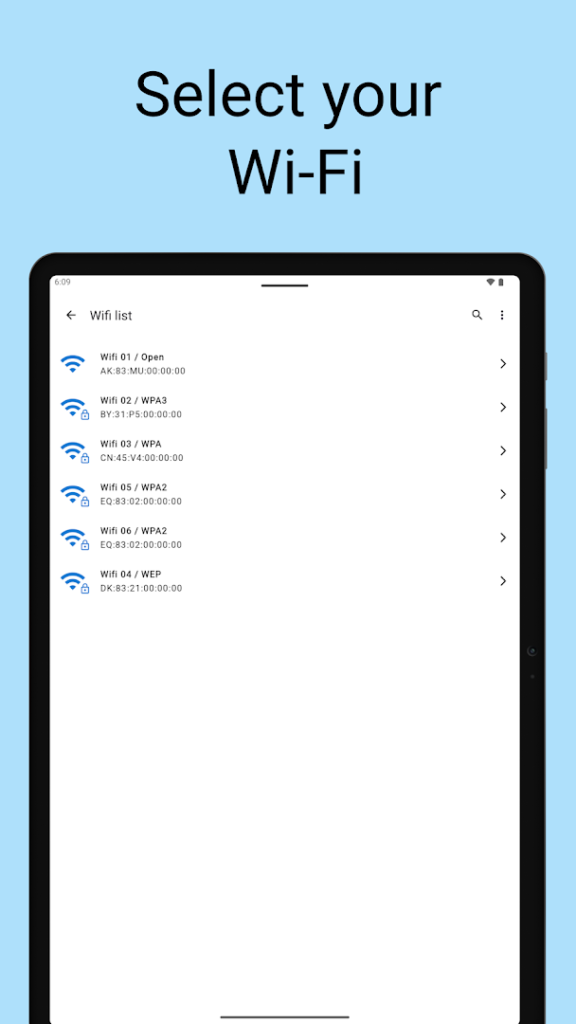
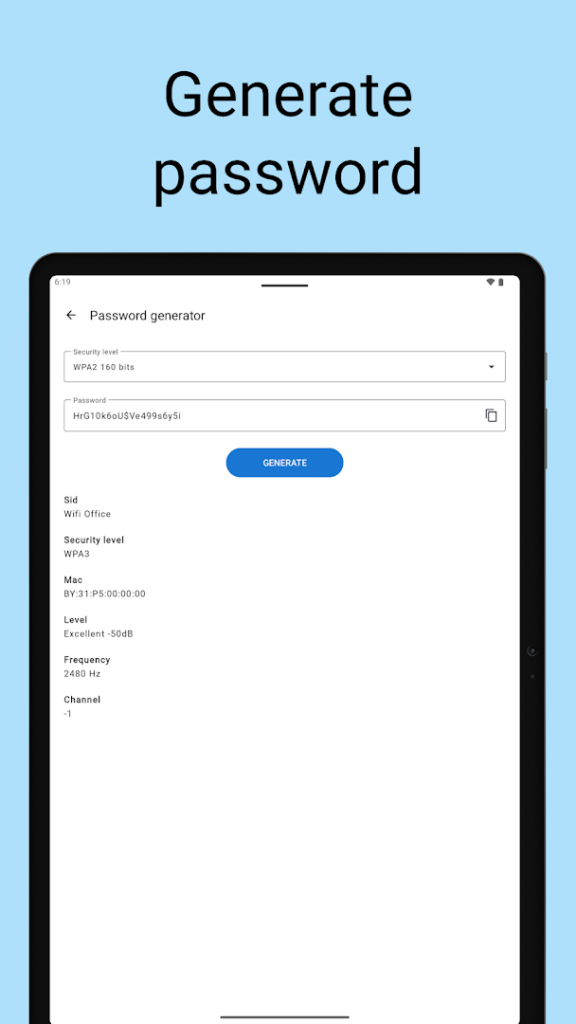
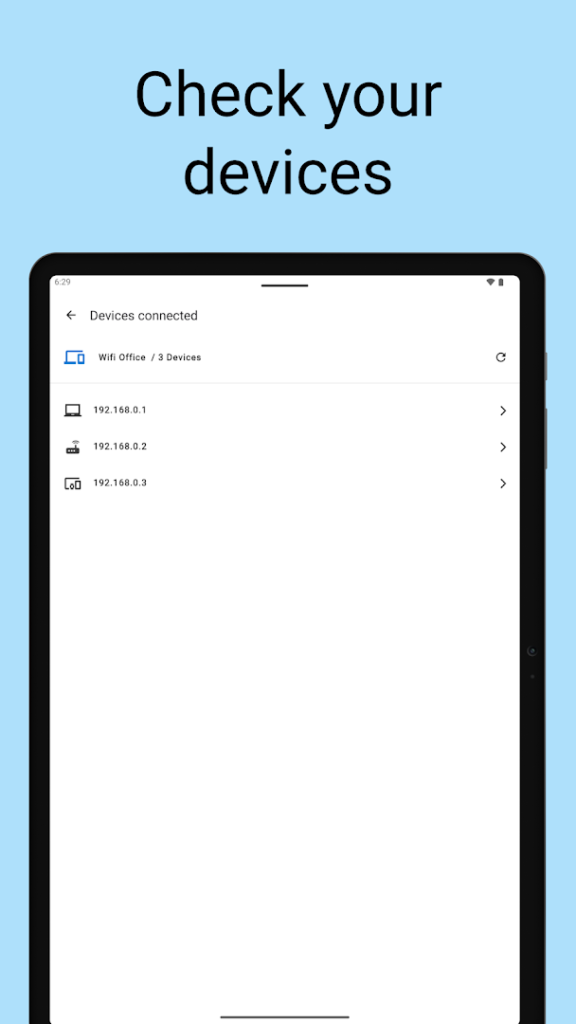
About Wifi password all in one
Wifi password all in one, from Magdalm, is described on Google Play as Wi-Fi tools and information for your device. Apps in this group usually show details about the network you are connected to, such as signal strength, and may include speed or connection tools.
Be cautious about any app that promises to reveal or crack Wi-Fi passwords. Getting into a network you do not own is not something an app can legitimately do, and using one for that purpose is illegal in many places. Use tools like this only on networks you own or have permission to manage, for example to find your own router settings.
This app has a lower rating than most utilities in this library, and Wi-Fi apps are often heavy on ads, so read recent reviews and check the permissions before you install. Never enter your Wi-Fi or account passwords into an app you do not trust.
How to install Wifi password all in one
- Allow your browser to install appsOpen the install unknown apps setting and allow the browser or file manager you downloaded with.
- Check the detailsCompare the file size and Android requirement on this page with your download and your phone.
- Open the file and tap InstallFind it in your Downloads folder, tap it, then confirm.
- Turn the permission off againReturn to the same setting and disallow it.
Questions about Wifi password all in one
How do I install the Wifi password all in one APK?
Allow your browser or file manager to install unknown apps, download the file from this page, open it from your Downloads folder and tap Install. Turn the permission off again afterwards.
Where is the official Wifi password all in one page?
The developer listing is on Google Play. Use the Google Play button on this page to open it.